• 13 •
7. Press the ENTER ( ) buttontoproceed,withthestartertest,BACK/PRINT
to print the test results or MENU to return to the Options Menu.
NOTE: For an in-vehicle test, the display alternates between the test results
andthemessage“PRESSFORSTARTERTEST.
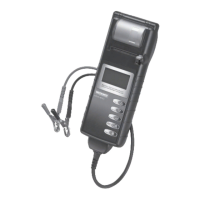
See “Maintenence & Troubleshooting” in this manual for more information
about the printer.
IMPORTANT: The tester retains the results of the last test only. When you start
a new test, the last results are overwritten.
www.midtronics.com




 To Next Page