CONTROL FUNCTIONS
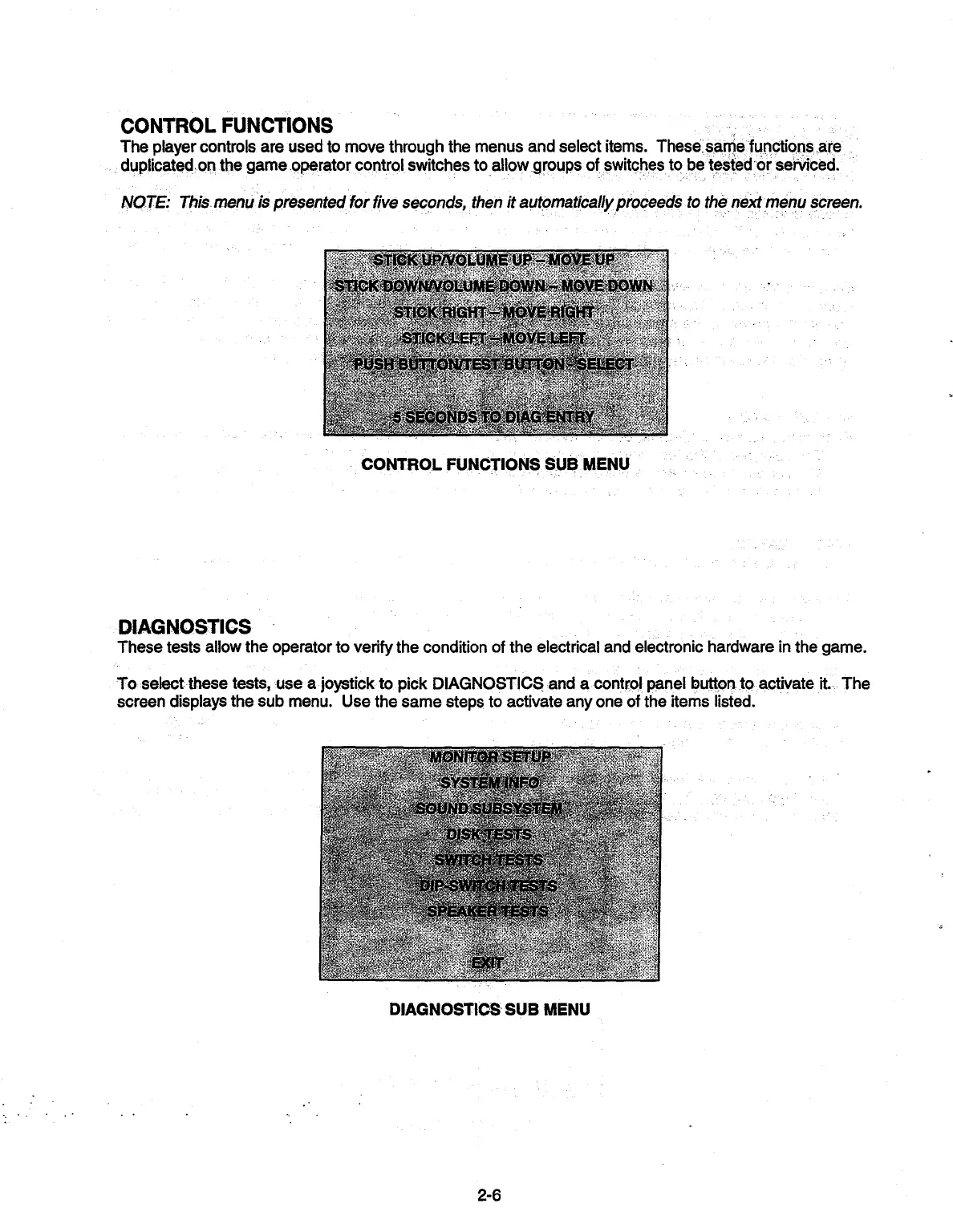
The player controls are used to move through the menus and select items. These same functions are
duplicated, on the game operator control switches to allow groups of switches to be tested or serviced.
NOTE: This menu is presented for five seconds, then it automatically proceeds to the next menu screen.
CONTROL FUNCTIONS SUB MENU
DIAGNOSTICS
These tests allow the operator to verify the condition of the electrical and electronic hardware in the game.
To select these tests, use a joystick to pick DIAGNOSTICS rand a control panel button. to activate it. The
screen displays the sub menu. Use the same steps to activate any one of the items listed.
.c.
TM INFO
SOUND.SIJBSYSTEft,
DISKTESTS
SWITCH 7ESTS
DP-Wfl'H tESTS
F:
SPEA€RiEST$.
DIAGNOSTICS SUB MENU
2-6



 To Next Page