Hot water
To program the volume of hot water
dispensed, the hot water feature must
be programmed "on".
(See "Programming/Hot water feature").
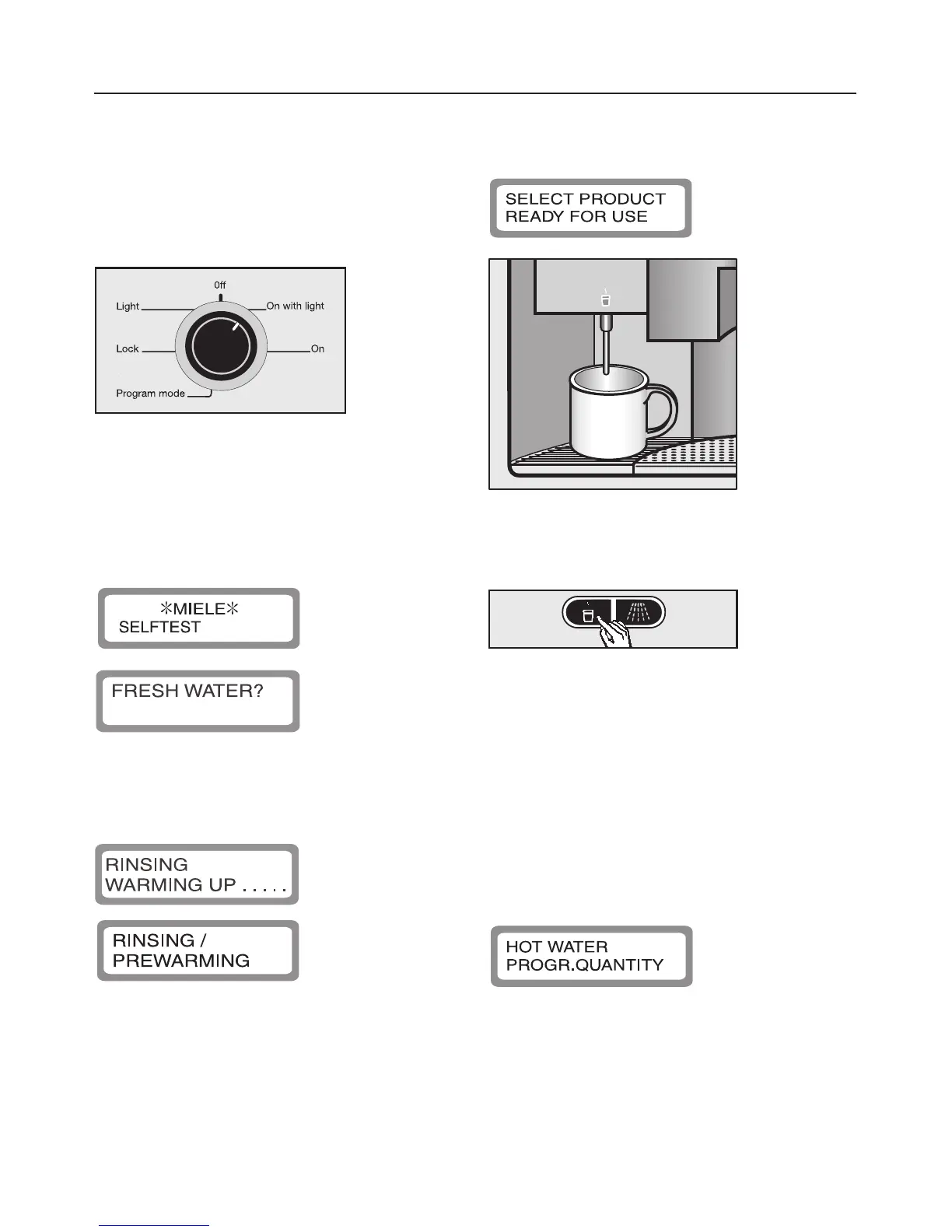
^ Turn the program selector clockwise
to the "On" position (with or without
lighting).
The following will appear in the
message window:
If the machine is cold and the rinsing
feature has been selected, the following
message will then be displayed:
Once the water is hot, the following will
appear in the message window:
^ Place a cup under the hot water
dispenser.
^ Press and hold the hot water button
d. There will be a few seconds
delay before water is dispensed.
When the cup is full as desired
release the hot water button d. A
max. amount of 9 oz. can be
dispensed from the machine.
The following appears in the message
window during this procedure:
If the feature "Prog. hot water" is "off",
the machine will continue to dispense
hot water until the hot water button d
is pressed again.
Setting the serving sizes
26



 To Next Page