Preparing beverages
33
Preparing user profile drinks
If you have already created a user pro‐
file (see "User pr
ofiles"), you can select
it before preparing a drink.
T
ap
Profile.
T
ap Select profile.
Use the arr
ow keys to highlight
the desired user profile. Then tap
OK.
The name of the selected user profile is
shown in the
top left of the display.
You can now make the drink you want.
After a drink has been pre‐
par
ed
Start the rinse cycle appears in the dis‐
play a few minut
es after a drink with
milk has been prepared.
T
ap
OK.
The milk pipework will now be rinsed.
Even if you do not confirm with OK,
the
milk pipework will automatically be
rinsed after some time.
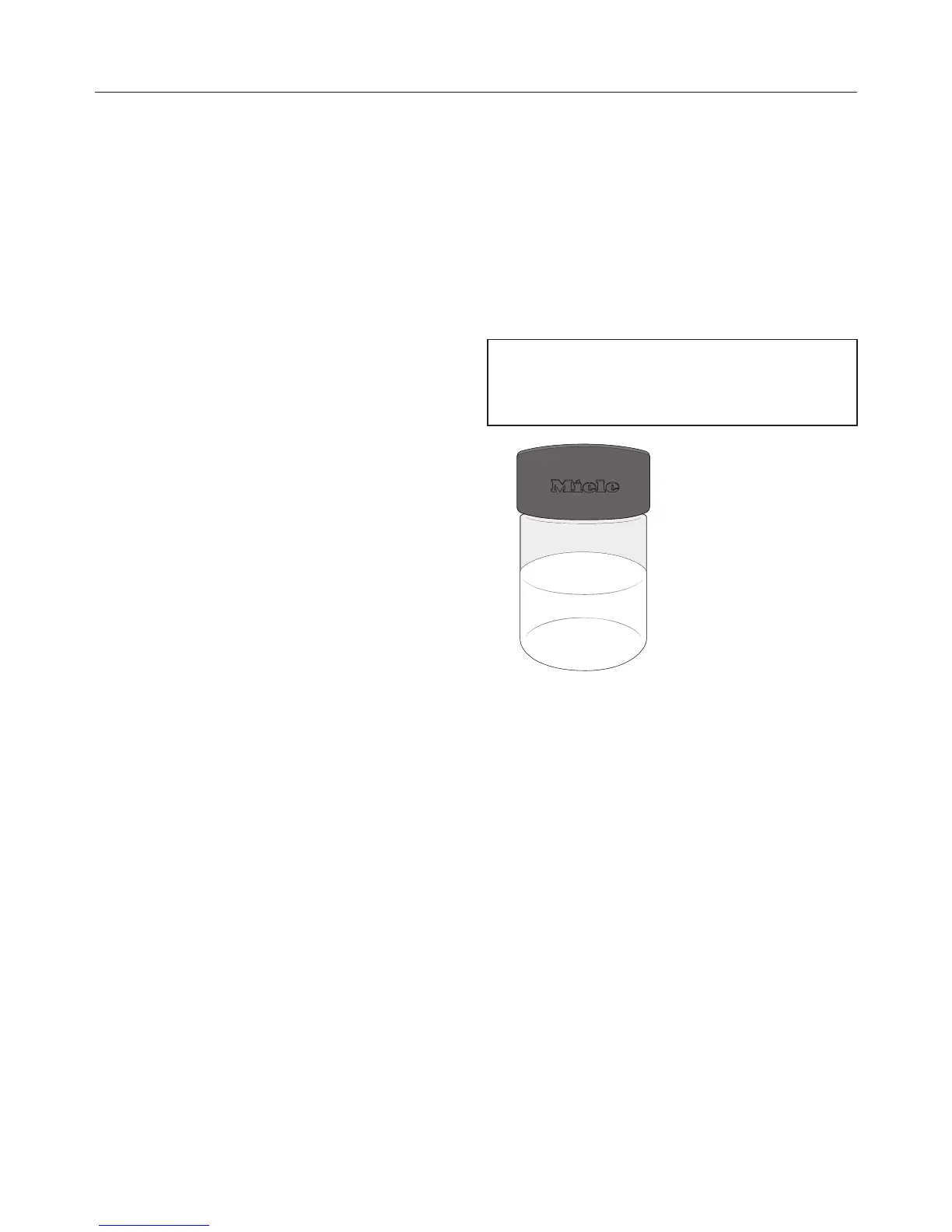
Tip: Remove the milk flask, rinse the
cover un
der running water, and close
the milk flask using the compact cap.
Cool the milk until the next time you
use it.
Milk froth can be made only using cold
milk (< 50°F / 10°C).
The compact cap It is available from
Miele.


 To Next Page