Before using for the first time
17
Connecting via WPS
Your WiFi router must support WPS
(WiFi Protected Setup).
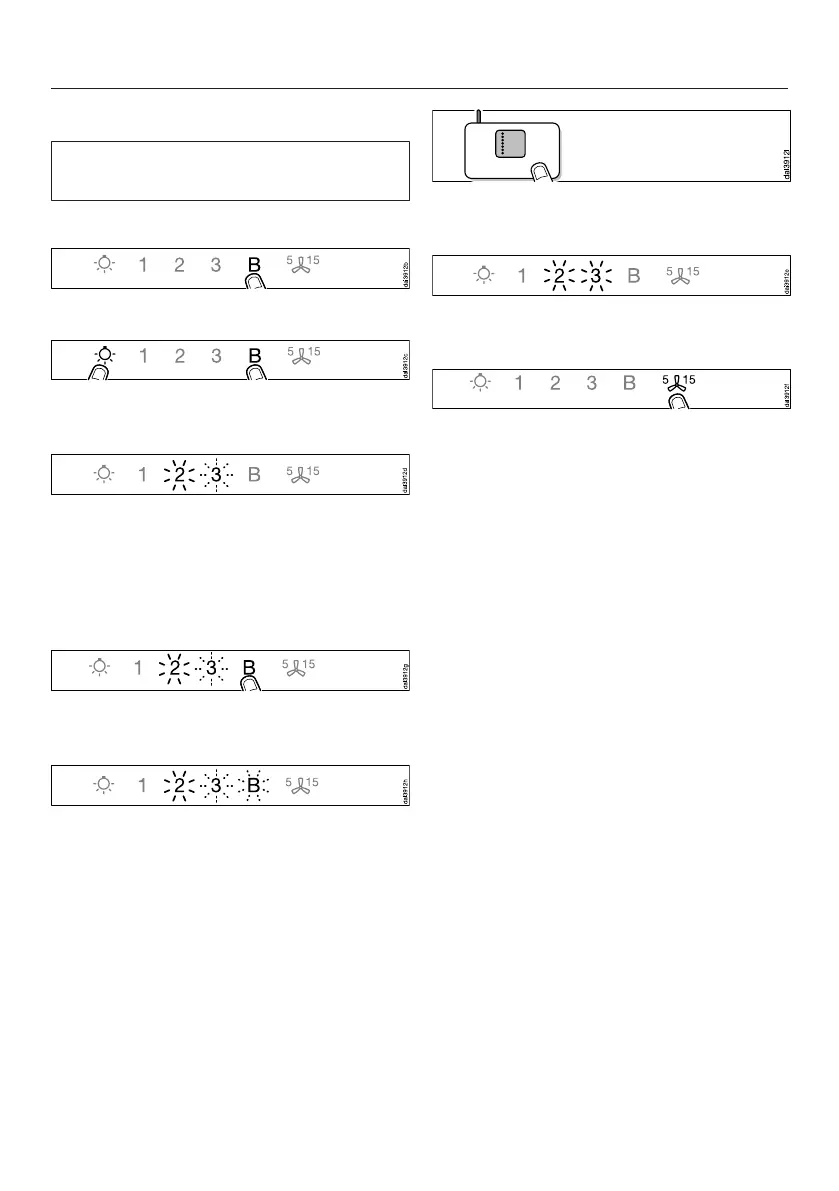
Switch the cooker hood off.
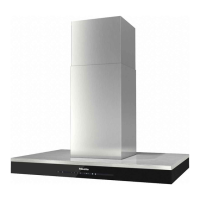
Press and hold the B control.
Touch the lighting control at the same
time.
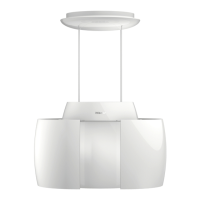
2 will light up constantly, 3 will flash on
and off.
The WiFi connection must be started on
the cooker hood at the same time as on
the WiFi router.
Press the B control on the cooker
hood after a few seconds.
After a short while the 2 will light up
constantly, and the 3 and the B will
flash on and off.
The cooker hood is ready for
connection in the next two minutes.
Start the WiFi connection on your
WiFi router.
When successfully connected the 2 and
3 will light up constantly.
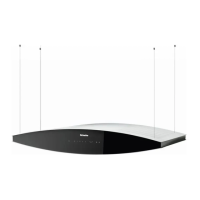
Quit connection mode on the cooker
hood by touching the Run-on
control.
The cooker hood can now be operated
via the app.
If the connection fails, you have
probably not connected WPS on your
router quickly enough. Repeat the steps
above.
Tip: If your WiFi router does not support
WPS, please connect via the
Miele@mobile app.


 To Next Page