Before using for the first time
18
Miele@home availability
The ability to use the Miele App
depends on the availability of the
Miele@home service in your country.
The Miele@home service is not
available in every country.
For information about availability,
please visit www.miele.com.
Miele App
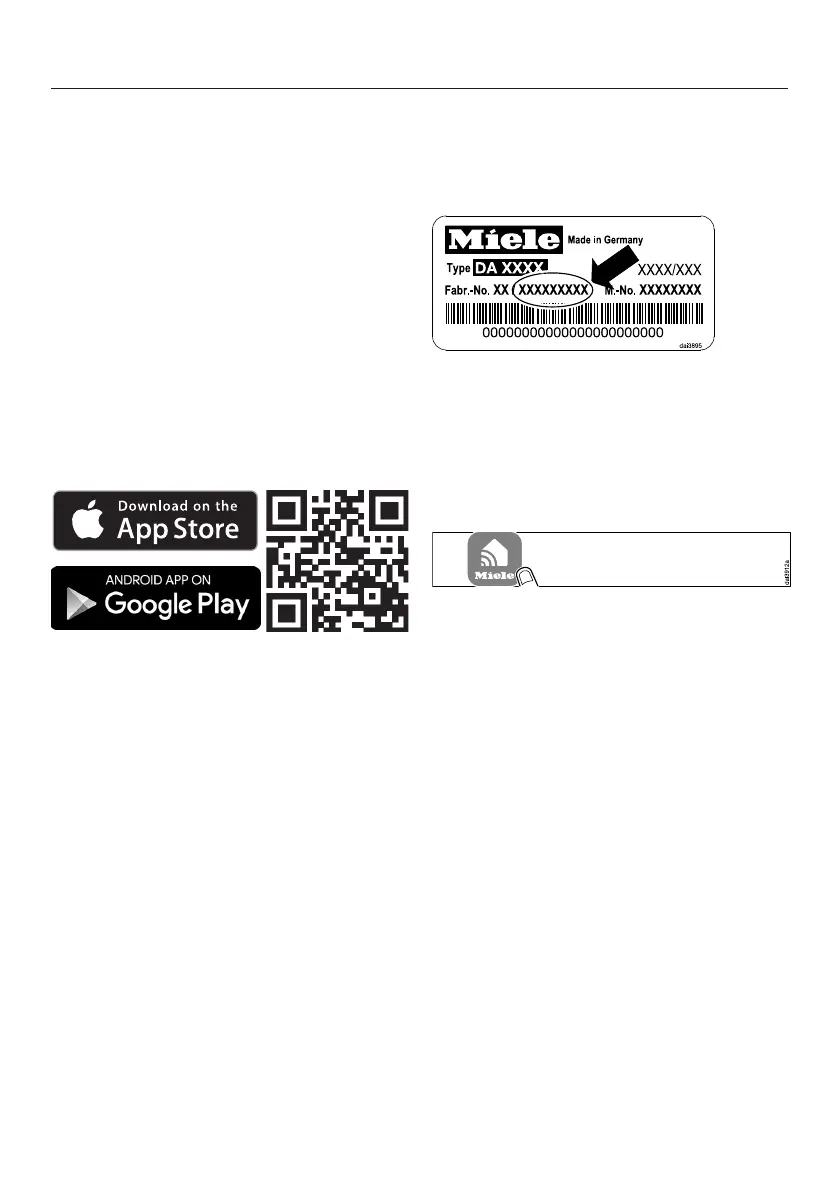
You can download the Miele App from
the Apple App Store
®
or the Google
Play Store™ free of charge (only
functional in selected countries).
Connecting via the App
The Miele App can be used to connect
to your network.
Install the Miele App on your mobile
device.
To log in you will need:
1. Your Wi-Fi network password
2. Your rangehood password
The password for your rangehood
consists of the last nine digits of the
serial number, which can be found on
the appliance's data plate.
The data plate is visible after removing
the grease filters.
Start the appliance registration in the
App. Follow the login steps.
If requested to activate Wi-Fi on the
rangehood, proceed as follows:


 To Next Page