Before using for the first time
20
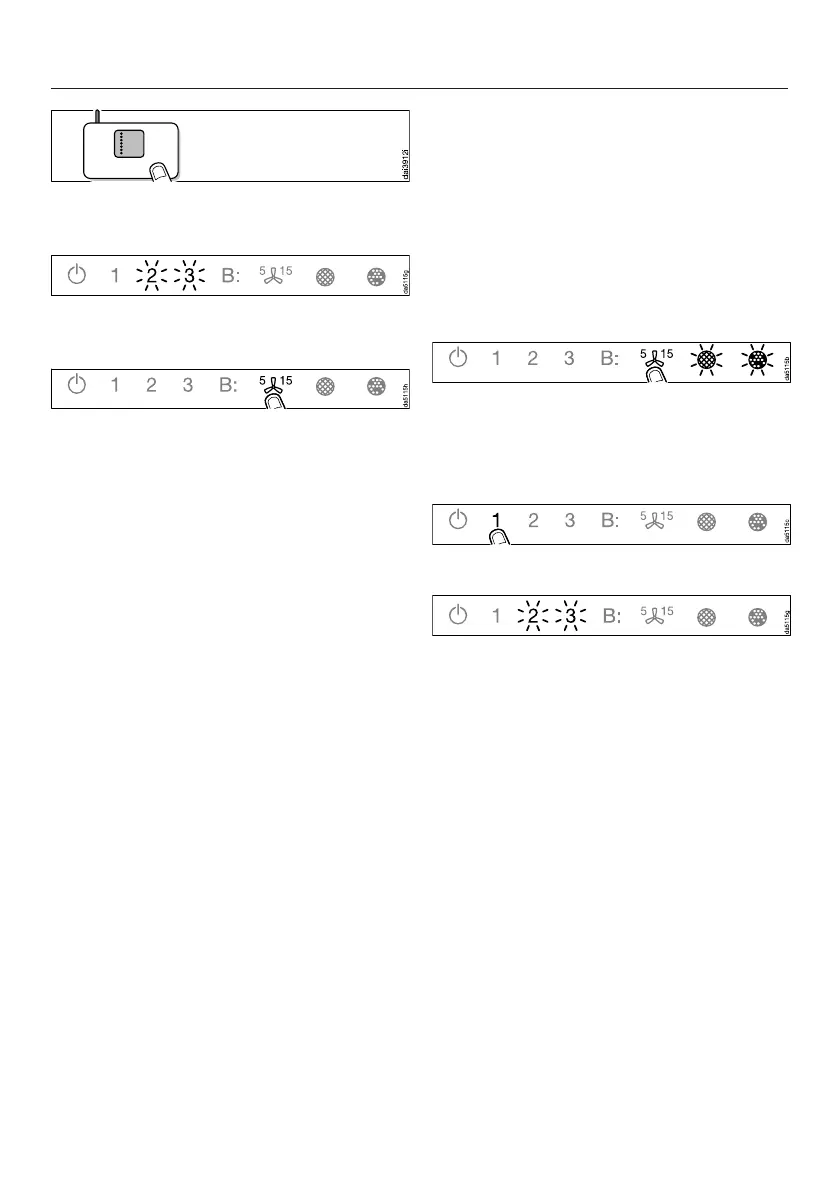
Start the WPS connection on your
Wi-Fi router.
When successfully connected 2 and 3
will light up constantly.
Quit connection mode on the
rangehood by touching the run-on
control.
The rangehood can now be operated
via the App.
If the connection fails, you have
probably not connected WPS on your
router quickly enough. Repeat the steps
above.
Useful tip: If your Wi-Fi router does not
support WPS, please connect via the
Miele App.
Signing out of Wi-Fi (reset to factory
settings)
To set up a new Wi-Fi connection, the
existing Wi-Fi connection must first be
disconnected.
Touch the On/Off sensor.
All symbols light up with reduced
brightness.
Press and hold the run-on option
control until the grease filter
and charcoal filtersymbols light
up.
Touch the 1 control.
With an existing Wi-Fi connection 2 and
3 will light up constantly.
The rangehood is ready for
disconnection during the next two
minutes.


 To Next Page