Controls
The steam oven is supplied with the
controls pushed in. They have to be
released before the steam oven can
be used.
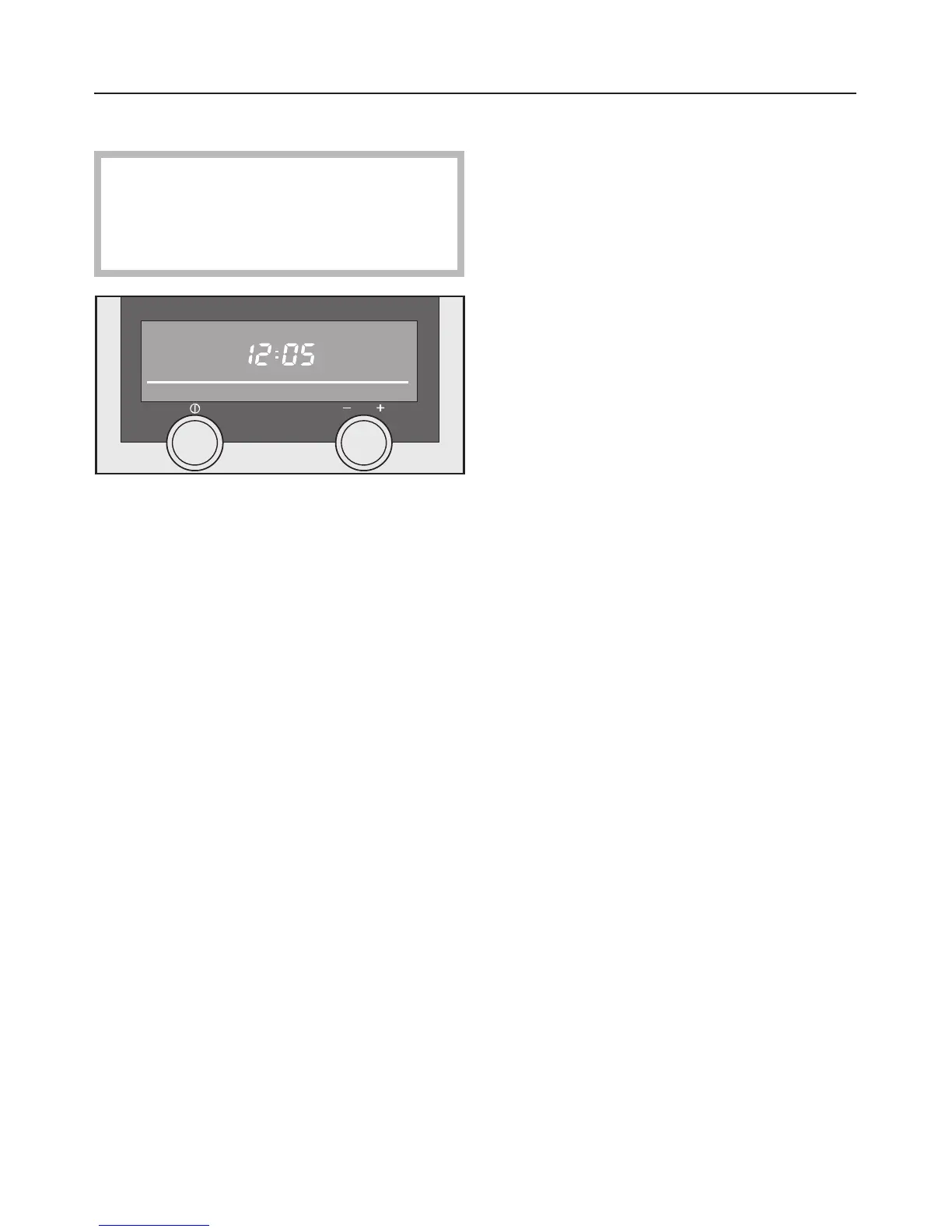
The On/Off switch on the left can only
be pressed. It does not rotate.
Pressing it lightly switches the steam
oven on or off. A stronger press will
release the switch or push it back in
again.
The multi-function selector on the
right can be pressed and rotated.
Turning it selects a function which you
either want to use or change settings
for. The functions available are
highlighted in the display as you turn
the selector.
A light press on the selector confirms
your selection. A stronger press will
release the switch or push it back in
again.
Night dimming
Between the hours of 22:00 and 6:00
the lighting in the display is dimmed
automatically.
If you have chosen for the time of day
to be displayed, this will also be
dimmer.
If the appliance is switched on during
this period, the display will brighten
again.
Operation
21



 To Next Page