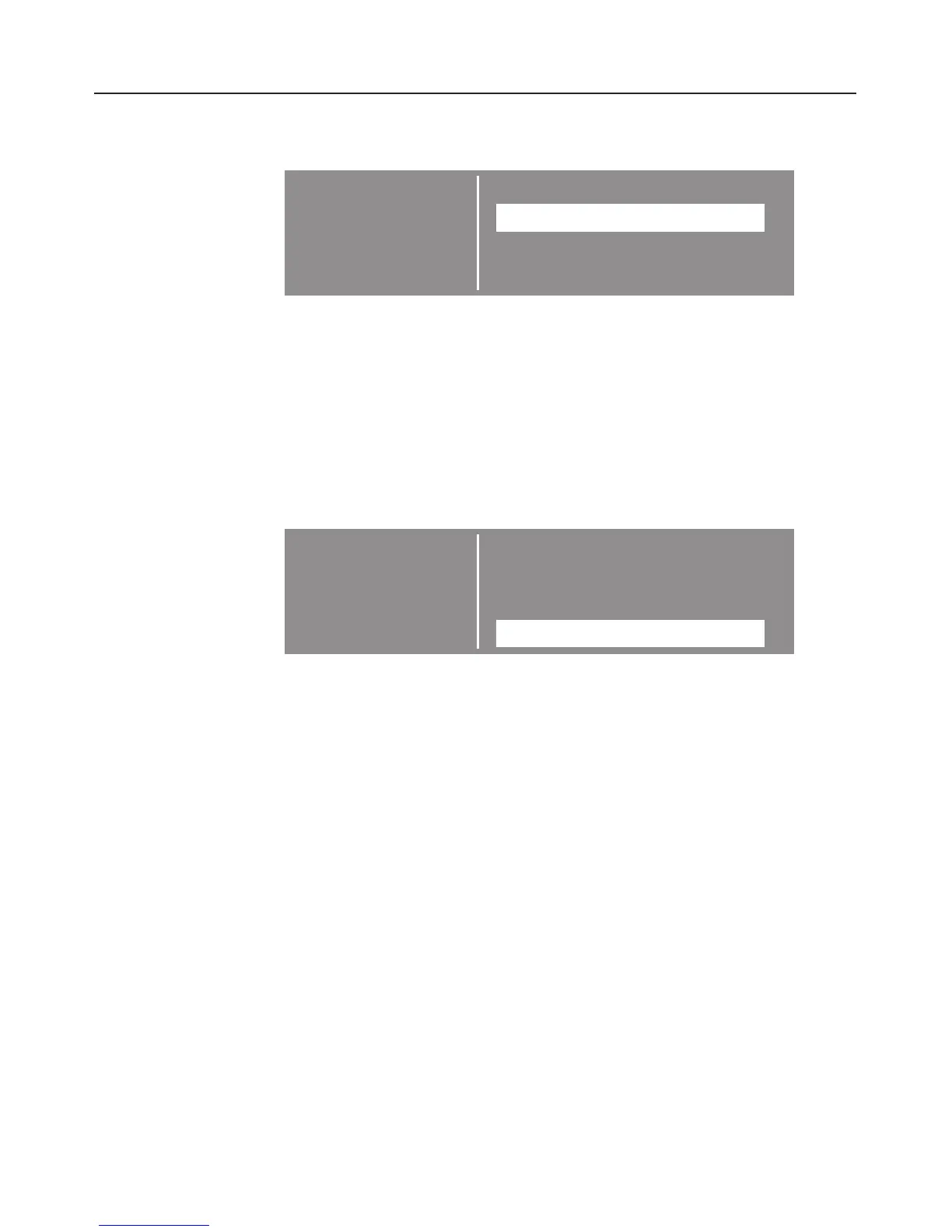
When a menu is selected, e.g. Settings, further sub-menus
appear which can be called up and changed.
SETTINGS F Back A
LANGUAGE F...
CLOCK. . .
MAIN MENU... H
The triangle symbols at the top and bottom of the display
indicate that you can scroll to further options by turning the
multi-function selector.
^
Turn the multi-function selector clockwise until the menu
option you want, e.g. Language, is highlighted in the
display.
^ Press the multi-function selector gently to confirm your
selection.
SETTINGS F dansk V
LANGUAGE F deutsch (A)
deutsch (CH)
deutsch (D) B
H
This takes you to the next sub-menu and you can now
highlight the setting you want and confirm your selection.
A tick will appear next to the setting currently selected. In this
example: deutsch (D).
To return to the previous menu, select "Back" and press the
multi-function selector to confirm your selection.
Please note:
Information next to the K symbol will go out after a few
seconds. You can turn it off by pressing the multi-function
selector.
The functions, menus and how to set them are described in
more detail on the following pages.
Operation
23



 To Next Page