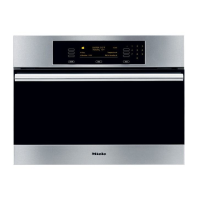
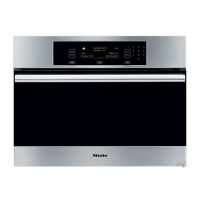
Display
When the appliance is switched off the
display will either remain dark or show
the time of day (depending on which
setting has been selected).
When the appliance is switched on, the
Main menu will appear in the display.
The Main menu has the following
options:
–
four functions which you can select
directly.
–
All functions
Select this option to call up all the
functions available.
– Automatic
For selecting one of a range of auto-
matic programmes.
– Menu cooking
For cooking different types of food at
the same time.
– Settings
You can use this menu to change
oven settings (see "Settings").
–
User programmes
You can save the programmes and
settings you use most frequently and
call them up whenever you want.
The display shows a maximum of three
options. Touch the sensors next to the
arrows to scroll to further options. A
dotted line will appear under the last
option available.
K This symbol appears beside
additional information for the option
selected. You can close the information
screen by selecting "OK" or following
the instructions.
Guide to the appliance
15



 To Next Page