Display
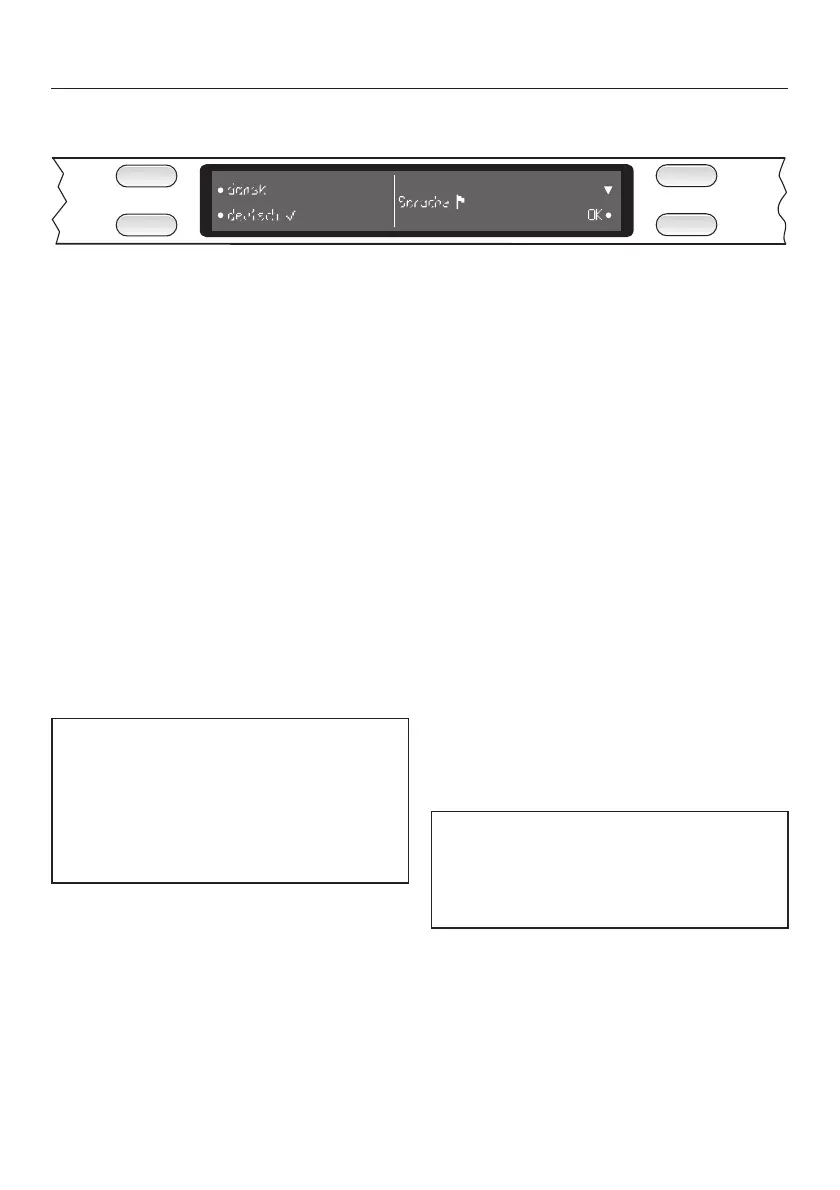
The display is used to select the
following:
–
the programme
–
extras
–
the delay start time
–
the Settings menu
!
–
information
During a programme, the display
shows the following (when the door is
opened):
– the name of the programme
– the current time of day
– the stage the programme is at
– the estimated time left for the
programme to run
– any relevant fault messages and
notes
To save energy, the dishwasher
switches off after a few minutes if you
do not press any buttons during this
time (see "Operation, Standby").
Press the K button to switch the
dishwasher back on again.
!
A dot in the display next to a selector
button indicates that a function can be
selected with that button.
n
The arrows on the right hand side of the
display indicate that more options or
more text are available which can be
displayed by pressing the relevant
selector button.
------
A dotted line will appear after the last
option available.
OK
The OK function is used to confirm a
message or setting, and also to move
to the next menu or to another level.
(
A tick will appear beside the option
which is currently selected.
The Settings menu ! is used to alter
the dishwasher's electronics to suit
different requirements. See "Settings
menu" for more details.
Before using for the first time
22



 To Next Page