Control panel
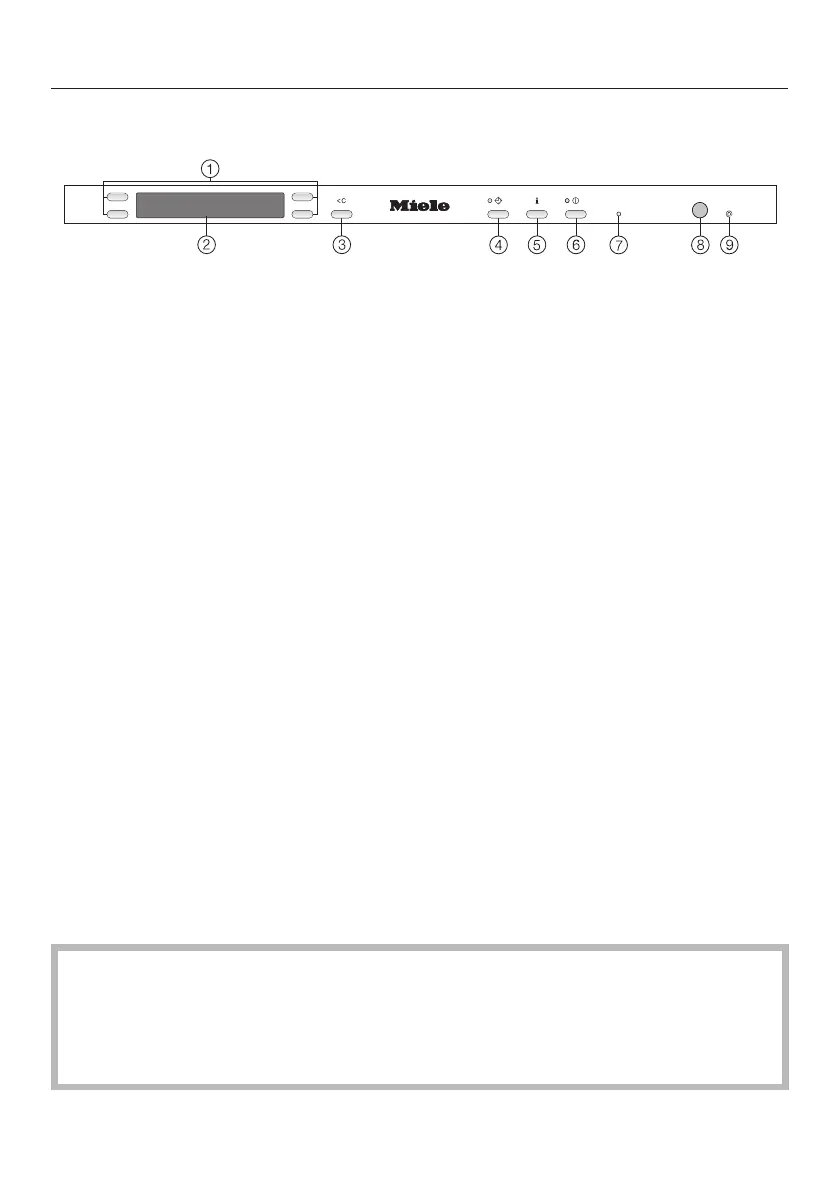
a Selector buttons
For selecting the option displayed
next to them.
For altering the values displayed
(+/-).
For scrolling to other menus.
b Display
See next page for more information.
c Clear button U
For returning to the previous menu or
deleting values which have been set
previously.
d Delay start button , with indicator
light
For selecting the delay start function.
e Information button :
For displaying additional information
about the option being displayed.
f On/Off button K
For switching the appliance on and
off.
g Service interface
Used by service technicians to run
diagnostic checks on your
appliance, or to update
programming data in the future.
h In-operation indicator light
Shows if a programme is running
when the door is shut.
i Miele<home
The appliance is compatible with the
Miele|home system.
This instruction book applies to several different dishwasher models.
The specific dishwasher models are referred to as follows:
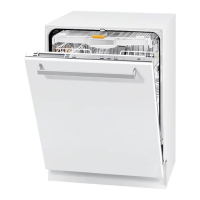
Standard = 80.5 cm high dishwashers (integrated)
and 84.5 cm high dishwashers (freestanding)
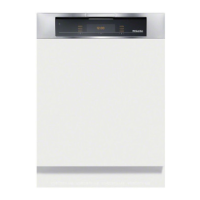
XXL = 84.5 cm high dishwashers
Guide to the appliance
6



 To Next Page