Settings menu ! for changing standard settings
To open the Settings
! menu
^
Switch the dishwasher on with the U button, if it is switched
off.
The main menu will appear in the display.
If the memory function is activated, the programme menu for
the programme last selected will be displayed instead (see
"Memory"). If this is the case, press the Clear button U to
switch to the main menu.
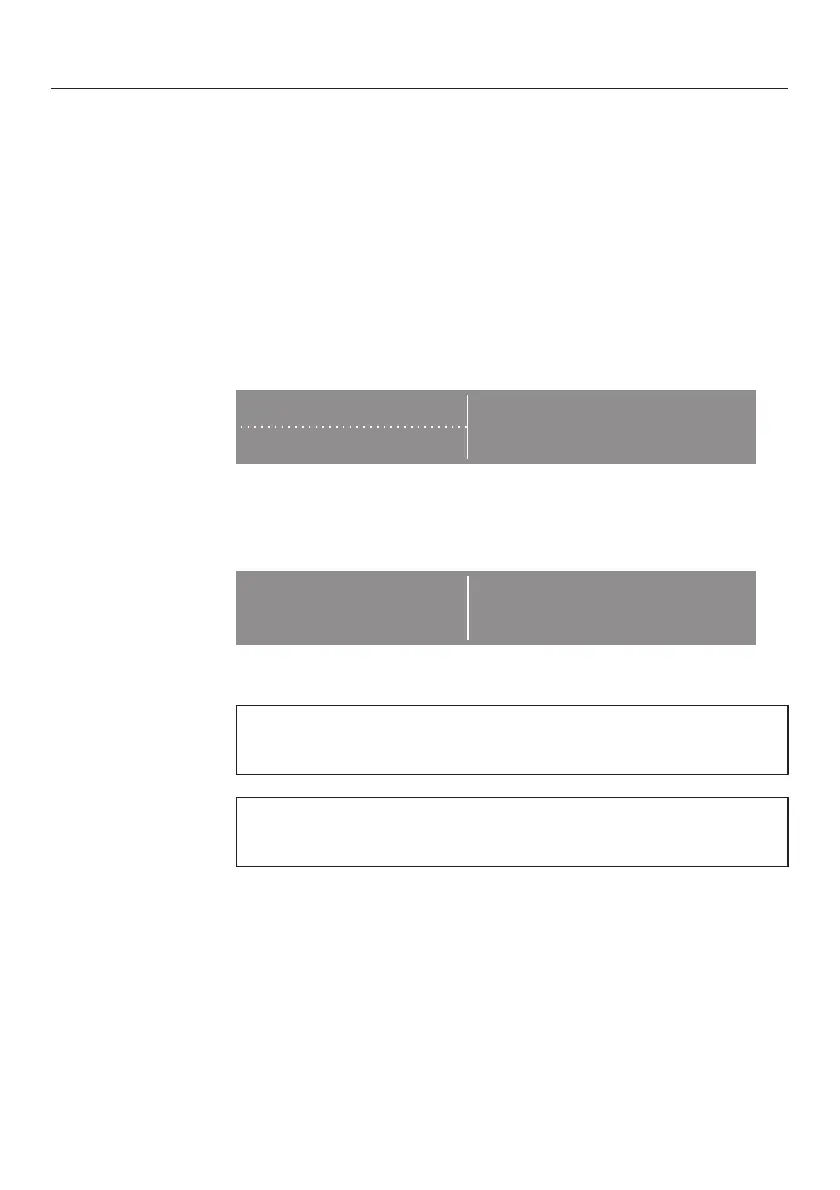
} Settings F
Main menu
r} Sensor wash
^ Select the
Settnigs ! option.
The display will change to show the Settings
! menu.
} Language F
Settings
r} Time
^ Select the option you want to change.
Press the : button to call up more information about the
option currently selected.
Sub-menu options which have already been set will have a
tick
( beside them.
Settings menu !
84



 To Next Page