Time of day
(24 hour display)
When the appliance is first connected
to the power supply, or after a power
cut "12:00" and the symbols "f" and
")" flash in the display.
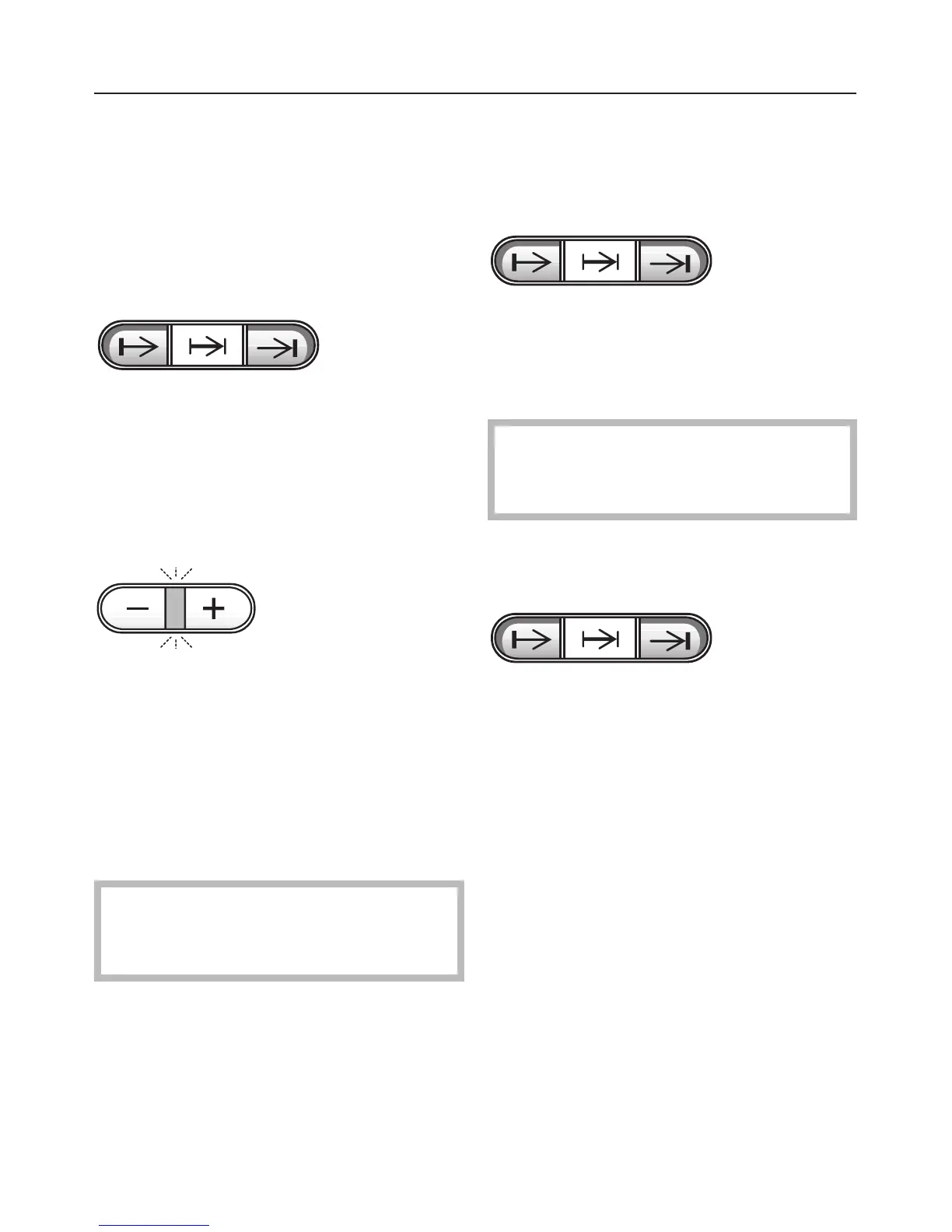
^ Press the buttons "f" and ")" at
the same time.
The following light up
– "12:00" in the display,
– the indicator light for the "+/–" button.
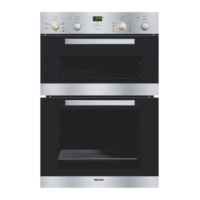
^ While the indicator light between the
"+" and "–" buttons is lit, the time of
day can be entered in hours:minutes
with the "+" or "–" button.
When the indicator light for the "+/–"
button goes out, the time of day has
been set and the display will change at
one minute intervals.The colon flashes.
If a process has been
pre-programmed, the time of day
cannot be altered or cancelled.
To cancel the time of day display
The time of day display can be
switched off to save energy.
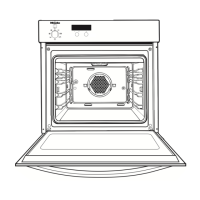
^ Press the buttons "f" and ")"
together twice in succession.
The time of day continues to run
unseen.
If a process has been
pre-programmed, the time of day
display cannot be switched off.
To bring back the visible time display
^ Press buttons "f" and ")" together
once.
Using the clock / timer
20


 To Next Page