Clock/timer
38
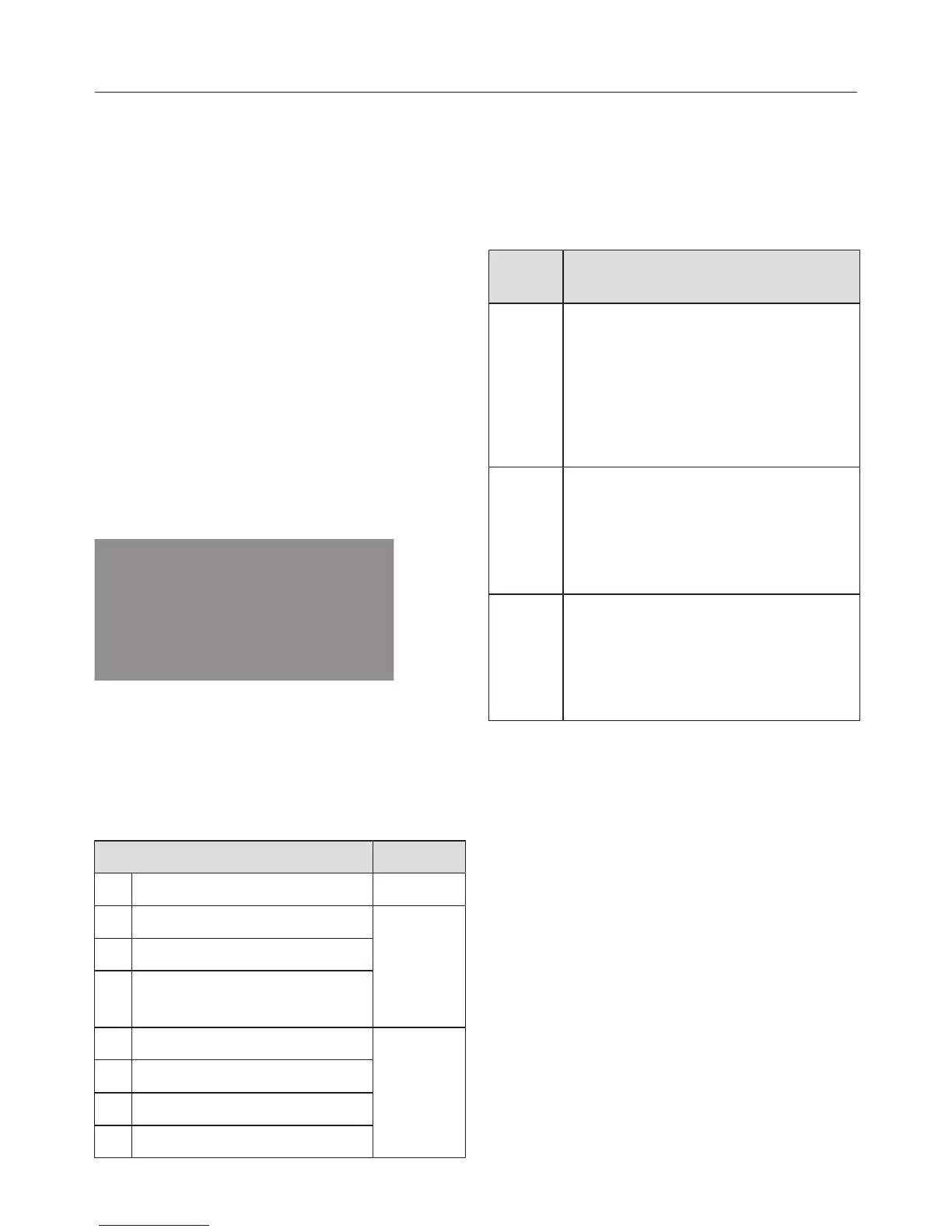
The clock/timer offers the following
functions:
– Time of day display
– Minute minder
– Switching cooking processes on and
off automatically
– Altering settings
The clock/timer is operated via the dis-
play and the sensor controls, OK
and .
The functions available are indicated by
symbols.
Display
Symbols on the display
Depending on the position of the func-
tion selector and/or whether a
sensor has been pressed, the following
symbols appear:
Symbol/function
Minute minder Any
Duration
Function
End of cooking duration
Temperature indicator
light
Clock display
0
Setting
Setting status
System lock
You can only set or change a function if
the function selector is in the correct
position.
Sensors
Senso
r
Use
– Highlight functions
– Reduce duration
– Access settings
– Change the status of a set-
ting
– Highlight functions
– Increase duration
– Change the status of a set-
ting
OK – Access functions
– Saving set durations and
changed settings
– Access set durations
Set minutes or seconds with or in
increments of 1.
If you hold the button down the display
will count down faster.


 To Next Page