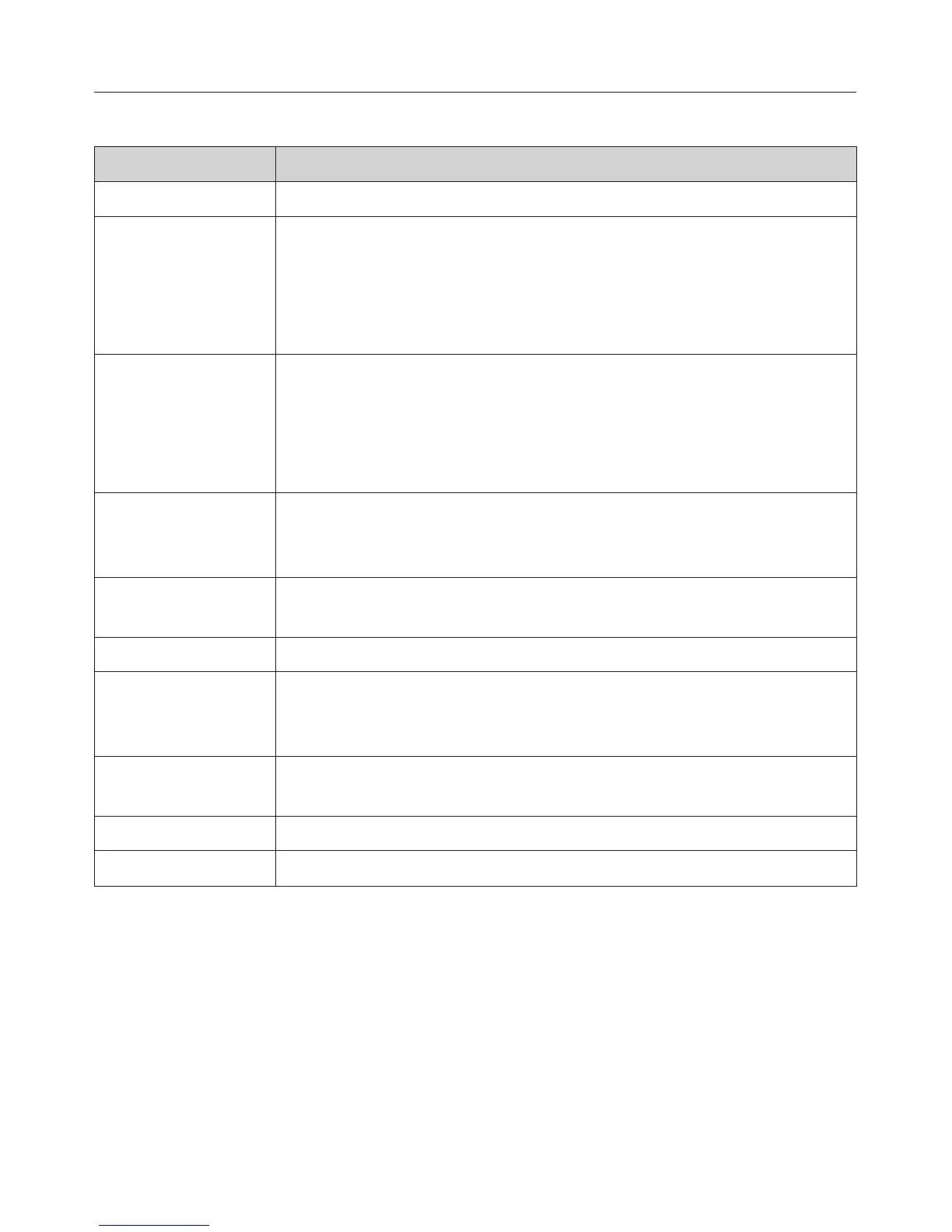
The following symbols may also appear in the display in addition to the text:
Symbol Explanation
N Minute minder
Y
X
If two or three options are available arrows will appear on the
right hand side of the display.
Use the arrow sensors to scroll through the list.
The options will be highlighted one after the other as you
scroll through them.
#
If more than three options are available, a bar will appear on
the right-hand side of the display.
Use the arrow sensors to scroll through the list.
The options will be highlighted one after the other as you
scroll through them.
ZZZZZZZZZZZZZZZZZZZ The end of a list with more than three options in it is indicated
by a dotted line. By scrolling down further, you reach the
beginning of the list again.
P P P P G G GM Some settings are altered using a bar chart (e. g. display
brightness, volume and degree of browning).
( A tick indicates the option which is currently selected.
: This symbol indicates that there is additional information and
advice about using the oven.
Select OK to access the information.
0 The system lock is on (see "Settings – Safety – System lock
0"). The oven cannot be used.
* Bursts of steam
F Descale
Oven controls
25



 To Next Page