Switching off and residual heat indicators
Switching off a cooking zone
^
Touch the "0" on the numerical keypad of the cooking zone
you wish to use.
The numbers 1 to 9 will go out after a few seconds. If the
cooking zone is still hot, residual heat will then be indicated in
the display.
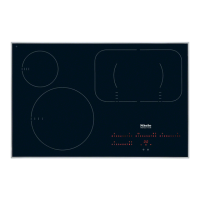
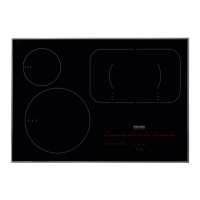
Switching off the hob
^
Touch the s sensor.
This switches off all cooking zones. All the sensors will go out.
If there is any residual heat, the numbers 1 to 9 in the
numerical keypads will go out after a few seconds. The
residual heat indicator will appear in the display of any
cooking zone which is still hot.
The lines of the residual heat indicator go out one after
another as the cooking zone cools down. The "0" will go out at
the same time as the last line.
Do not touch or place any heat-sensitive objects on the
cooking zones while the residual heat indicators are on.
Danger of burning.
Use
32


 To Next Page