Use
19
Tip: Before starting to iron, allow the roller to rotate for about
fiveminutes while unloaded so that the temperatures of the heater
plate and roller can equalise.
Speed of ironer
PM1210 / PM1214:
Symbol Speed range
m
/
min
Low speed range 1.5–2.2
Medium speed range 2.3–3.2
High speed range 3.3–4
PM1217:
Symbol Speed range
m
/
min
Low speed range 1.5–2.4
Medium speed range 2.5–3.4
High speed range 3.5–4.5
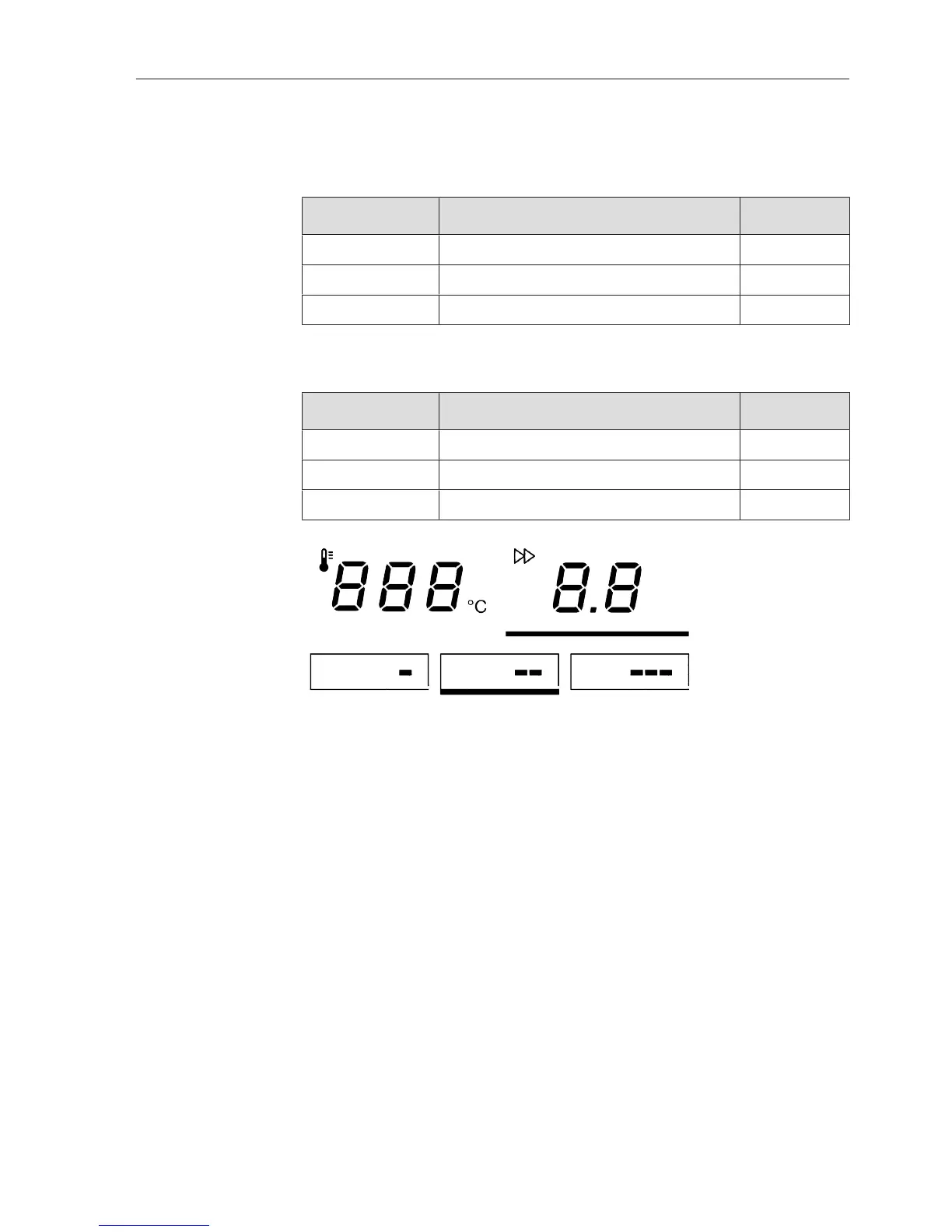
Spin speed selection buttons
The roller speed can be set either via the spin speed selection but-
tons or alternatively via the or –buttons.
Setting the ironer
speed
Press the .button to access the roller speed selection mode.
The button will then be highlighted with a bar underneath.
Now press one of the three spin speed selection buttons.
(For example, button)
The selected spin speed selection button will be highlighted with a
bar underneath and the ironer speed will be adopted as the button
value.



 To Next Page