Time of day
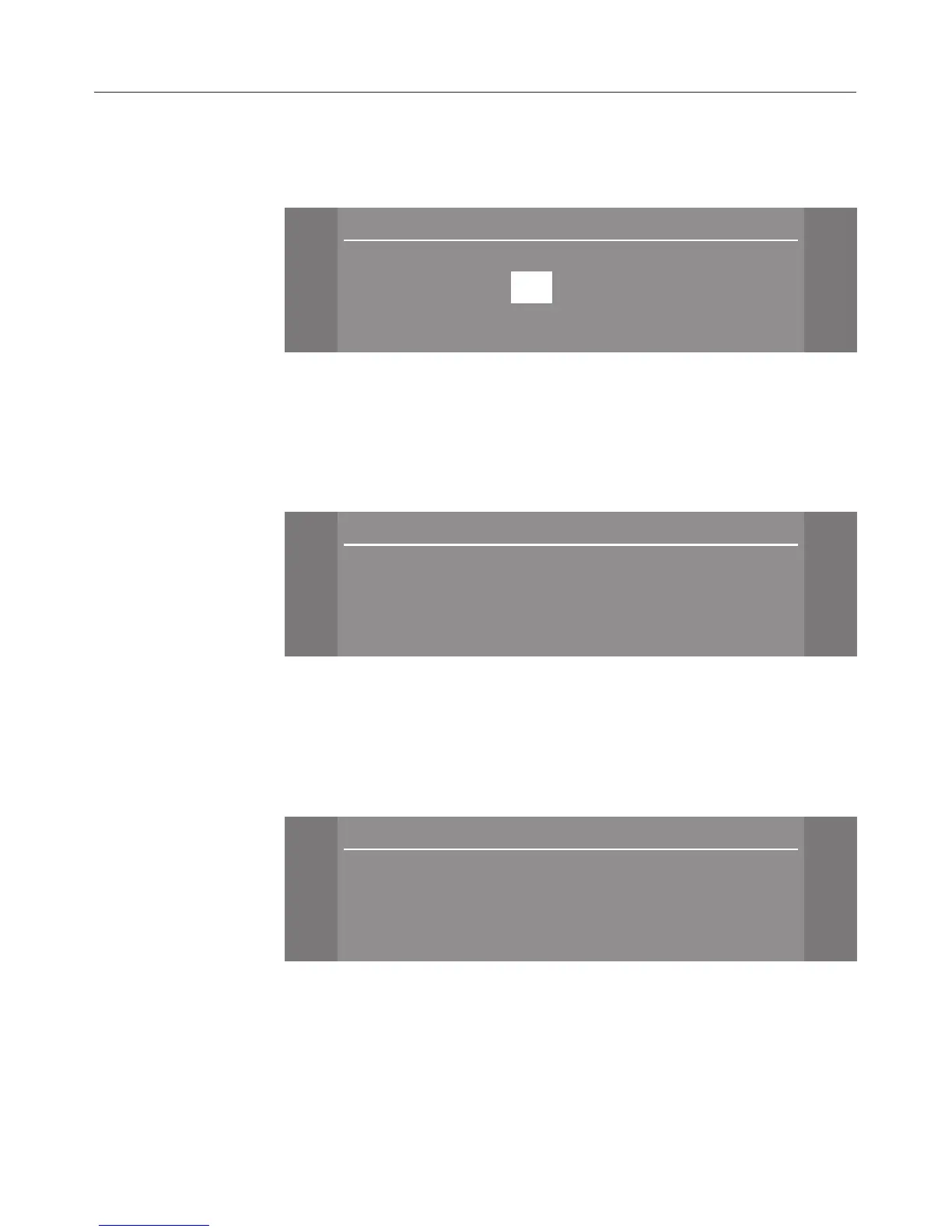
The display will then change to the screen for setting the
time.
Time
[
[
[
+ $
10 :21
- #
OK !
^
Set the hours with the
+/- sensors and confirm with OK.
Then set the minutes, and confirm with
OK.
Display
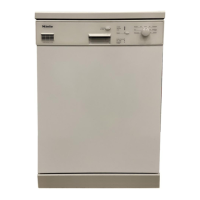
The display will then change to the screen for setting the
display for the time of day.
\
\
\
Time
[
$ Do not display (
# On
! On for 60 seconds
OK !
^ Select the display you require for the time of day, and
confirm this with
OK.
Water hardness
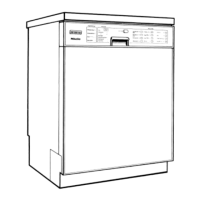
The display will then change to the screen for setting the
water hardness.
\
\
\
Water hardness
12:00
[
[
$ 15°d (
# 16°d
! 17°d
m
Before using for the first time
22


 To Next Page