Time
The time can be set to appear as a 24 hour or 12 hour
clock. You can also use this setting to adjust the time of
day.
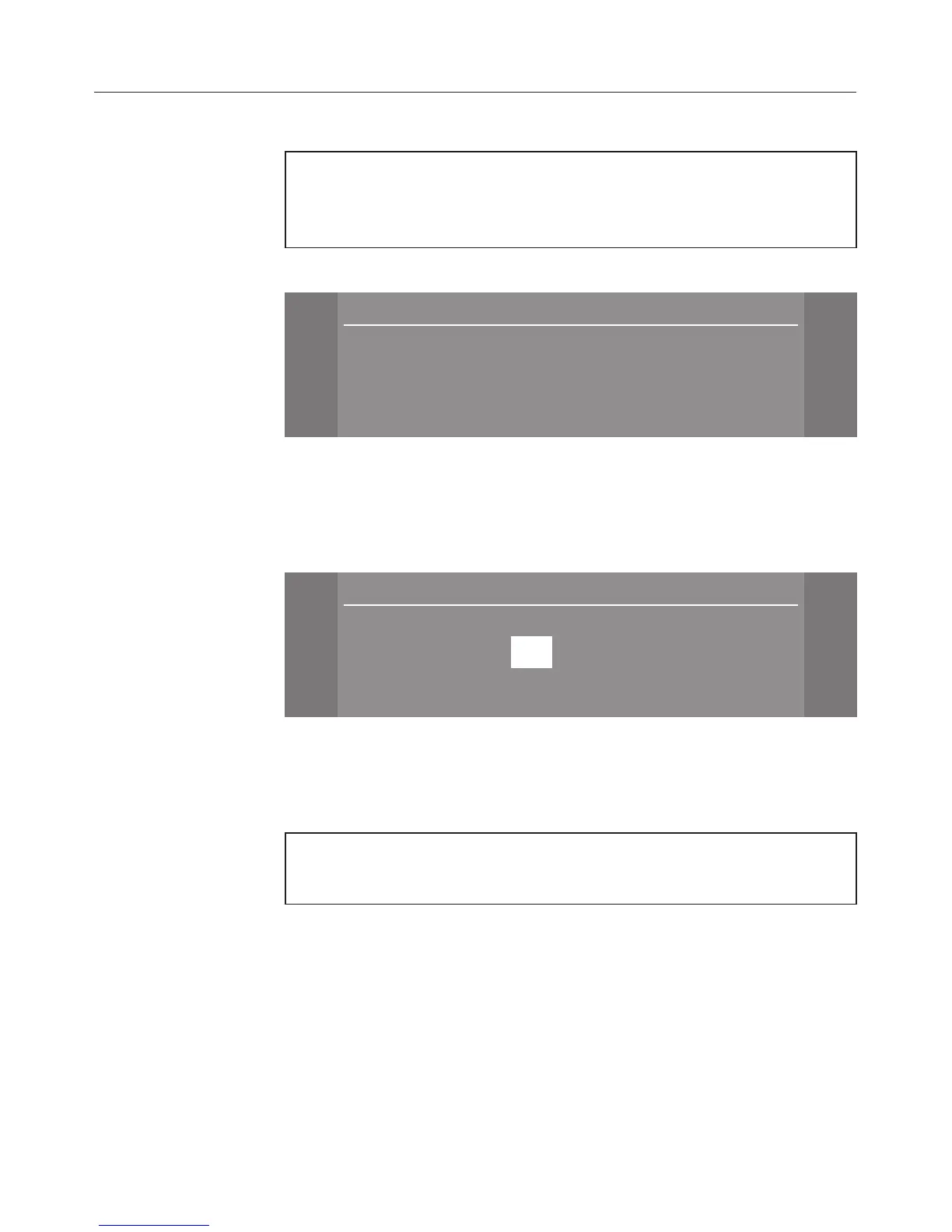
Clock format
\
\
Time
10:21
[
$ 24 h clock (
# 12 h clock
OK !
^
Select the format you want.
The dryer is delivered with the clock format set as a 24 hour
clock.
Set the time of day
Time
[
[
[
+ $
10 :21
- #
OK !
^ Use the
+ and - sensors to set the hour.
^
Confirm the hours with
OK and then enter the minutes.
Drying levels
You can alter the drying levels for the Cottons, Minimum
iron and Automatic plus programmes.
The bars show you the setting.
The default is: the middle setting.
–
Drier
P P P P P P P
the programme duration increases.
–
Damper
P
the programme duration is shorter.
Settings menu
64


 To Next Page
 Loading...