Switching on
The cooktop must be switched on before any of the zones
can be used.
Do not leave the appliance unattended whilst it is being
used.
To switch the cooktop on
^
Touch the "s" sensor.
0 appears in each of the cooking zone displays. If no further
entry is made, the cooktop will switch itself off after a few
seconds for safety reasons.
Switch on the cooktop, select the power setting
^ Briefly touch the sensor of the required cooking zone.
A 0 will flash in the display.
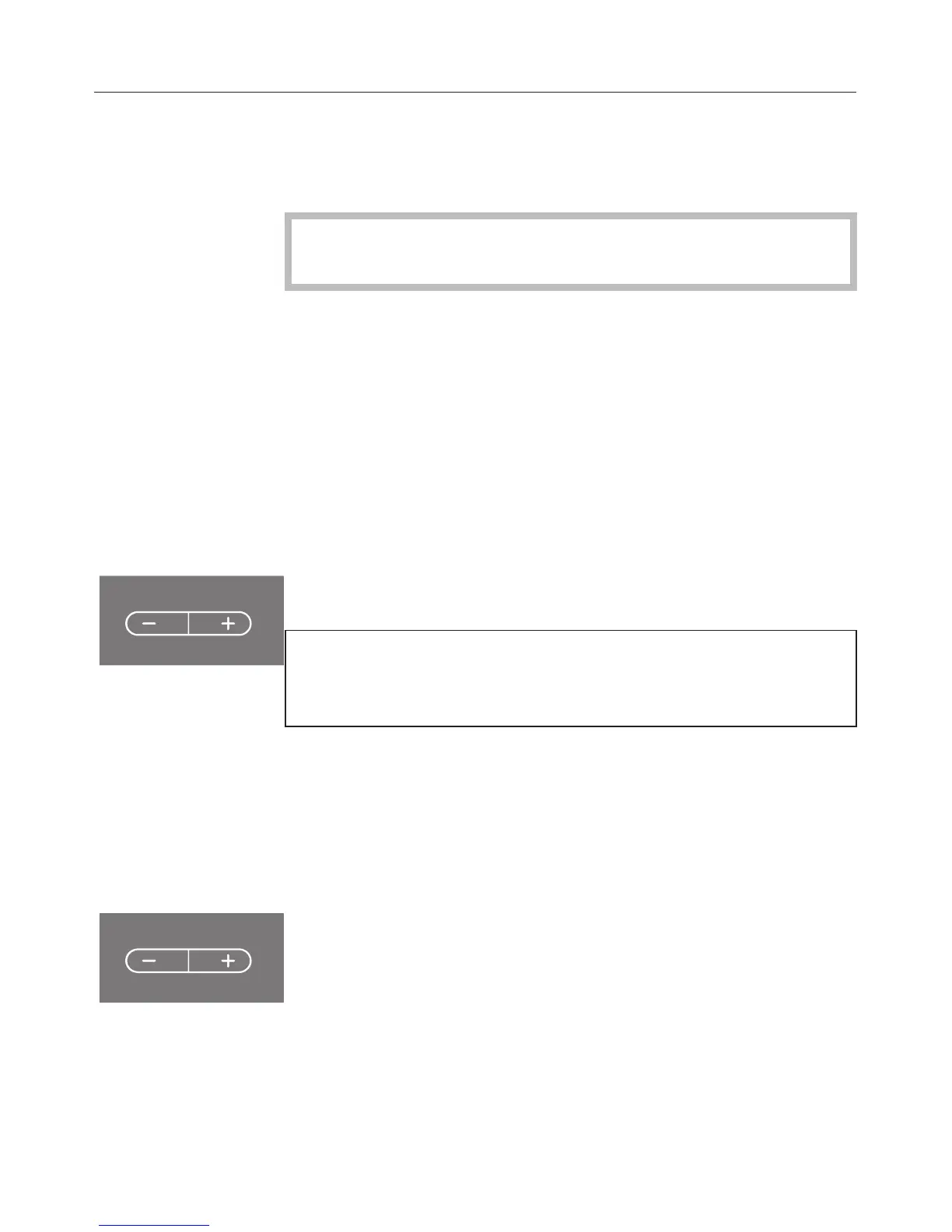
^ Whilst the 0 is flashing, select a power setting by touching
the - or + sensor.
To select cooking with Auto heat-up, press the - sensor
first (see "Auto heat-up"). To select cooking without Auto
heat-up, press the + sensor first.
The power setting selected flashes in the display for a few
seconds to start with and then lights up constantly.
Change the power setting
^
Briefly touch the sensor of the desired cooking zone.
The power setting flashes on and off.
^
Touch the + or - sensors to set the required power setting.
Use
20



 To Next Page