EasyManua.ls Logo

Milesight LoRaWAN EM320-TH - Downlink Commands

Milesight LoRaWAN EM320-TH
22 pages
Print Icon
To Next Page IconTo Next Page
To Previous Page IconTo Previous Page
Loading...
20
Example:
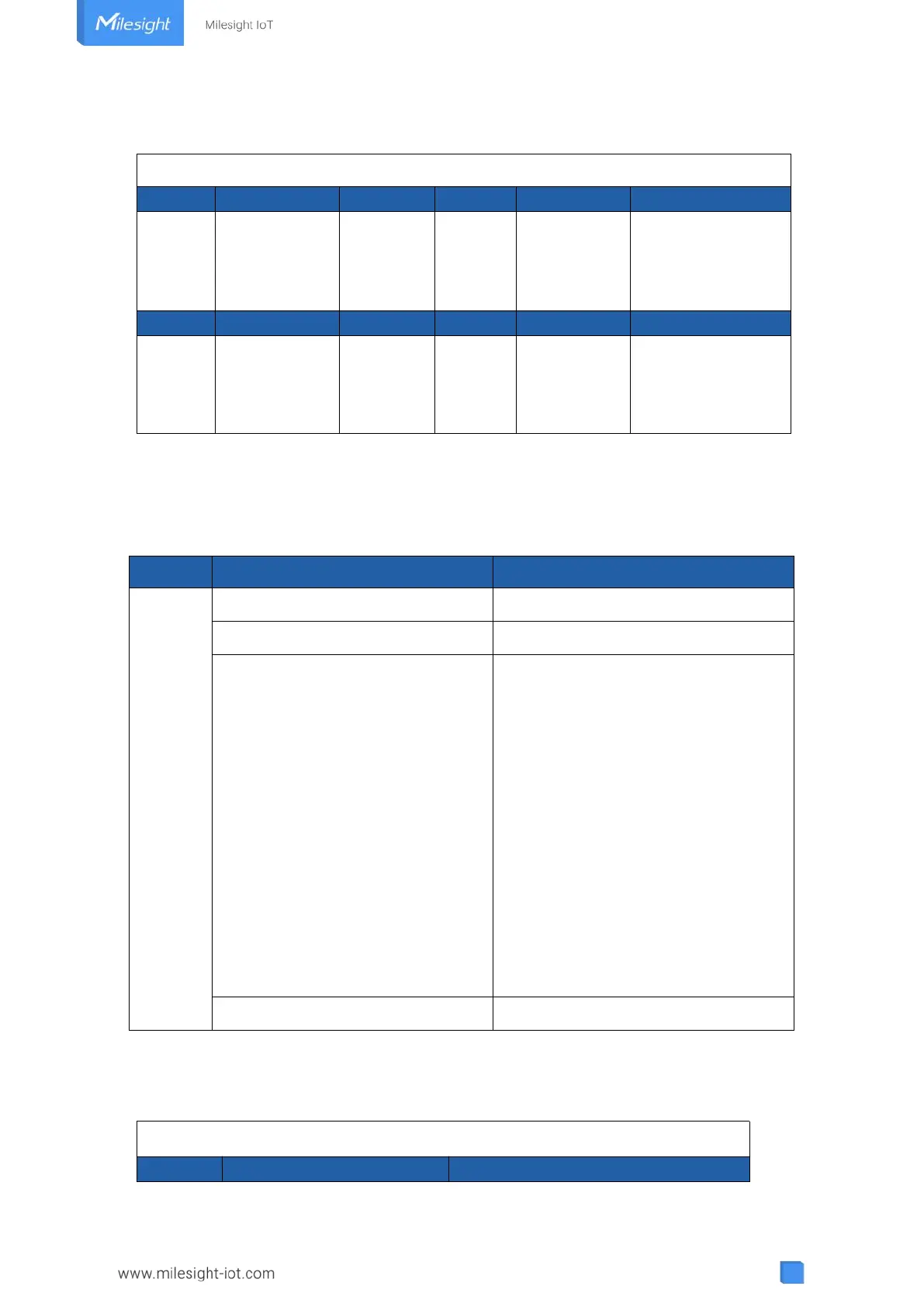
5.3 Downlink Commands
EM320-TH sensors support downlink commands to configure the device. The application port is
85 by default.
Example:
1. Set reporting interval as 20 minutes.
017564 03672201 046850
Channel
Type
Value
Channel
Type
Value
01
75
(Battery Level)
64=>100%
03
67
(Temperatur
e)
22 01=>01 22=>290
Temp=290*0.1
=29°C
Channel
Type
Value
Channel
Type
Value
04
68
(Humidity)
50=>80
Hum=100*
0.5
=69%
Channel
Type
Description
ff
02(Set Collecting Interval)
2 Bytes, unit: s
03(Set Reporting Interval)
2 Bytes, unit: s
06 (Set Threshold Alarm)
9 Bytes, CTRL(1B)+Min(2B)+Max(2B)+
00000000(4B)
CTRL:
Bit0~Bit2:
000-disable
001-below (minimum threshold)
010-over (maximum threshold)
011-within
100-below or above
Bit3~Bit7: 11001
10 (Reboot)
ff (Reserved)
ff03b004
Channel
Type
Value

Related product manuals