Note:
For -868M model, the default frequency is EU868;
For -915M model, the default frequency is AU915.
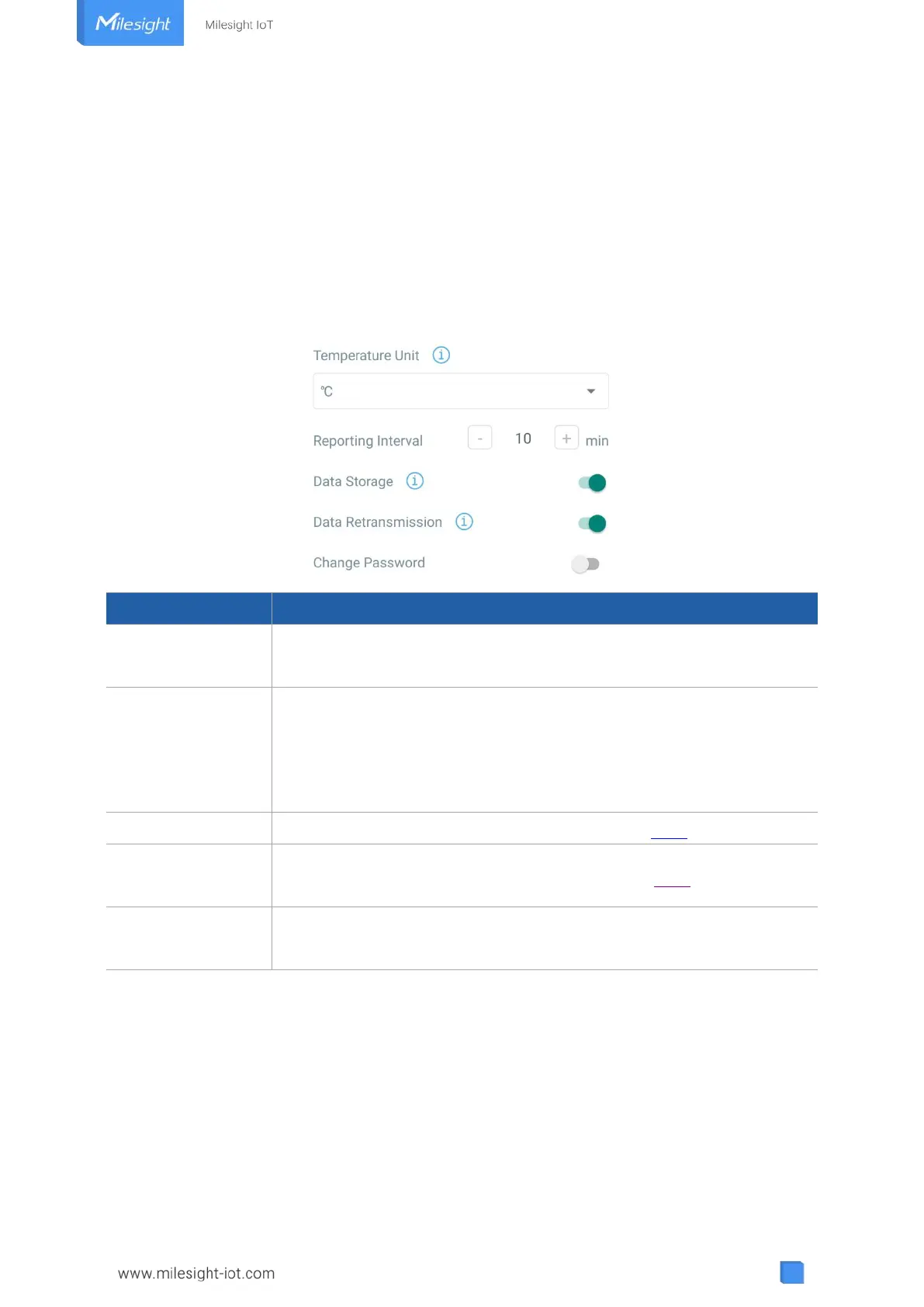
3.3 Basic Settings
Go to “Device -> Settings -> General Settings” of ToolBox App to change the reporting interval,
etc.
Reporting interval of transmitting current sensor values to network
server. Default: 10 mins, Range: 1-1080 mins
Change the temperature unit displayed on the ToolBox.
Note:
1) The temperature unit in the reporting package is fixed as °C.
2) Please modify the threshold settings if the unit is changed.
Disable or enable data storage locally. (see section 3.4.3 to export data )
Disable or enable data retransmission. (see section 3.4.4)
Change the password for ToolBox App or software to read/write this
device.
3.4 Advanced Settings
3.4.1 Calibration Settings
ToolBox supports numerical calibration for all items. Go to “Device -> Settings -> Data
Collection Settings” of ToolBox App to type the calibration value and save, the deice will add the
calibration value to raw value.



 To Next Page