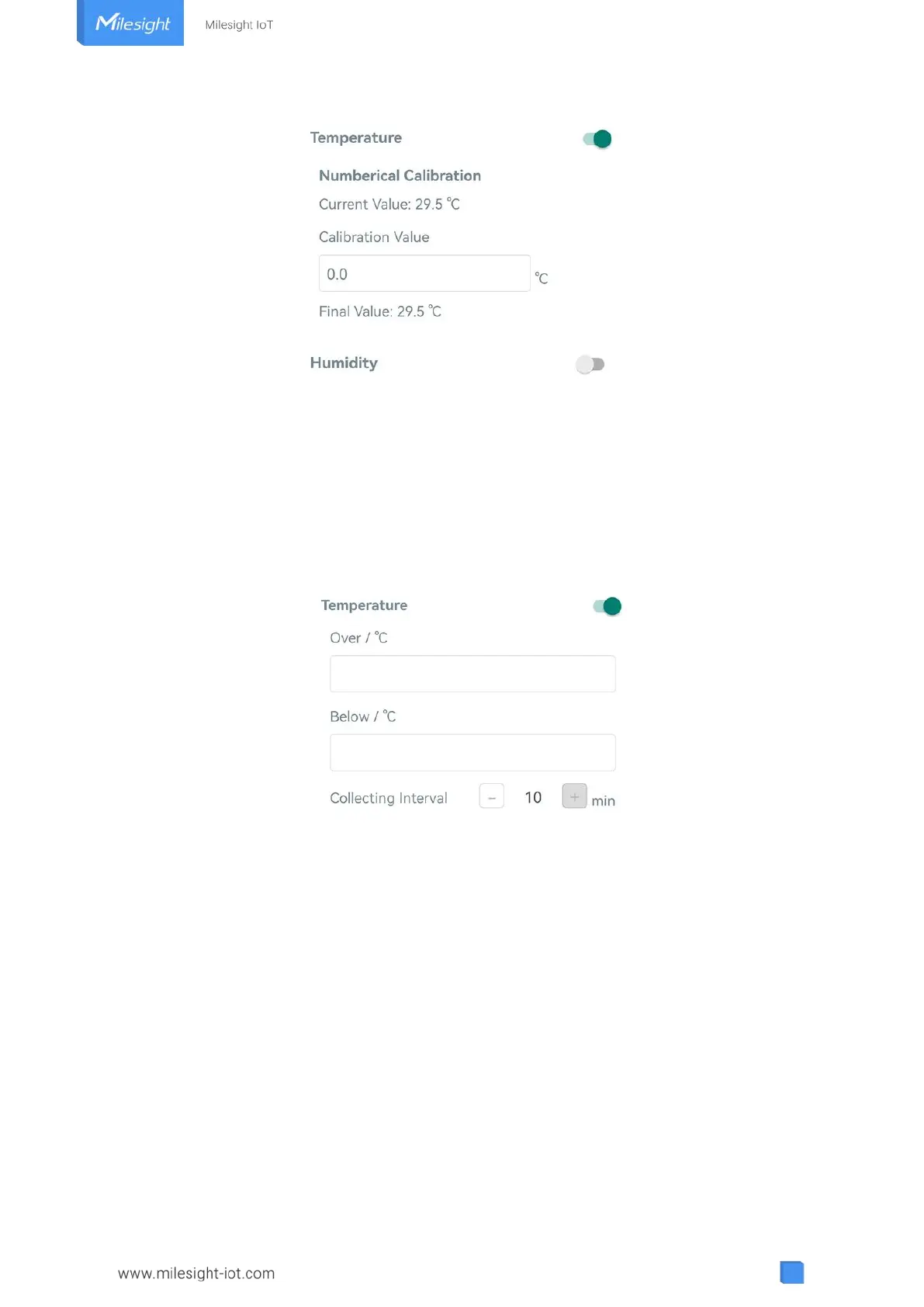
3.4.2 Threshold Settings
Go to “Device -> Settings -> Threshold Settings” of ToolBox App to enable the threshold
settings and input the threshold, it will upload the current data once instantly when temperature
is over or below the threshold. Note that when you change the temperature unit, please
re-configure the threshold.
3.4.3 Data Storage
EM320-TH sensor supports storing more than 3000 data records locally and exports data via
ToolBox App. The device will record the data according to reporting interval even not joining
network.
1. Go to “Device -> Settings -> General Settings” of ToolBox App to enable data storage feature.
2. Go to “Device -> Maintenance” of ToolBox App, click “Export”, then select the data time range
and click “Confirm” to export data. ToolBox App can export last 7 days’ data at most.



 To Next Page