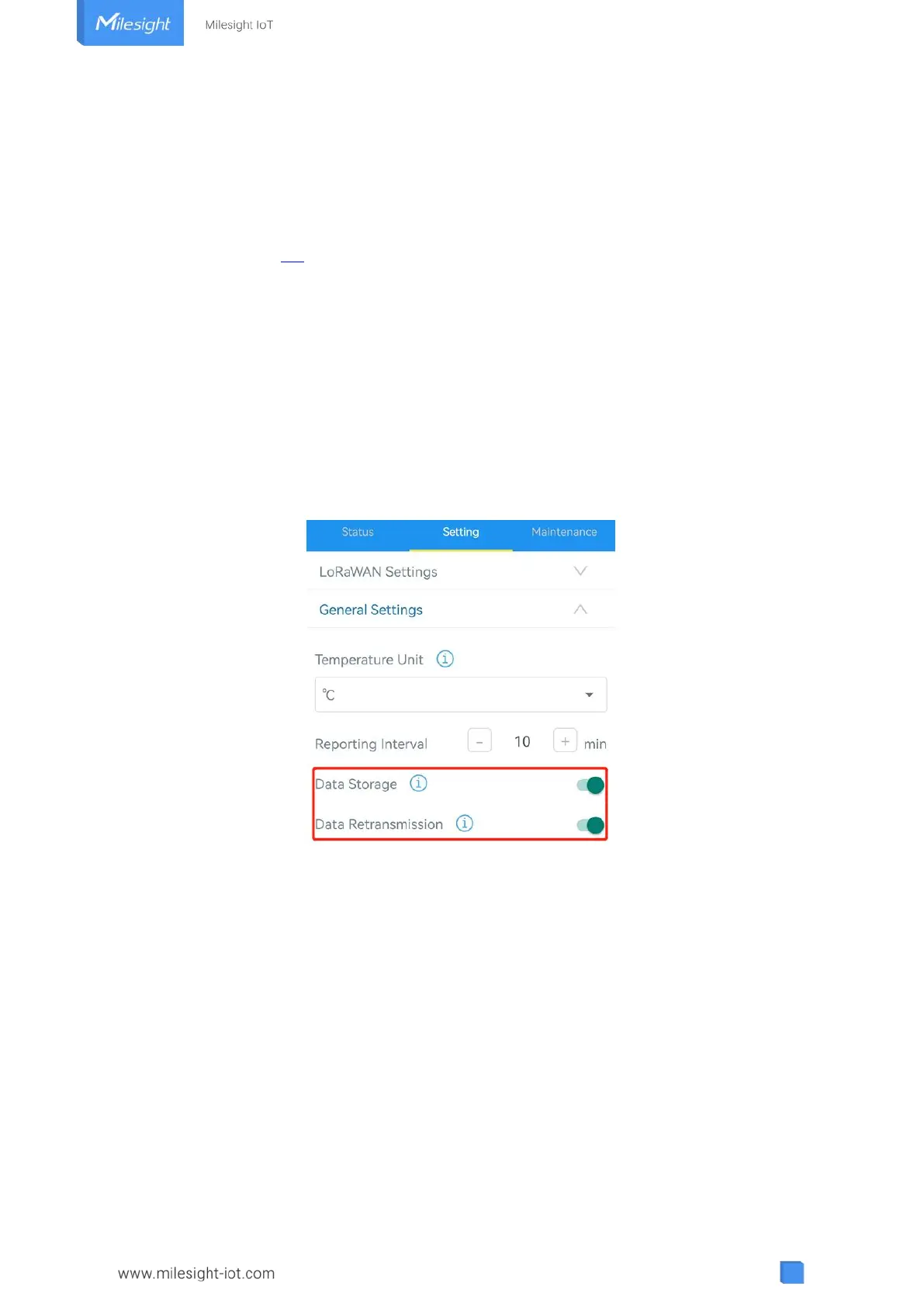
3.4.4 Data Retransmission
EM320-TH supports data retransmission to ensure network server can get all data even if
network is down for some times. There are two ways to get the lost data:
Network server sends downlink commands to enquire the historical data for specifying time
range, see section 5.4;
When network is down if no response from LinkCheckReq MAC packets for a period of time,
the device will record the network disconnected time and re-transmit the lost data after
device re-connects the network.
Here are the steps for data retransmission:
1. Ensure the device time is correct, please use Toolbox software or ToolBox App to sync the
time. If you set LoRaWAN
®
version as 1.0.3 or later, the network server will use MAC commands
to assign the time to device every time when the sensor joins to network.
2. Enable data storage feature and data retransmission feature;
3. Go to “Device -> Settings -> General Settings” of ToolBox App to enable rejoin mode feature
and set the number of packets sent. Take below as example, the device will send LinkCheckReq
MAC packets to the network server at least every 30 mins to check if the network is
disconnected; if there is no response for 8 times (8 * 30 mins = 240 mins =4 hours), the device
will record a data lost time point( disconnection time minus 4 hours).



 To Next Page