Quick Start Guide
www.milesight.com
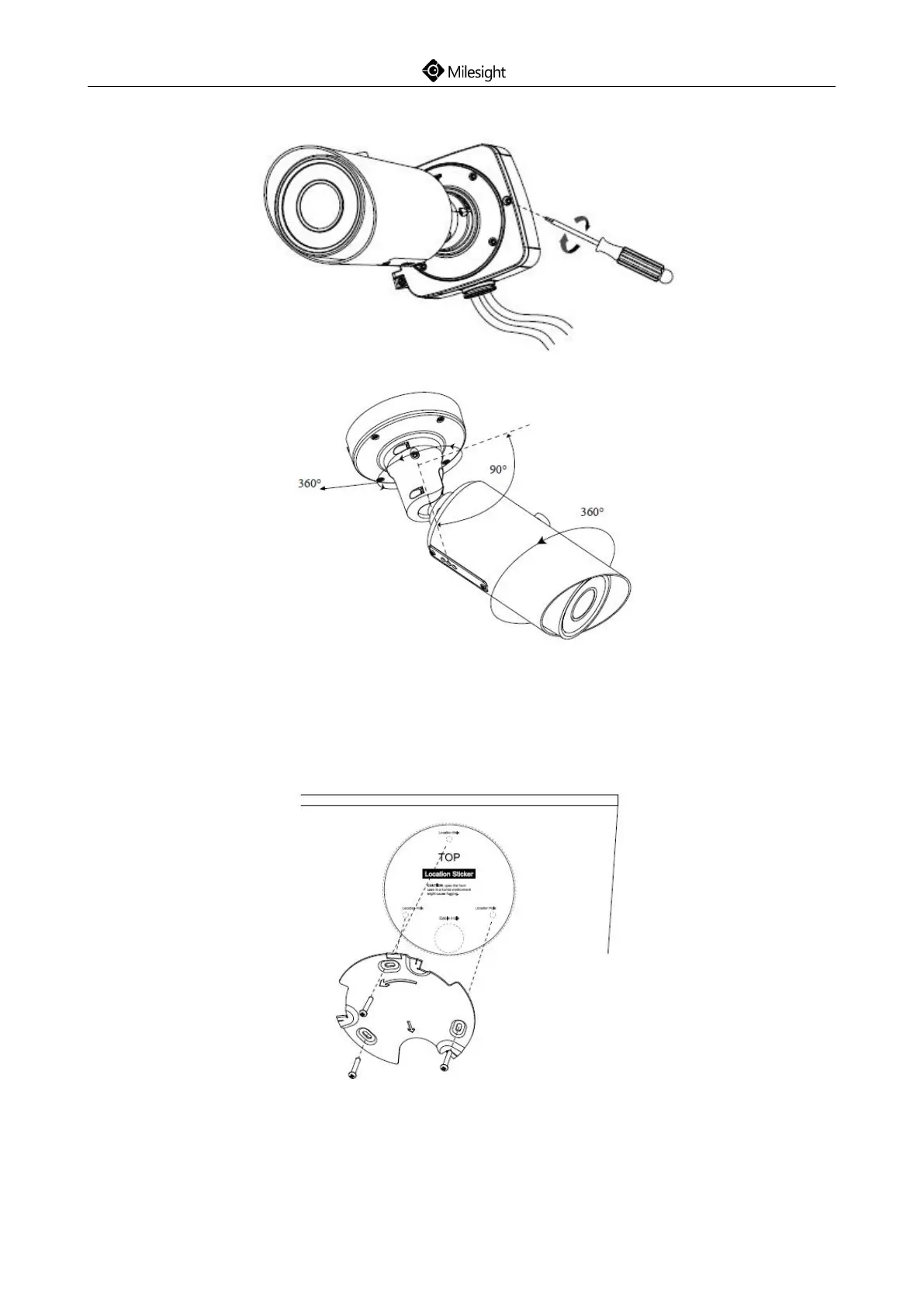
Step4: Connect the cables, install and tighten the rear cover and fasten the bracket to the camera
using 4 plum flower head screws;
Step5: Adjust the shooting direction;
5.7 Pro Dome Network Camera
Step1: Fix a sticker in the position where you want to install your camera. Install the supplied
bracket on the ceiling or wall, secure the screws;











 To Next Page