Quick Start Guide
www.milesight.com
5.9 Speed Dome Network Camera
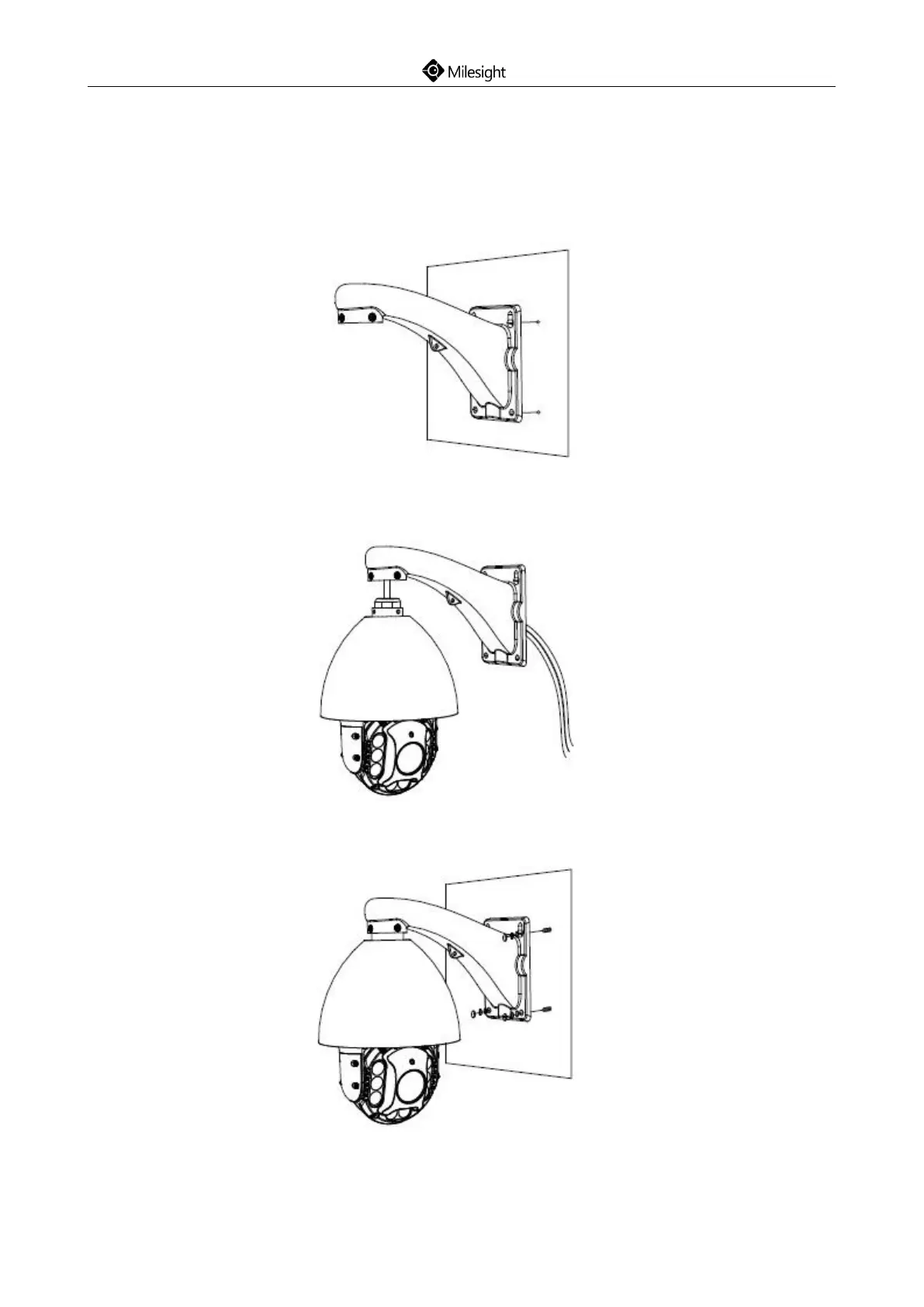
Step1: Check the wall condition, ensure that there is sufficient strength to avoid flaking, the wall
should be able to bear the weight eight times larger than the camera’s;
Step2: Use the wall hanging holder to mark the holes. Drill 4 holes on the wall;
Step3: Put the cables through the holder, match the holder with the camera body screw holes and
secure them;
Step4:The camera body has been installed to the holder, match the holder to the holes on the wall
and secure the screws.











 To Next Page