EasyManua.ls Logo

Milesight UR35 - Connectors and Pinouts; LED Indicators

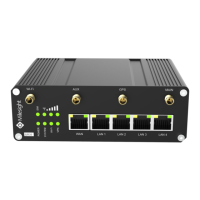
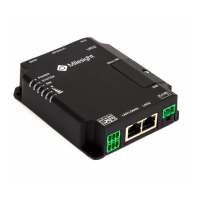
Milesight UR35
14 pages
Print Icon
To Next Page IconTo Next Page
To Previous Page IconTo Previous Page
Loading...
UR35 Quick Start Guide
www.milesight-iot.com
5
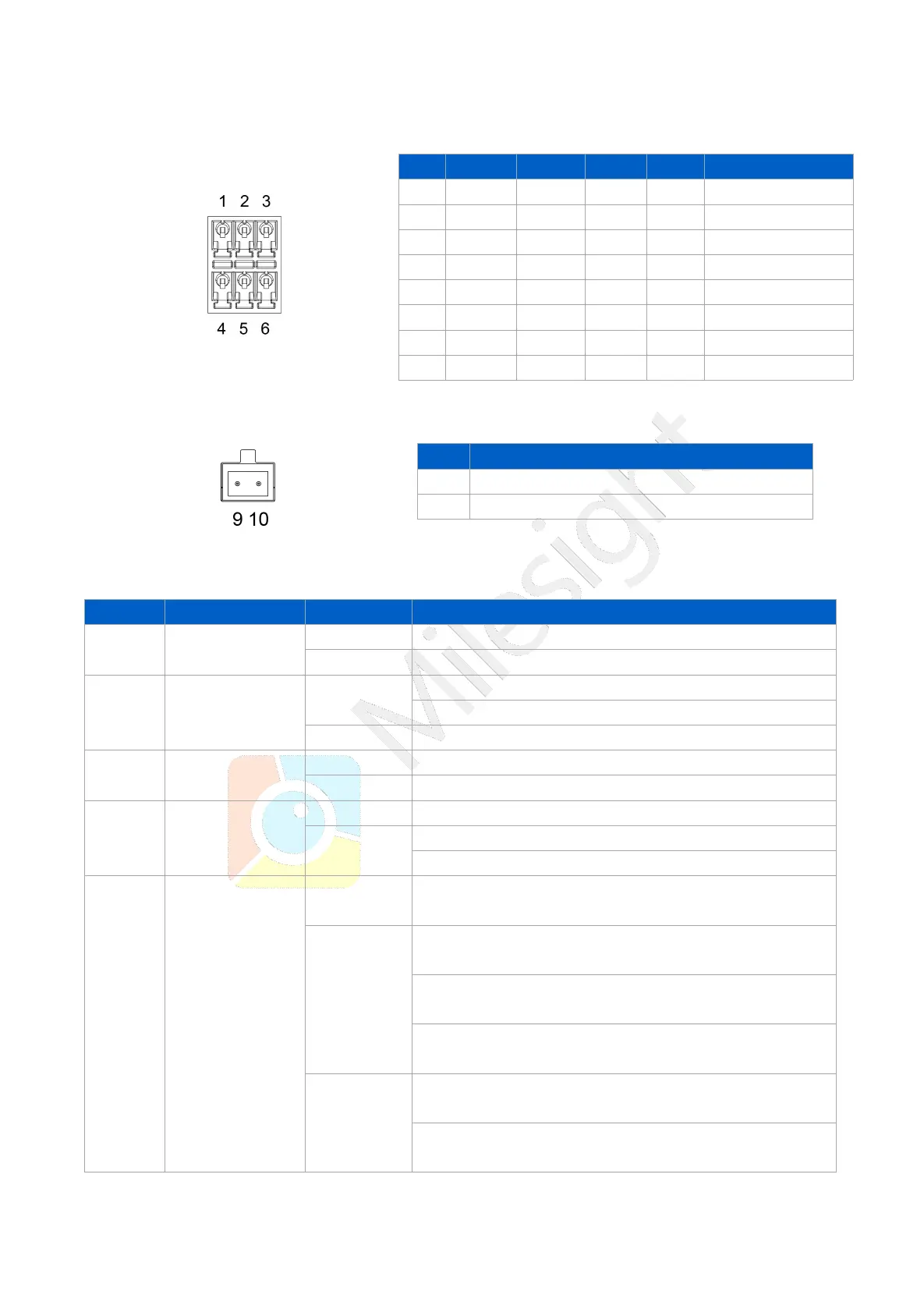
2.3 Connectors
Note: For -RS485 model, RXD--->A, TXD--->B.
2.4 LED Indicators
LED
Indication
Status
Description
POWER
Power Status
Off
The power is switched off
On
The power is switched on
SYSTEM
System Status
Green Light
Static: Start-up
Blinking slowly: the system is running properly
Red Light
The system goes wrong
VPN
VPN Status
Off
VPN is disconnected
Green Light
VPN is connected
Wi-Fi
Wi-Fi Status
Off
Wi-Fi is disabled
Green Light
Static: Wi-Fi is enabled
Blinking slowly: sending or receiving data via Wi-Fi
SIM
SIM Card Status
Off
SIM1 or SIM2 is registering or fails to register (or there
are no SIM cards inserted)
Green Light
Blinking slowly: SIM1 (as primary SIM) has been
registered and is ready for dial-up
Blinking rapidly: SIM1(as primary SIM) has been
registered and is dialing up now
Static: SIM1 (as primary SIM) has been registered and
dialed up successfully
Orange
Light
Blinking slowly: SIM2 (as primary SIM) has been
registered and is ready for dial-up
Blinking rapidly: SIM2 (as primary SIM) has been
registered and is dialing up now

PIN
RS232
RS485
DI
DO
Description
1
---
---
IN
---
Digital Input
2
GND
---
GND
---
Ground
3
---
B
---
---
Data -
4
TXD
---
---
---
Transmit Data
5
---
---
---
COM
Common Ground
6
---
---
---
OUT
Digital Output
7
---
A
---
---
Data +
8
RXD
---
---
---
Receive Data
PIN
Description
9
Positive
10
Negative

Related product manuals