MILESTONE
USER MANUAL
Ethos EZ User manual MA073-006 Sensors and Accessories chapter -24-
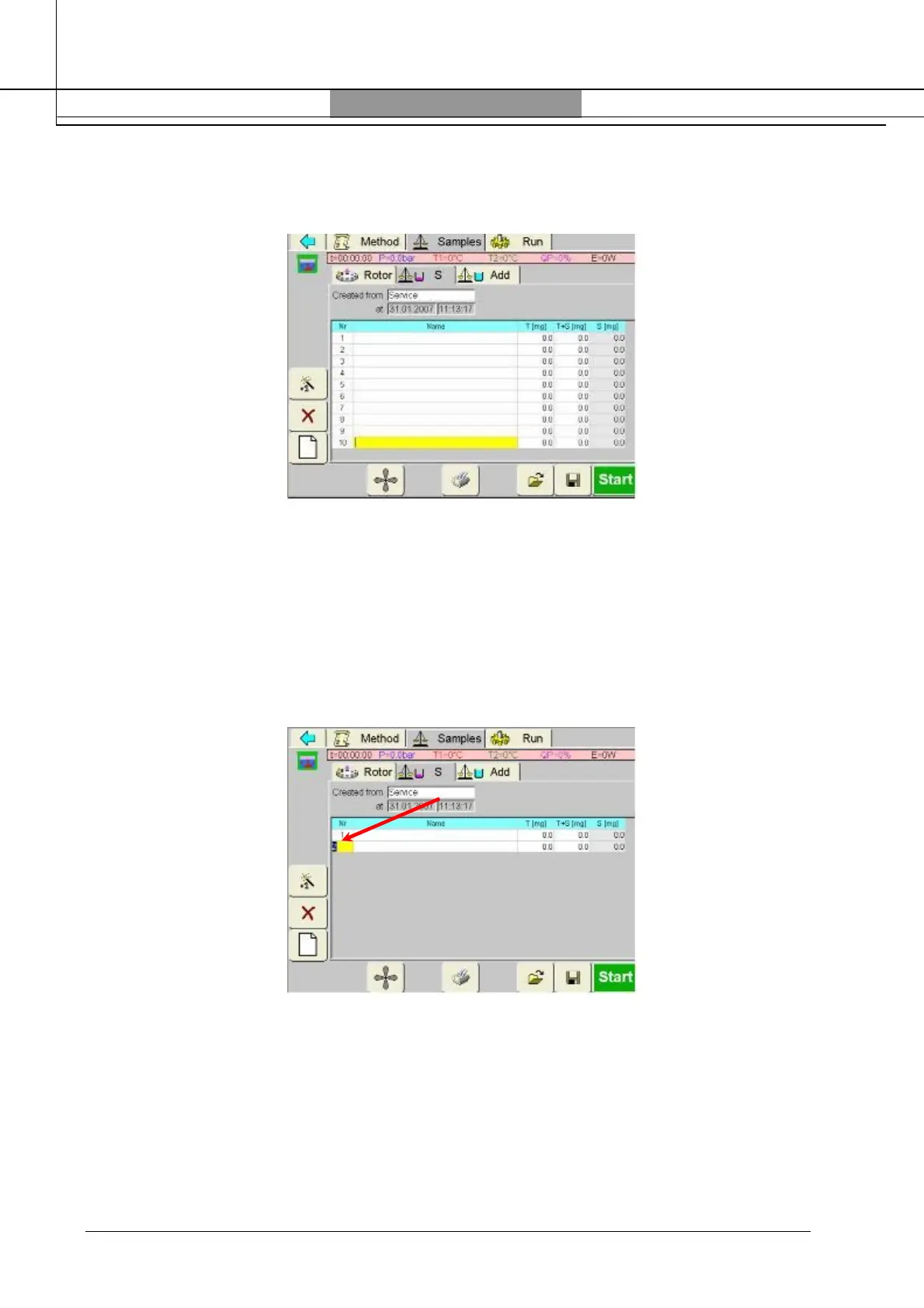
Press the “Magic Wand” icon until the number of vessels present in the carousel is reached, for
instance 10. The Infrared sensor will automatically recognize the position of the vessels and
display the temperature of the vessels during the heating program.
When incomplete rotor is used select only the number of the positions where the vessels are
placed.
Example
Rotor: SK10 (10 positions)
Set the rotor positions to 10.
Press “Samples” and “S”; select the position number 1,5 and 7. Pushing on the number of
vessels (“Nr” column) it is possible to set the positions.



 To Next Page