MILESTONE
USER MANUAL
Ethos EZ User manual MA073-006 Sensors and Accessories chapter -34-
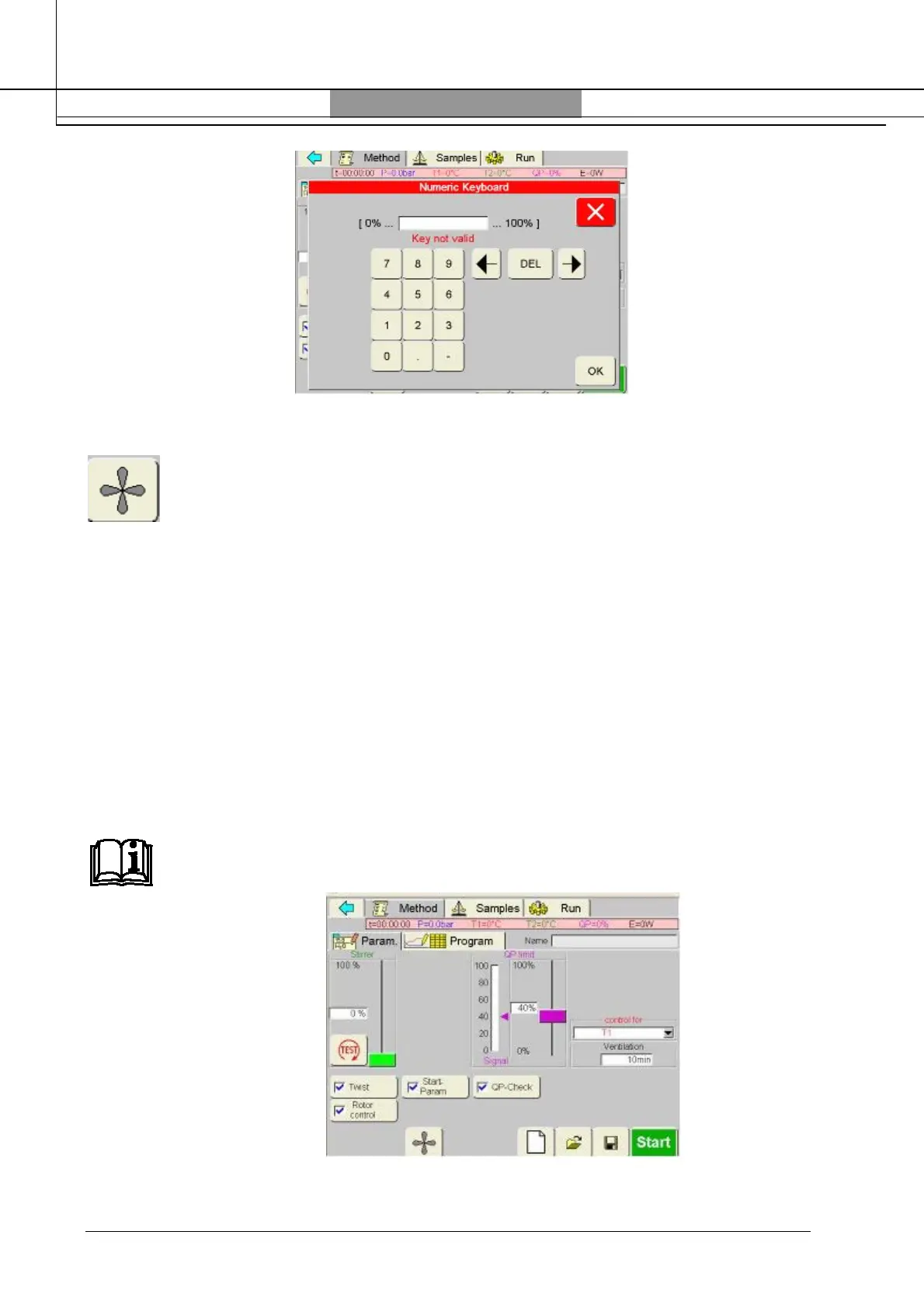
In a new unit leave the ventilation ON, by pressing the ventilation icon:
until the QP goes down to the baseline.
A normal value for the QP baseline is 0-20%, in a lab with high concentration of acid fumes the
baseline could be higher according to the concentration of acid fumes in the laboratory. See the
suggested settings below:
For high sensitivity set the QP limit to 20-30% more than the baseline value
For medium sensitivity: 40-50% more than the baseline value
For low sensitivity: over 50% more than the baseline value
Example:
Baseline value: 12%
High sensitivity setting: 12+20= 32%
Medium sensitivity setting: 12+40= 52%
Low sensitivity setting: 12+60= 72%
NOTE
The set value of QP can be modified according to the customer experience. Milestone
suggests to use the high or medium sensitivity settings



 To Next Page