MILESTONE
USER MANUAL
ETHOS EZ User manual MA073-006 Terminal chapter Page - 69 -
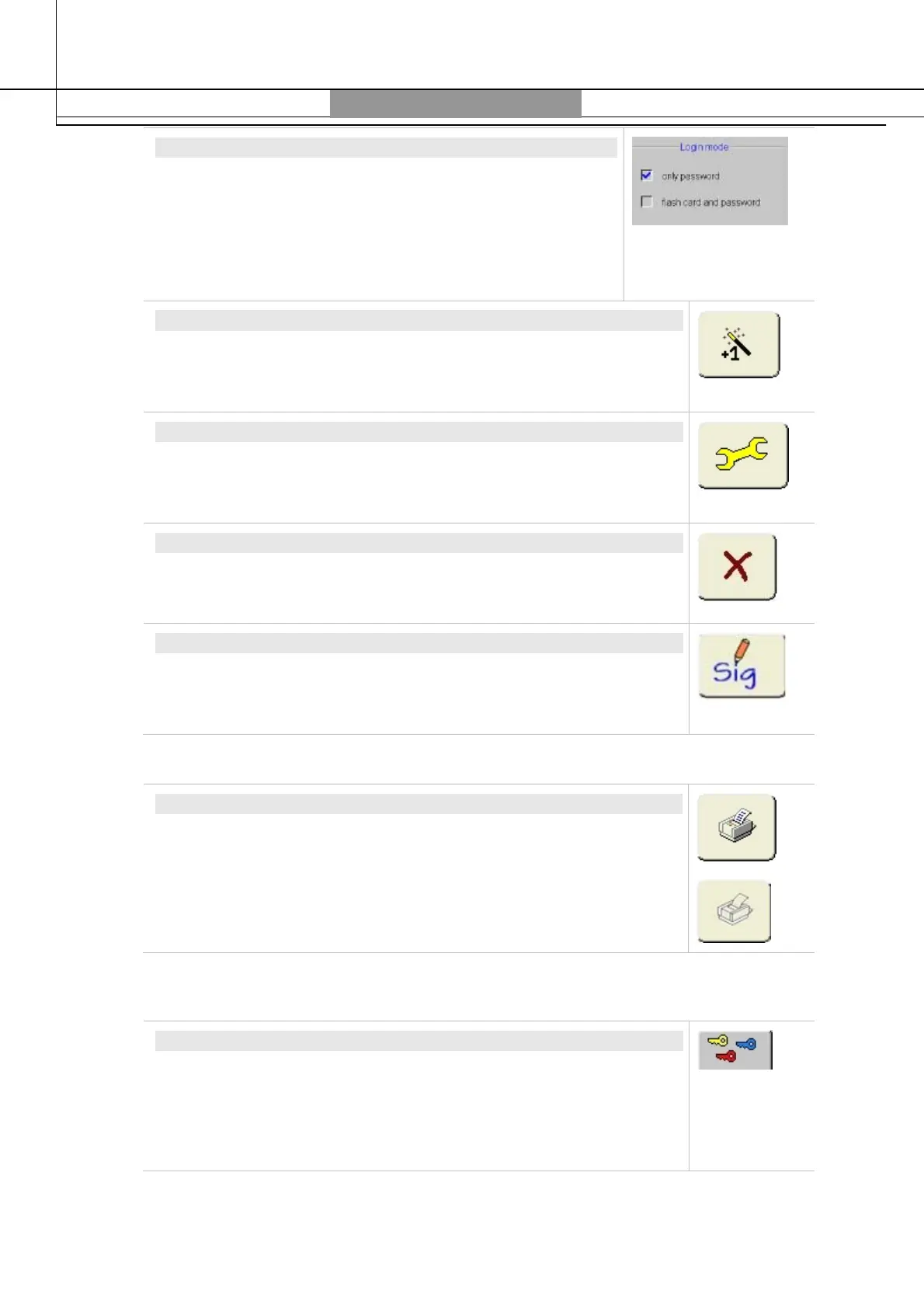
LOGIN MODE
Check marking „
Password only“
, one valid password is
sufficient to log in. Otherwise also a personal USB pen drive
with signature is required. To modify the Login Mode a USB
pen drive with Service Signature (for Service only) is
necessary.
See also Chapter
FDA-21CFR Compliance.
AUTHORIZE NEW USER
The Administrator can authorize additional users (with user access).
A dialogue window will open to enter User Name, Password and
Access rights.
CHANGE PASSWORD
It is possible to change your own password (or a subordinate
password) as well as access rights. Do not use „0“(ZERO) as initial of
a password, as „0“will be ignored.
DELETE USER
The Administrator can delete User (with user access).
FLASH CARD SIGNATURE
The USB pen drive can be provided with a signature (Signature =
User Name of the active user). Pen can be provided with signatures
under own name or subordinate name.
Settings
PRINT
All current settings will be printed out on 2 pages.
If no printer is found or recognized, the icon will show faded.
Selection of Variants
SELECTION OF VARIANTS
Only for Service:
Here are specified the program variants/applications and options.
Administrator can provide a print-out of all settings touching the
print icon (as described below).
System Information



 To Next Page