MILESTONE
GETTING STARTED GUIDE
Ethos EZ User manual MA073-006 Getting started Chapter -2-
Step DESCRIPTION PICTURE
1
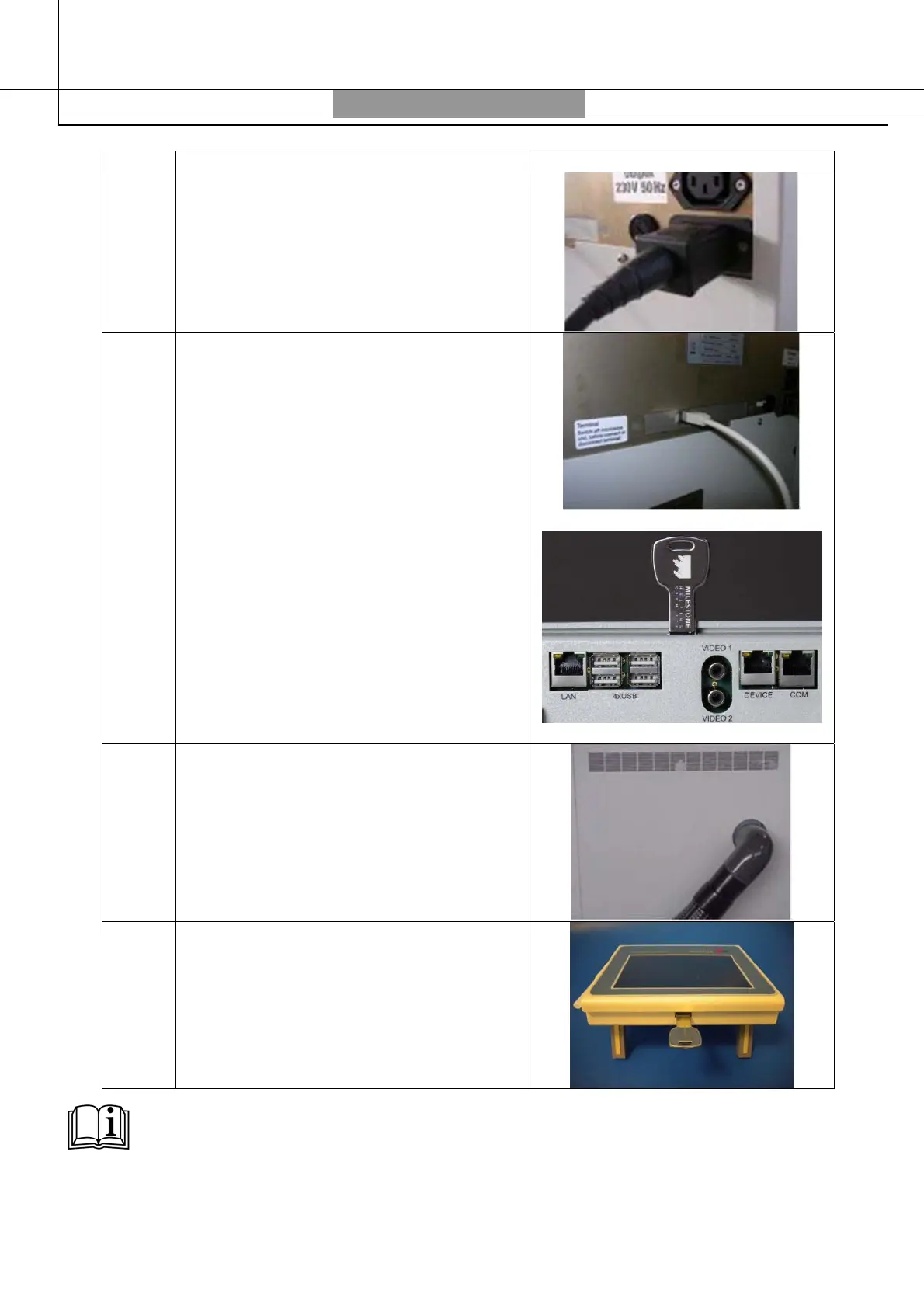
Connect the power cord to the back side of
the unit
2
Plug-in the terminal cable to the back side
of the unit and then to the Terminal
3
Connect the exhaust tube to the unit and
place the opposite side into the fume-hood
(or any connection to it)
4
Place the USB pen drive into the terminal
NOTE
Further information regarding the installation can be found in the ETHOS EZ user manual.



 To Next Page