MILESTONE
USER MANUAL
ETHOS EZ User manual MA073-006 Terminal chapter Page - 75 -
Column M Volume2 [ml] Volume 2 of the added quantity
Column N Addition3 Name of reagent n° 3
Column O Volume3 [ml] Volume 3 of the added quantity
CSV-File:
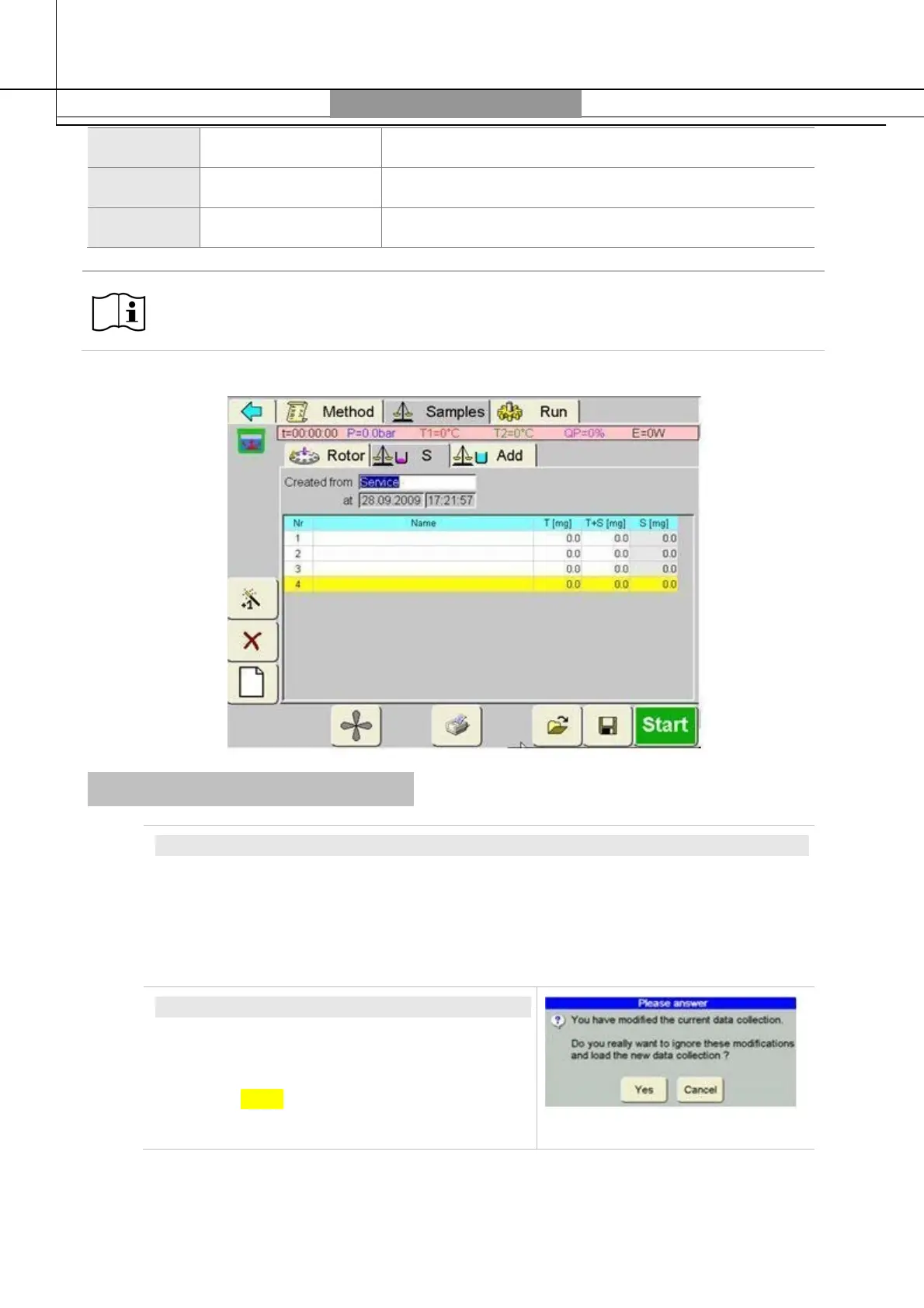
All information reported on CSV-file, comes from the Sample > S and Add windows.
Messages and inquiries
SAFETY INQUIRY
To avoid hasty/involuntary program modifications, in case of any changes a safety
inquiry is posed to the user. If the user implements a program step, to which he is
not entitled or which is not possible, a message appears. Messages are confirmed
with OK.
ERROR MESSAGE
If the software recognizes an error, a small
window with error message will show up. Error
messages are confirmed/answered by activating
the OK or Break box.



 To Next Page