MILESTONE
USER MANUAL
ETHOS EZ User manual MA073-006 Terminal chapter Page - 76 -
SENSOR CHECK
The Sensor Check function is used to detect malfunctioning, not properly installed or defective
temperature sensors. If the Sensor-Check reveals that something is not regular, the process run is
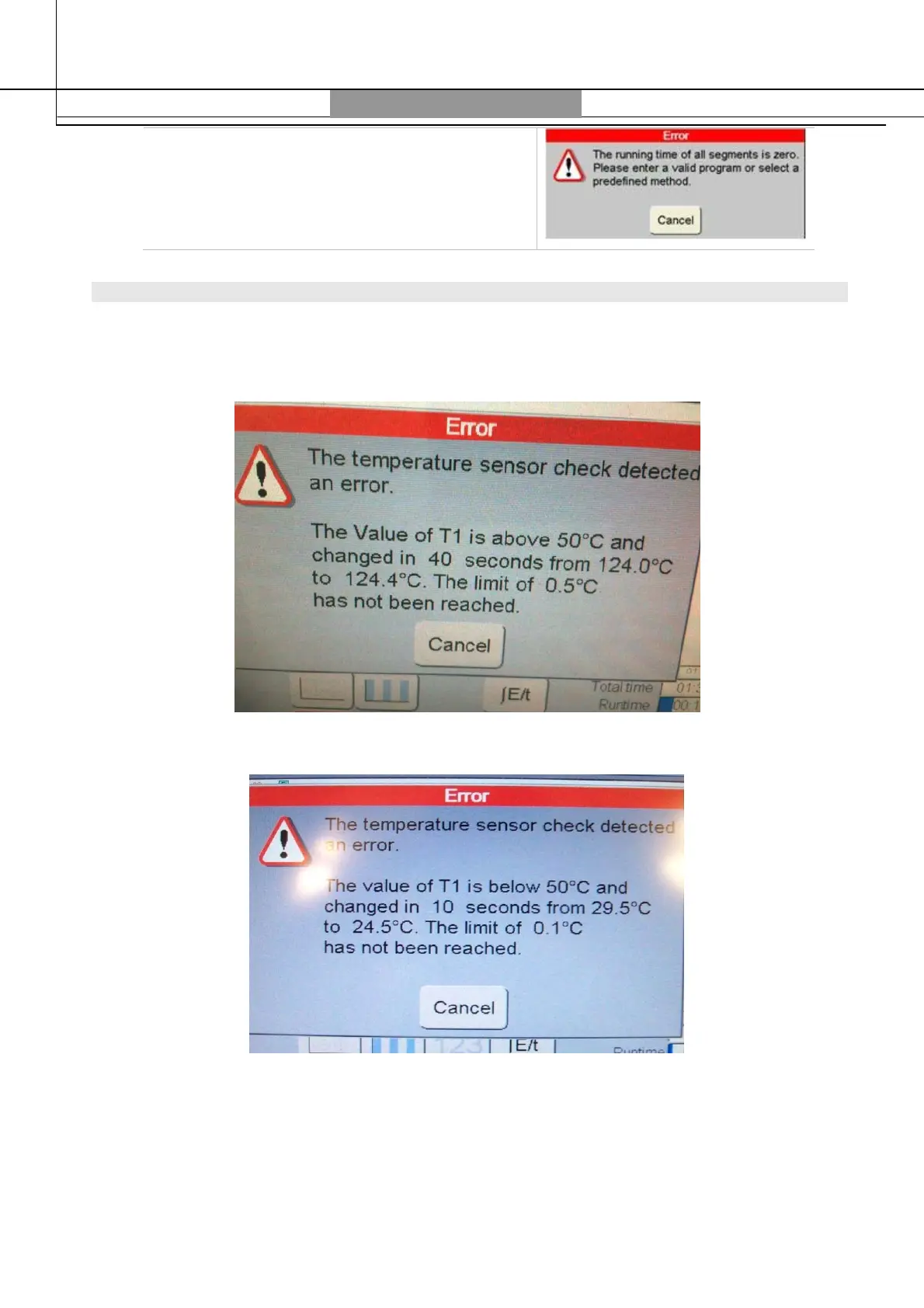
interrupted and an error message is displayed on the screen:
1) Error message that appear when the internal temperature is above 50°C.
2) Error message that appear when the internal temperature is below 50°C
When the sensor check appears, you have to perform the following guidelines:
- the volume inside the reference vessels is not enough for the internal sensor to read the real
temperature; to avoid this inconvenience, you have to use the correct volume of reagents.
- The ATC sensor is not inserted correctly; fix it.



 To Next Page