EasyManua.ls Logo

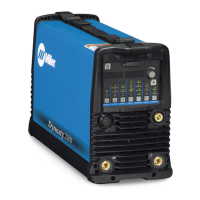
Miller DYNASTY 350 - User Manual

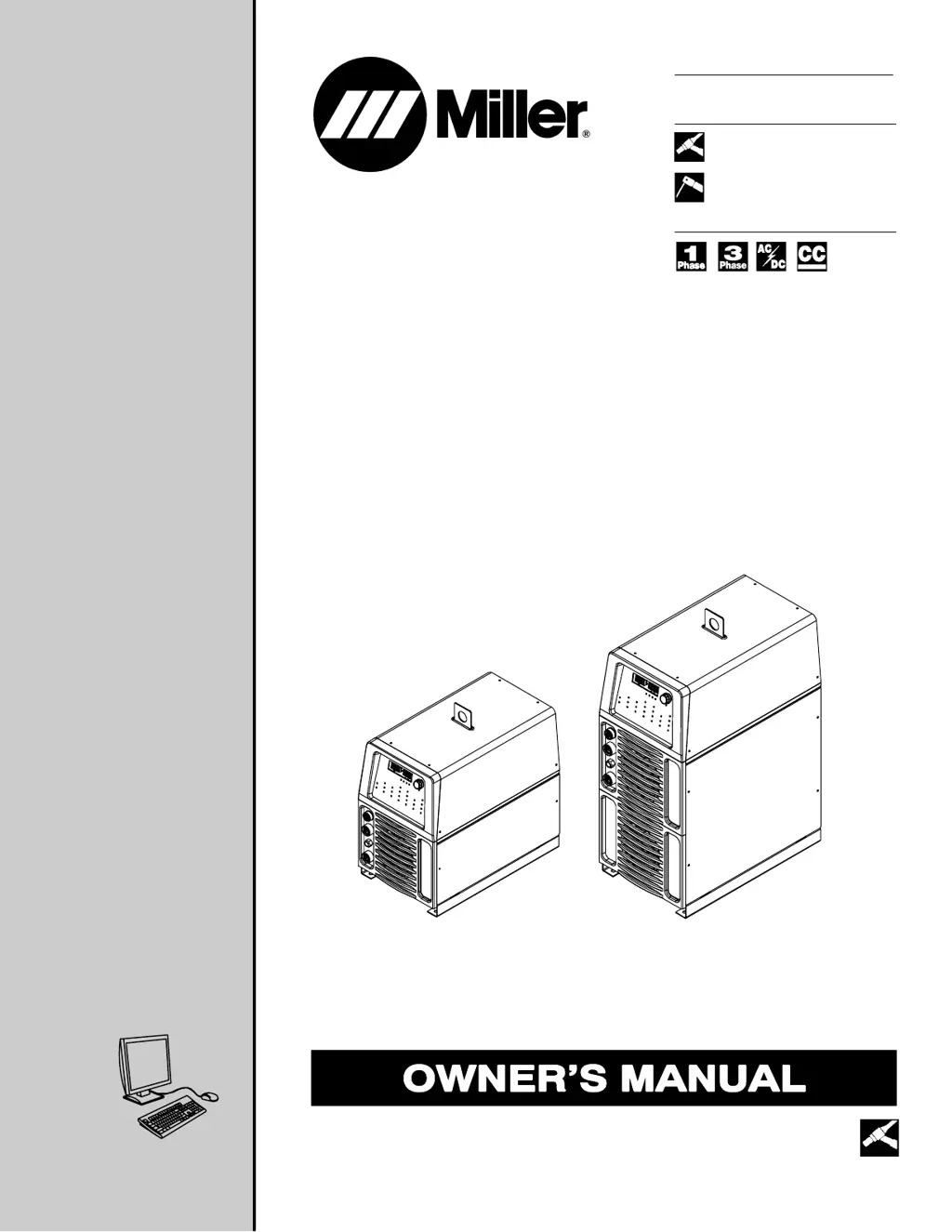
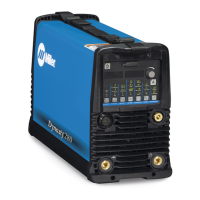
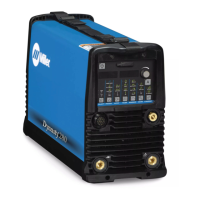
Miller DYNASTY 350
134 pages
Print Icon
To Next Page IconTo Next Page
Loading...
Processes
Description
TIG (GTAW) Welding
Stick (SMAW) Welding
Arc Welding Power Source
OM-216 869G
200802
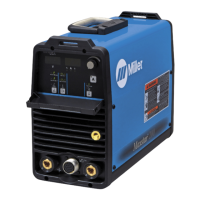
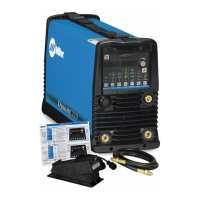
Dynasty 350, 700
208/575 Volt Models W/Auto-Line
Visit our website at
www.MillerWelds.com
Maxstar 350, 700
File: TIG (GTAW)
Including Optional Cart And Cooler

Table of Contents

Questions and Answers

  • R
    Russell HannaJul 26, 2025
    How to fix a Miller DYNASTY 350 with no weld output and is completely inoperative?
    • L
      lewiselizabethJul 26, 2025
      If your Miller Welding System has no weld output and is completely inoperative: 1. Ensure the line disconnect switch is in the On position. 2. Check and replace the line fuses if necessary, or reset the circuit breaker. 3. Check for proper input power connections.
  • A
    Alexander MorrisJul 31, 2025
    Why is the tungsten electrode oxidizing on my Miller Welding System?
    • H
      hoffmanchristinaJul 31, 2025
      If the tungsten electrode is oxidizing and not maintaining its brightness after welding with your Miller Welding System, consider these potential causes: * Shield the weld zone from drafts. * Increase the postflow time. * Check and tighten all gas fittings. * Water in torch. Refer to torch manual.
  • W
    wendy54Aug 4, 2025
    Why is the arc wandering on my Miller DYNASTY 350 Welding System?
    • B
      Becky DonovanAug 4, 2025
      If you're experiencing a wandering arc with your Miller Welding System, try the following: * Use the proper size tungsten. * Use properly prepared tungsten. * Reduce the gas flow rate.
  • R
    Rachel HarrisonAug 8, 2025
    What to do if my Miller DYNASTY 350 Welding System has no weld output but the meter display is on?
    • J
      jesus18Aug 8, 2025
      If the meter display is On but there's no weld output from your Miller Welding System, here's what you can do: * If you're using a remote control, ensure the correct process is enabled to provide output control at the Remote 14 receptacle. * Check, repair, or replace the remote control. * If the unit overheated and [Over][Temp] is displayed, allow the unit to cool with the fan On.
  • D
    dadamsAug 12, 2025
    Why does my Miller Welding System have erratic or improper weld output?
    • R
      Rhonda RodriguezAug 13, 2025
      If your Miller Welding System is producing erratic or improper weld output, consider the following: * Ensure you are using the correct size and type of weld cable. * Clean and tighten all weld and gas connections.
  • M
    Michael BrownAug 17, 2025
    What to do if there is no 115 volts ac output at the duplex receptacle on my Miller DYNASTY 350?
    • D
      Debra LewisAug 17, 2025
      If there is no 115 volts AC output at the duplex receptacle on your Miller Welding System, reset circuit breaker CB1.
  • W
    williamsonjessicaAug 21, 2025
    Why is the fan not operating on my Miller DYNASTY 350 Welding System?
    • K
      kmedinaAug 21, 2025
      The fan on your Miller Welding System is designed to run only when cooling is necessary. However, if you suspect it's not working correctly: * Check for and remove anything blocking the fan movement. * Have a Factory Authorized Service Agent check the fan motor.

Summary

Declaration of Conformity for European Community (CE) Products

Directives and Standards Compliance

Details specific EU directives and international standards the products conform to.

SECTION 1 - SAFETY PRECAUTIONS

Symbol Usage and Arc Welding Hazards

Explains hazard symbols and details risks like electric shock, fumes, fire, and sparks.

Installation, Operation, Maintenance Symbols & Warnings

Covers symbols for installation, operation, maintenance, and regulatory warnings like Prop 65.

Safety Standards and EMF Information

Lists principal safety standards and discusses EMF effects and precautions for medical devices.

SECTION 3 - DEFINITIONS

Warning Label Definitions

Defines warning labels, hazard symbols, and safety precautions.

Manufacturers Rating Labels

Displays rating labels for Dynasty 350/700 and Maxstar 350/700 models.

Symbols and Definitions

Explains symbols used for parameters and functions throughout the manual.

SECTION 4 - INSTALLATION

Specifications and Performance Curves

Covers unit specifications, duty cycle, overheating, and volt-ampere curves.

Location, Dimensions, and Electrical Service

Guides on selecting location, dimensions, Tipping Warnings, and electrical service requirements.

Connecting Input Power

Explains procedures for connecting input power for 350 and 700 models.

SECTION 5 - OPERATION

Control Panel Overview and Basic Functions

Introduces the control panel, encoder, displays, polarity, and process selection.

Advanced Welding Parameters and Controls

Covers output control, pulser, sequencer, gas/DIG, and AC waveshape settings.

Memory, Defaults, and Diagnostics

Explains memory functions, factory defaults, reset procedures, and display readings.

SECTION 6 - ADVANCED FUNCTIONS

Accessing and Basic Advanced Settings

Covers accessing advanced functions, TIG start parameters, and trigger operations.

AC Welding and Process Controls

Explains AC waveshape, amplitude, spot enable, OCV selection, and lockout functions.

SECTION 7 - MAINTENANCE AND TROUBLESHOOTING

Routine Maintenance Procedures

Outlines recommended maintenance tasks for the welding power source and cooler.

Troubleshooting Common Issues

Lists troubleshooting steps for voltmeter/ammeter displays and general operational problems.

SECTION 8 - ELECTRICAL DIAGRAMS

Power Source Circuit Diagrams

Circuit diagrams for Dynasty 350, Maxstar 350, Dynasty 700, and Maxstar 700 models.

Cooler Circuit Diagram

Circuit diagram specific to the optional cooling unit.

SECTION 9 - HIGH FREQUENCY

HF Usage and Installation Requirements

Discusses high frequency usage, processes requiring it, and proper installation.

Incorrect vs. Correct Installation

Illustrates installation errors causing interference and proper installation methods.

SECTION 10 - TUNGSTEN SELECTION AND PREPARATION

Selecting Tungsten Electrode

Provides a chart for selecting tungsten electrode diameter based on amperage and polarity.

Preparing Tungsten Electrode

Details proper grinding techniques for tungsten electrodes to ensure stable arc.

SECTION 11 - TIG WELDING GUIDELINES

Torch Positioning and Movement

Explains correct torch positioning, movement, and tungsten placement for various joints.

SECTION 12 - GTAW TIG WELDING SETUP GUIDES

Typical GTAW Setup Procedures

Details setup procedures for AC and DC TIG welding of aluminum and steel.

SECTION 13 - SMAW STICK WELDING SETUP GUIDES

Stick DCEP Front Panel Setup

Explains the front panel controls and settings for Stick DCEP welding.

SECTION 14 - STICK WELDING GUIDELINES

Basic Stick Welding Procedures

Covers welding procedure, electrode selection, arc striking, and positioning.

Weld Bead Quality and Troubleshooting

Discusses good/poor weld bead characteristics, shape factors, and troubleshooting defects.

SECTION 15 - PARTS LIST FOR 350 MODELS

Main Assembly and Front Panel Parts

Exploded views and parts lists for the main assembly and front panel components.

Internal Component Parts

Exploded views and parts lists for wind tunnels and heat sinks.

SECTION 16 - PARTS LIST FOR 700 MODELS

Main, Front, and Rear Panel Parts

Exploded views and parts lists for main, front, and rear panels of 700 models.

Internal Component Parts

Exploded views and parts lists for wind tunnels and heat sinks.

SECTION 17 - PARTS LIST FOR COOLER

Cooler Main Assembly Parts

Exploded view and parts list for the cooler's main assembly.

SECTION 18 - PARTS LIST FOR CART

Cart Main Assembly Parts

Exploded view and parts list for the cart's main assembly.

Warranty Information

True Blue Limited Warranty Details

Outlines the specific terms and conditions of Miller's True Blue limited warranty.

Miller DYNASTY 350 Specifications

General IconGeneral
BrandMiller
ModelDYNASTY 350
CategoryWelding System
LanguageEnglish

Related product manuals