EasyManua.ls Logo

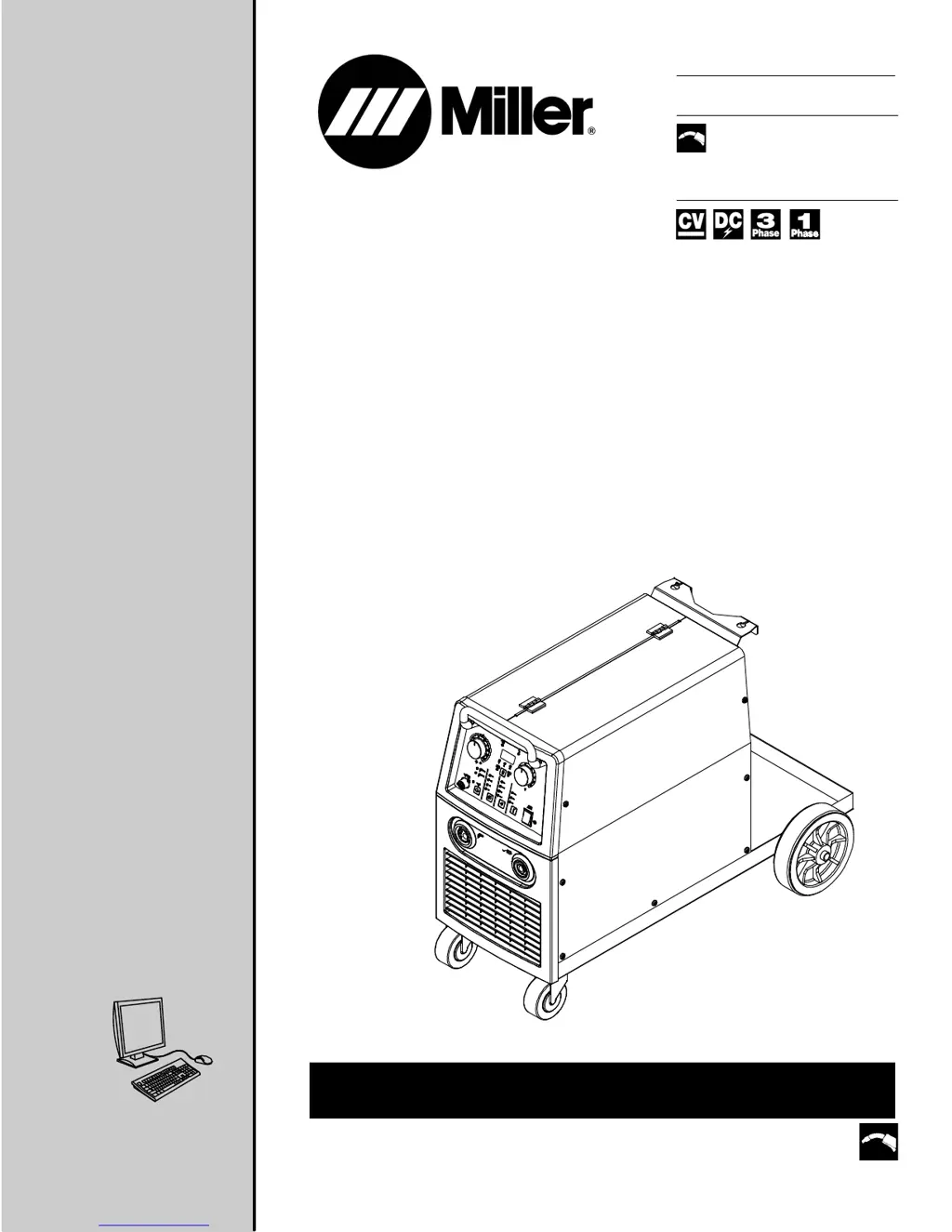
Miller MigMatic 220 - User Manual

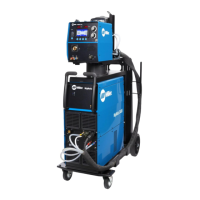
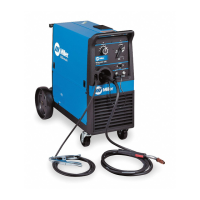
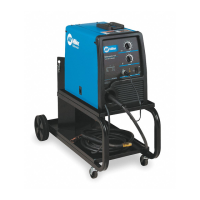
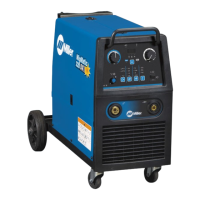
Miller MigMatic 220
56 pages
Print Icon
To Next Page IconTo Next Page
Loading...
OWNER’S MANUAL
Visit our website at
www.MillerWelds.com
Processes
Description
MIG (GMAW) Welding
Flux Cored (FCAW) Welding
Arc Welding Power Source
Wire Feeder
OM-246 691F 2015−06
MigMatic 220/250 Base/DX
R
CE
File: MIG (GMAW)

Table of Contents

Questions and Answers

  • S
    Shane PattonJul 31, 2025
    How to fix Miller MigMatic 220 Welding System when there is no weld output and wire does not feed?
    • A
      Annette YoungJul 31, 2025
      If your Miller Welding System isn't producing a weld and the wire isn't feeding, first ensure the line disconnect switch is On, replace the building line fuse or reset the circuit breaker if open, and reset circuit breaker CB1. Also, secure the gun trigger connections and check the continuity of the power switch S1, replacing it if needed. For further assistance, have a Factory Authorized Service Agent check the main transformer T1, thermostats TP1 and TP2, and the main control board PC1 and their connections, replacing them if necessary.
  • J
    Jaclyn WalshAug 4, 2025
    Why is the wire speed low, high, or erratic on my Miller MigMatic 220?
    • J
      jody94Aug 4, 2025
      If your Miller Welding System experiences low, high, or erratic wire speed, try the following: Readjust the front panel settings. Change to the correct size drive rolls and readjust the drive roll pressure. Replace the inlet guide, contact tip, and/or liner if necessary. Also, check the position of the input jumper links. Rotate the Wire Speed control R1 to a higher setting. If the problem persists, have a Factory Authorized Service Agent check the Wire Speed control R1, the diodes in the main rectifier SR1, and the main control board PC1 and connections, replacing any of these components if necessary. Also, reset circuit breaker CB1.
  • T
    Thomas SantiagoAug 8, 2025
    How to fix low weld output on a Miller MigMatic 220?
    • M
      Mary MillerAug 8, 2025
      If your Miller Welding System has low weld output, connect the unit to the proper input voltage or check for low line voltage. Inspect the input voltage jumper links and correct their position if necessary. Adjust the input line voltage. If the issue persists, have a Factory Authorized Service Agent check the main rectifier SR1 and the voltage switch(s), replacing them if necessary.
  • V
    vpattersonAug 12, 2025
    Why is the weld output low on my Miller MigMatic 220?
    • E
      Emily EvansAug 13, 2025
      If you're getting low weld output from your Miller Welding System, first connect the unit to the proper input voltage or check for low line voltage. Also, check the input voltage jumper links and correct their position if necessary. If the issue continues, have a Factory Authorized Service Agent check the main rectifier SR1 and the voltage switches, replacing them if necessary. You can also adjust the input line voltage.
  • A
    Arthur Harvey DVMAug 16, 2025
    What to do if Miller MigMatic 220 Welding System has no weld output and wire does not feed?
    • J
      jennifer08Aug 17, 2025
      To troubleshoot a Miller Welding System with no weld output and no wire feed, start by ensuring the line disconnect switch is On. Replace the building line fuse or reset the circuit breaker if it's open. Also, reset circuit breaker CB1. Check and secure the gun trigger connections. Verify the continuity of the power switch S1, replacing it if necessary. If these steps don't resolve the issue, have a Factory Authorized Service Agent check the main transformer T1 for winding failure and proper connections, and check the continuity of thermostats TP1 and TP2, replacing them if needed. Finally, have the agent inspect the main control board PC1 and its connections, replacing it if necessary.
  • L
    Leslie SmithAug 21, 2025
    What to do if Miller MigMatic 220 has no weld output but wire feeds?
    • C
      Courtney MartinAug 21, 2025
      If your Miller Welding System has no weld output but the wire feeds, ensure the work clamp is connected to establish good metal-to-metal contact. Replace the contact tip. If an overload condition occurred, address that issue. If the problem persists, have a Factory Authorized Service Agent check the diodes in the main rectifier SR1, the stabilizer Z1, the main transformer T1, and the voltage switch(s), replacing any of these components if necessary.
  • W
    washingtonbrendaAug 26, 2025
    How to troubleshoot low, high, or erratic wire speed on Miller Welding System?
    • A
      Amber CohenAug 26, 2025
      If your Miller Welding System has low, high, or erratic wire speed, readjust the front panel settings and change to the correct size drive rolls. Readjust the drive roll pressure, and replace the inlet guide, contact tip, or liner if necessary. Check the position of the input jumper links and reset circuit breaker CB1. Rotate the Wire Speed control R1 to a higher setting. For further assistance, have a Factory Authorized Service Agent check the Wire Speed control R1, the diodes in the main rectifier SR1, and the main control board PC1 and connections, replacing them if necessary.

Summary

Section 1 - Safety Precautions - Read Before Using

1-2. Arc Welding Hazards

Details various hazards associated with arc welding and necessary precautions.

Fumes and Gas Hazards

Hazards related to welding fumes and gases and protective measures.

Arc Rays and Skin Hazards

Risks from arc rays and necessary eye and skin protection.

Fire and Explosion Hazards

Fire and explosion risks during welding and preventative actions.

Gas Cylinder Safety

Hazards of compressed gas cylinder damage and safe handling procedures.

Section 3 - Specifications

Section 4 - Installation

4-5. Electrical Service Guide

Recommendations for electrical service, including wire sizing and fuse ratings.

4-6. Connecting Input Power (1-Phase and 3-Phase)

Detailed instructions for connecting the unit to 1-phase and 3-phase input power.

4-8. Threading Welding Wire And Adjusting Pressure Roll Tension

Procedures for threading welding wire and adjusting pressure roll tension for optimal feeding.

Section 5 - Operation

5-1. Controls For MigMatic 220;250

Identifies and describes the controls on the MigMatic 220/250 front panel.

5-3. Controls For MigMatic 220 DX; 250 DX

Details the controls specific to the MigMatic 220 DX and 250 DX models.

5-5. Welding Power Source Input Line Voltage Adjustment (DX Models Only)

How to adjust input line voltage for DX models to ensure proper operation.

5-6. Welding Power Source Setup Menu (DX Models Only)

Navigating the setup menu for DX models to configure welding parameters.

5-12. Selecting Manual MIG Welding (DX Models Only)

Guide to selecting and using manual MIG welding mode.

Section 6 - Maintenance & Troubleshooting

6-4. Troubleshooting

A comprehensive guide to diagnosing and resolving common welding equipment problems.

Section 7 - Electrical Diagrams

Section 8 - Parts List

Warranty

Miller MigMatic 220 Specifications

General IconGeneral
Welding Amperage Range30 - 220 A
Duty Cycle (at 200 A)40%
Input Power230 V, 1-Phase, 50/60 Hz
Weight47 kg
ProcessesMIG
Wire Diameter0.6-0.9 mm
Wire Feed Speed Range50-700 ipm
Wire Size Range0.6-0.9 mm

Related product manuals