Using the SDS
SDS 200 - SDS 350 9
Chapter 3 USING THE SDS
3-1 DEFAULT SETTING
When using a SDS 200 or SDS 350 without pump, the default program setting is in the Water Purification System. It allows you
to run the SDS without any pre-settings during the Installation procedures. The SDS is a “plug and play” system device.
For a SDS with a pump, please read the procedures below for programming the pump running times.
3-2 PROGRAMMING THE SDS
HOW TO GET IN THE DIST SETUP MODE
The DIST SETUP Menu shows you all the SDS functions.
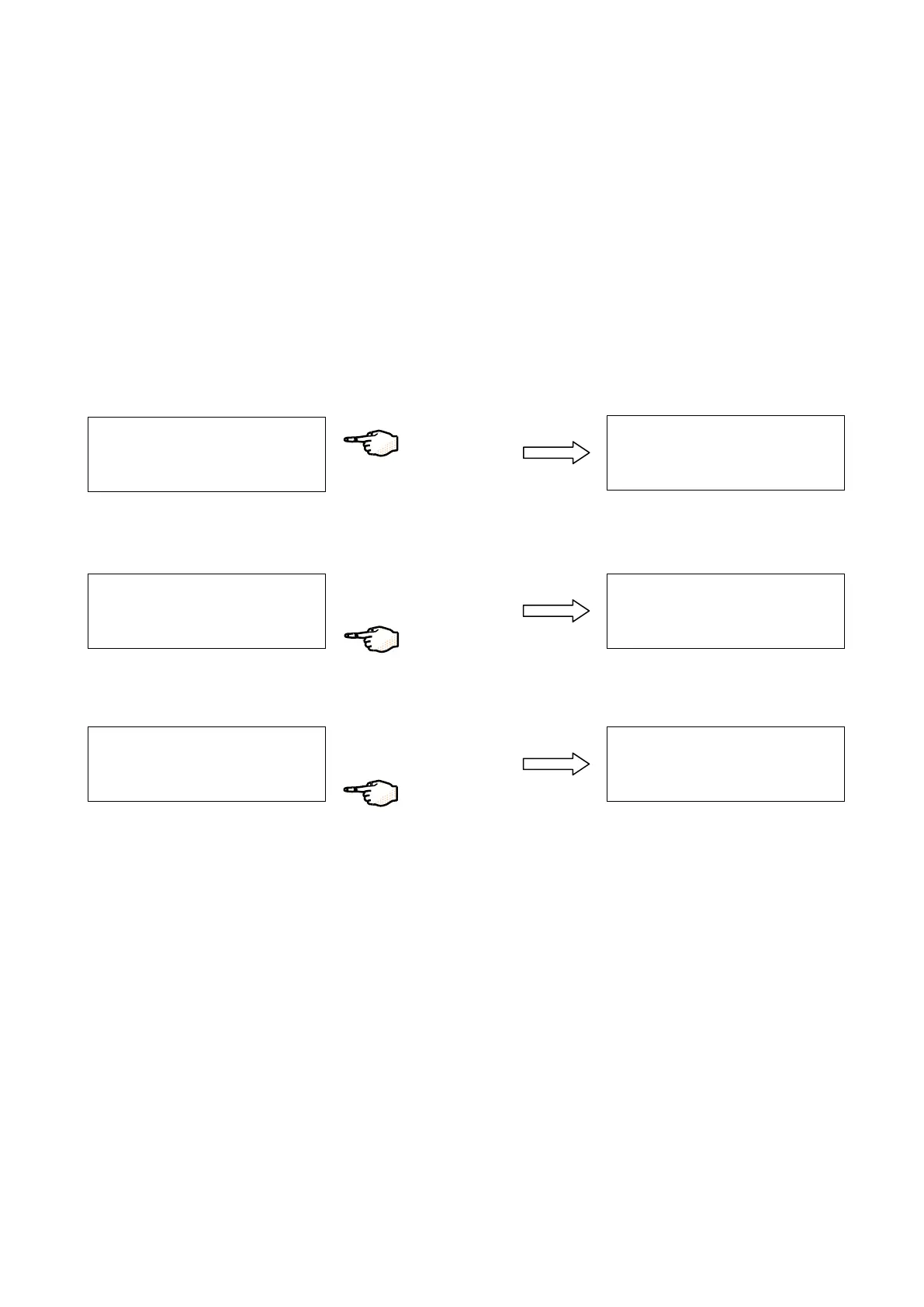
Press on SETUP. You are in SETUP Menu.
S
E
T
U
P
U
N
I T S
T
° C
O
M
P
Press on “”.
S
E
T
U
P
U
N
I T
S
T °
C
M
P
→
S
E
T
U
P
D
I S
T
O
D
E
D
I S
T
P
R
O
G
A
S
C
Y
C
L E
Press on “”. DIST SETUP Menu.


 To Next Page