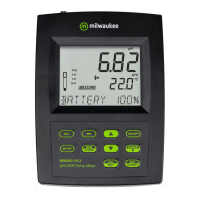
20 MW150 & MW151 Bench Meters
7. SETUP
To configure the meter settings, modify default values or set measurement parameters:
y Press SETUP to enter (or exit) Setup mode.
y Use keys to navigate the menus (view parameters).
y Press CAL/EDIT to enter Edit mode (modify parameters).
y Press RANGE/ key to select between options.
Use keys to modify values (value being modified is displayed blinking).
y Press GLP/ACCEPT to confirm and save changes (ACCEPT tag is displayed blinking).
y Press ESC (or CAL/EDIT again) to exit Edit mode without saving (return to menu).
7.1 . GENERAL SETUP
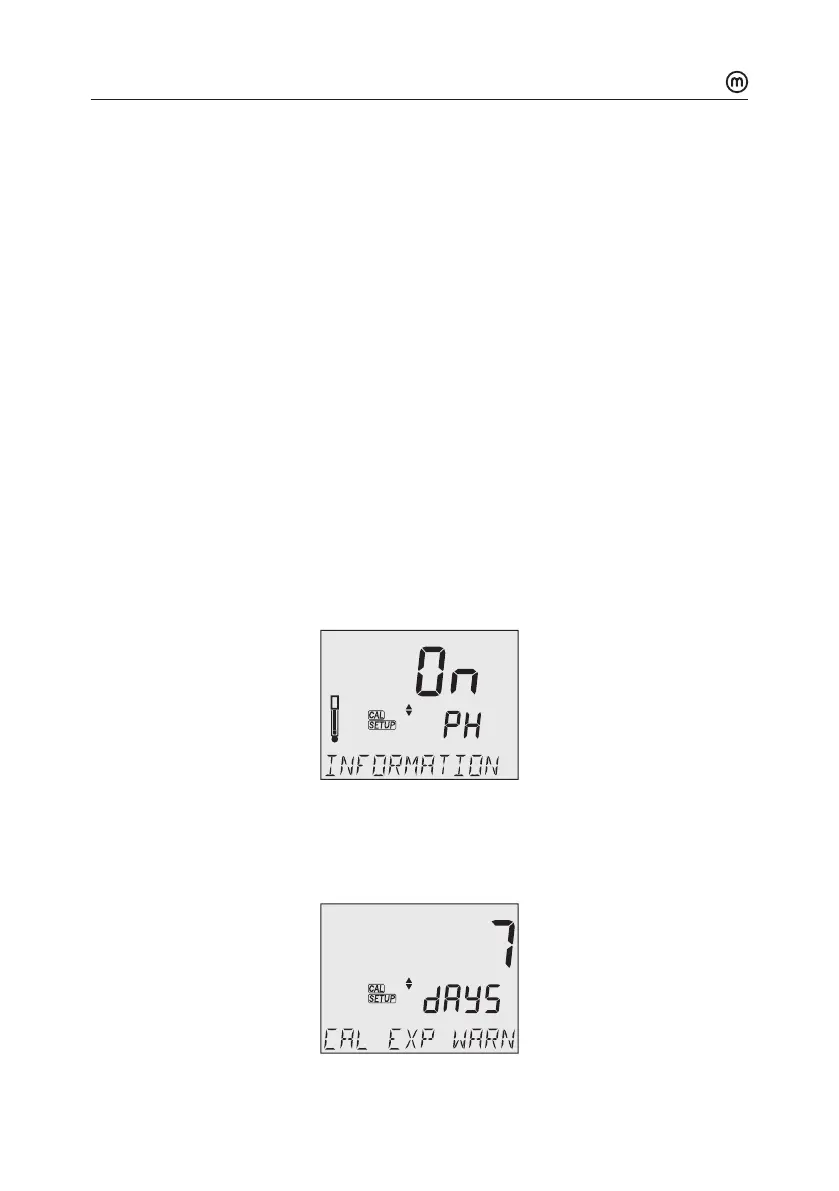
pH Information
Options: On (default) or O (disabled)
Use keys to select.
Displays pHbuer calibration information. When enabled, the electrode symbol displays
the electrode condition (MW151 only).
pHmV
NO MTC ATC
AUTO
HOLD
SLOPE
CLEAR
CAL
1.68
4.01
6.86
7.01
9.18
10.01
12.45
CUST1
CUST2
DATE
ACCEPT
ºC
ºF
pH
mV
TIME
Calibration Expired Warning
Options: 1 to 7 days (default) oro
Use keys to select the number of days since last calibration has elapsed.
pHmV
NO MTC ATC
AUTO
HOLD
SLOPE
CLEAR
CAL
1.68
4.01
6.86
7.01
9.18
10.01
12.45
CUST1
CUST2
DATE
ACCEPT
ºC
ºF
pH
mV
TIME



 To Next Page