FUNCTIONAL & DISPLAY DESCRIPTION 9
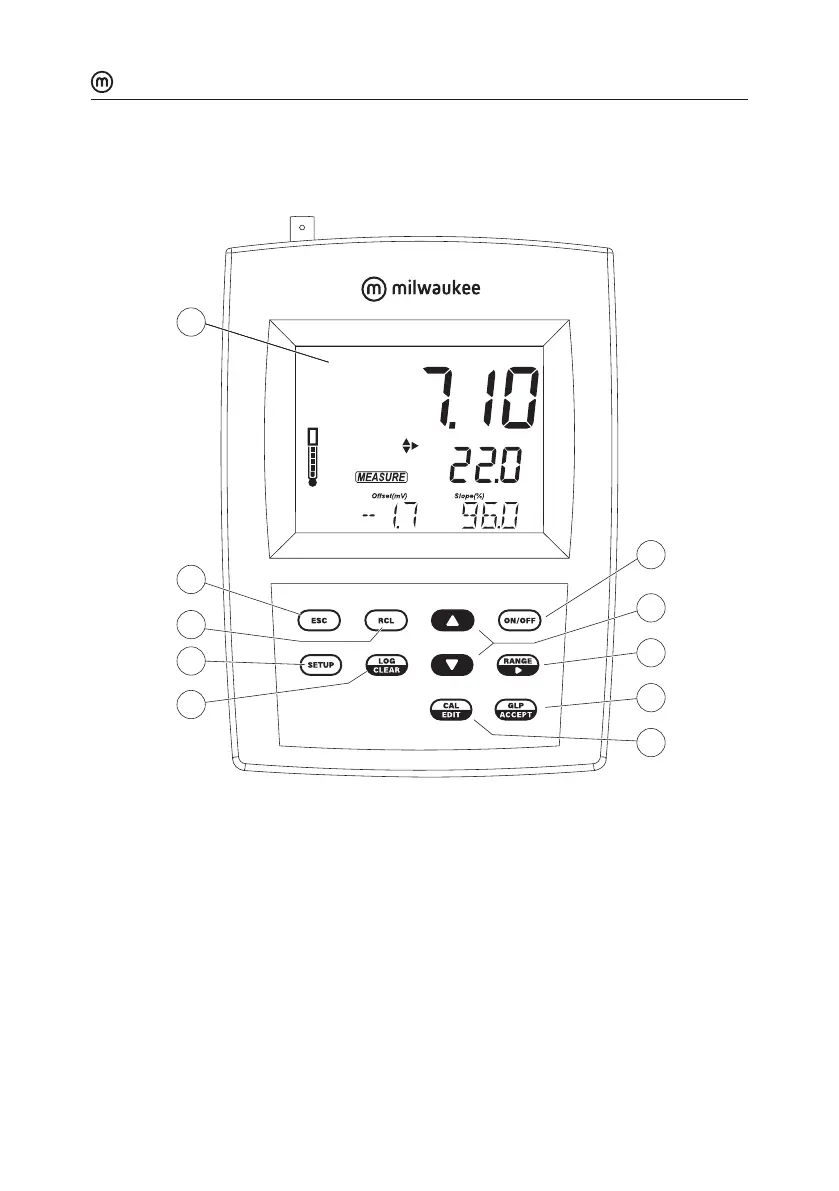
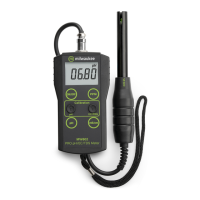
Front Panel MW151
MW151 MAX
pH/ORP/Temp Meter
pH
ATC
CAL
4.01
7.01
10.01
ºC
1
2
3
4
5
6
7
9
8
10
1. Liquid Crystal Display (LCD)
2. ESC key, to exit current mode
3. RCL key, to recall the logged values
4. SETUP key, to enter setup mode
5. LOG/CLEAR key, to log the reading or to clear calibration or logging
6. ON/OFF key
7. directional keys for menu navigation, select setup parameters and calibration
buers
8. RANGE/ key, to select setup parameters and toggle between measurement units
9. GLP/ACCEPT key, to enter GLP or to confirm selected action
10. CAL/EDIT key, to enter/edit calibration settings, edit setup settings



 To Next Page