- 5 -
Shutdown
Record
Shutdown record
01/04 (Fault serial number/ Fault total number)
Emergency Stop (Fault reason)
08-06-03/11:26:38 (Fault time)
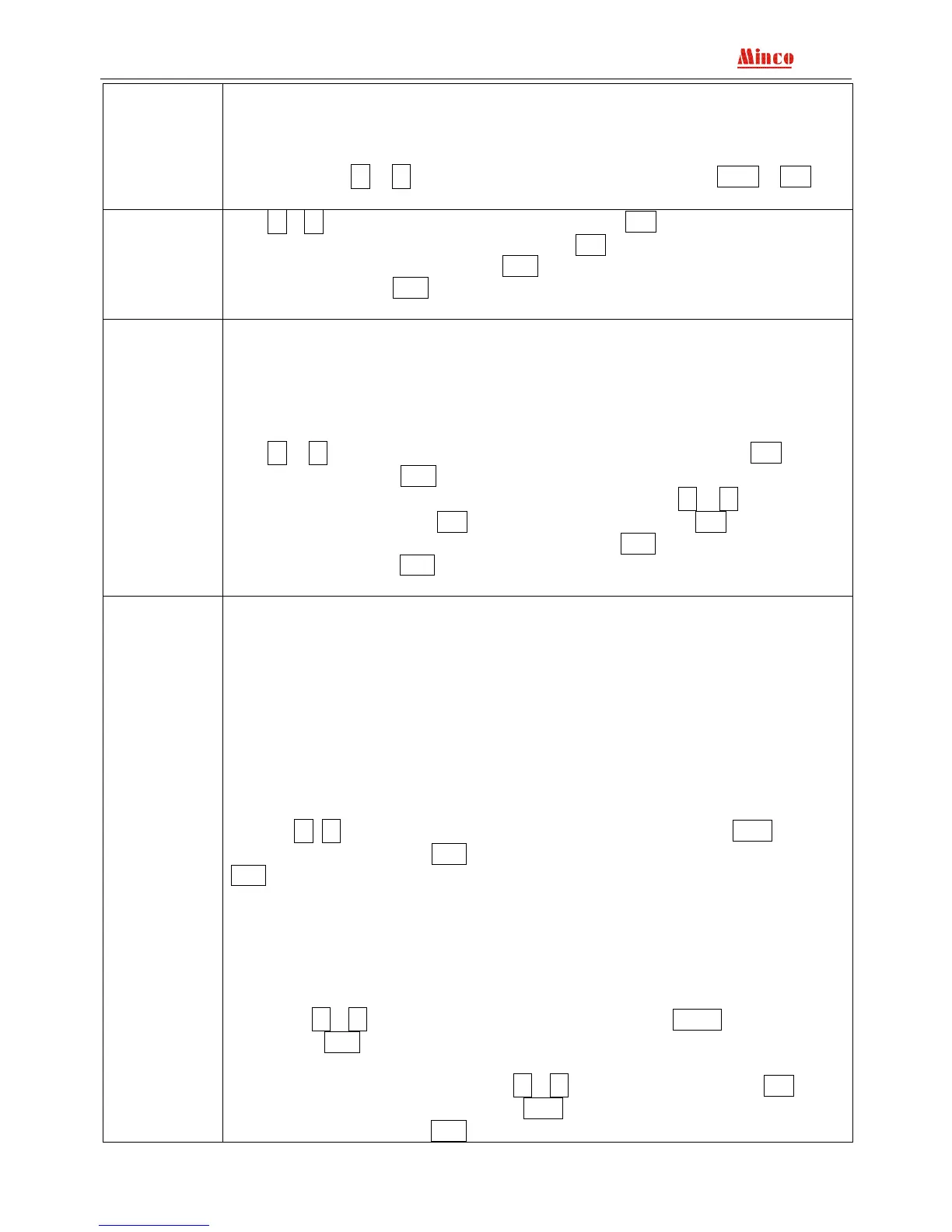
Attention: Press+ , -, display up and down fault record; Press ENT or Exit will
be exit.
Date and time
set
Press+、- to change the reverse display data; Press Exit reverse display move to
the left, move to the first position then press Exit then back to the superior menu,
date and time will not changed; Press ENT reverse display move to the right, move to
the last position press ENT then back to the superior menu, date and time have been
changed.
Alarm limit
set
Default setting:
High Voltage: 0250 High oil temp. : 0100 High acceleration: 1550
Low Voltage: 0200 Low battery: 0105 Low deceleration: 0800
High current: 0450 High frequency: 0530
High Coolant temp. : 0096 Low frequency: 0470
Low oil pressure: 0050 High speed: 1650
Press+ , - choose content and the content reversed display; Press Exit back to
superior menu; Press ENT, enter choosing parameter setting state, the selected
parameter is underline, enter the parameter setting state, press+ , - to change the
reversed display data; Press Exit move to the end of left, press Exit and back to the
superior menu, parameter will be not changed; Press ENT reversed display move to
the end of right, press ENT and back to the superior menu, parameter changed and
saved.
Measure
regulate
Password: 8421(default password of the factory)
Current A: 0000 Normal A: 0000
Current B: 0000 Normal B: 0000
Current C: 0000 Normal C: 0000
Generator A: 0000 Coolant temp. : -----
Generator B: 0000 Oil pressure: -----
Generator C: 0000 Oil temp./Fuel level: -----
Battery voltage:0120
Attention:Coolant temp. ,oil pressure and oil temp./fuel level adjusting value are
relevant to the real measuring error.
Password authentication input method
Press+、- ,Exit when the selected content move to the end press Exit and back
to the superior menu;Press ENT move to the end of right, enter the password press
ENT then get through the next menu.
Users according the error value of the controller measuring data and the real data
to decide whether you need to data adjust. The controller already adjusted before leave
factory, but it may be some warp in the use environment, if the warp is in the error
range, we suggest not adjusting the data, especially the three phases current. If the
error over too much and need to adjust, please read the <MINCO 820B Genset
controller adjustment instruction>.
Press +、- choose content reversed display, press Exit back to superior
menu; Press ENT enter to choose data adjustment state, and the adjusting parameter
underline.
Enter to data adjusting state, press+、- to change the data, press Exit cursor
turn left, when move to the end, press Exit then back to the superior menu, data
adjustment in valid;Press ENT cursor turn right, move to the fourth position press


 To Next Page