83
9-5. 4 steps comparator mode 1
In 4 steps comparator mode, maximum four comparison values and measured value can be
compared and output the results. Please set SQ function, SQF-01 to [2] to use this mode.
The setting value of each brand number of 4-steps comparator mode can be set by switching F-20:
Comparator brand setting target. (Targeted function is from F21 to F26.)
Renewing the output of each comparator is synchronizing with A/D sampling.
9-5-1. Operation on comparator S1, S2, S3 and S4
Each operating condition of the comparator mode for S1, S2, S3 and S4 is selectable from [Set value
or more] and [Set value or less].
These selections are executed in the Function mode (F-22).
Default of S1, S2, S3 and S4 is all set to [Set value or more].
・ Depending on operational selection for comparator, ON/OFF condition for each output may differ. If
wrong mode is selected, ON/OFF condition for output becomes inadequate and it may cause an
unexpected accident due to malfunction on peripheral instruments, so care should be taken fully.
・ The set point of S1, S2, S3, and S4 becomes common with four steps comparator modes 1 and four
steps comparator modes 2.
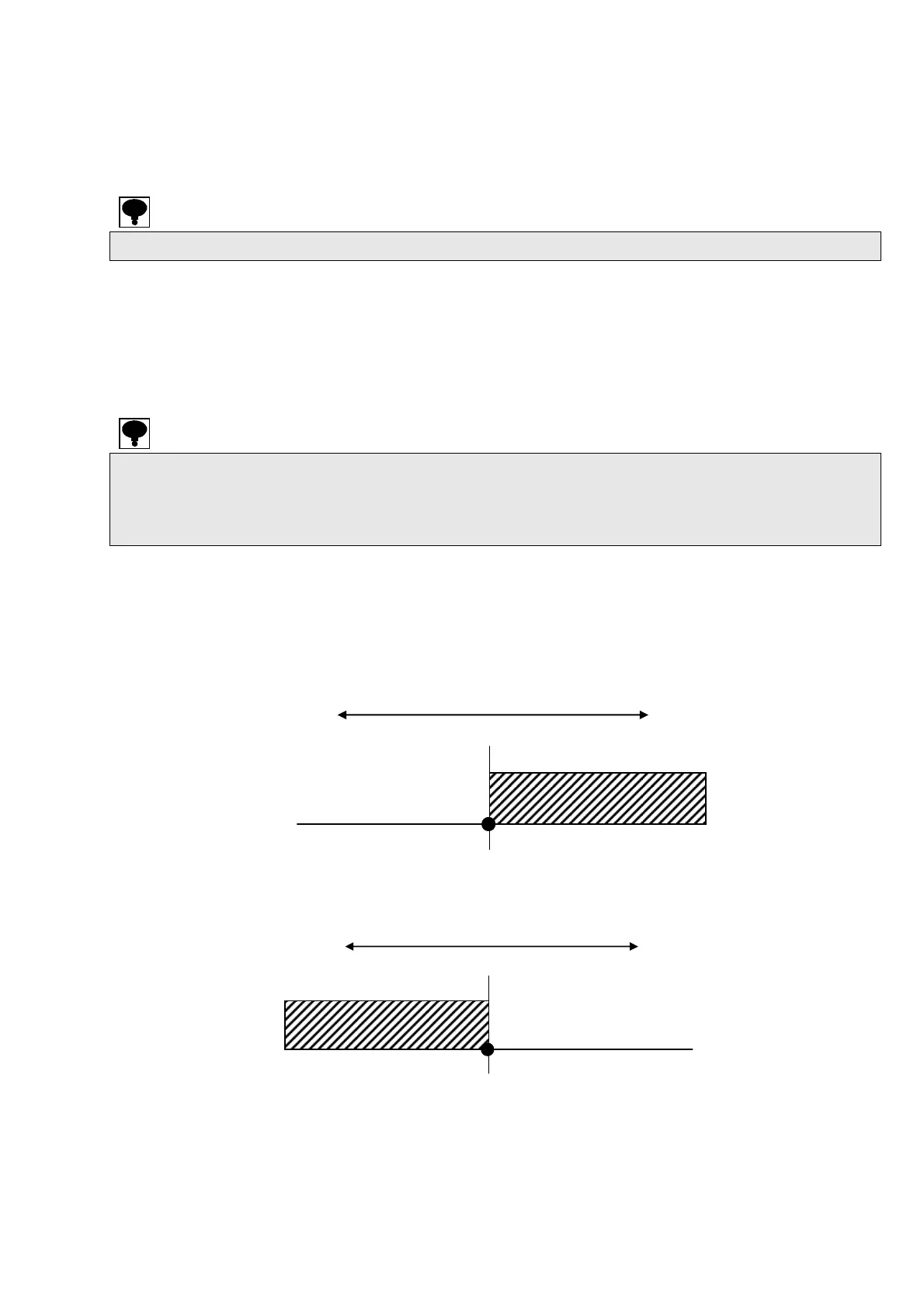
As for sample at S1, the operation at comparison value for every comparative target and also the
operation of output will be shown as follows:
Same are the case of S2, S3 and S4.
(1) [Set value or more] is selected.
S1 output turns ON at S1 set value≦Comparison value
(2) [Set value or less] is selected.
S1 output turns ON at S1 set value≧Comparison value
Comparative target (large)
comparative target (small)
S1 output ON
S1 output OFF
S1 set value
comparative target (small)
S1 set value
comparative target (large)
S1 output ON
S1 out
ut OFF


 To Next Page
 Loading...


