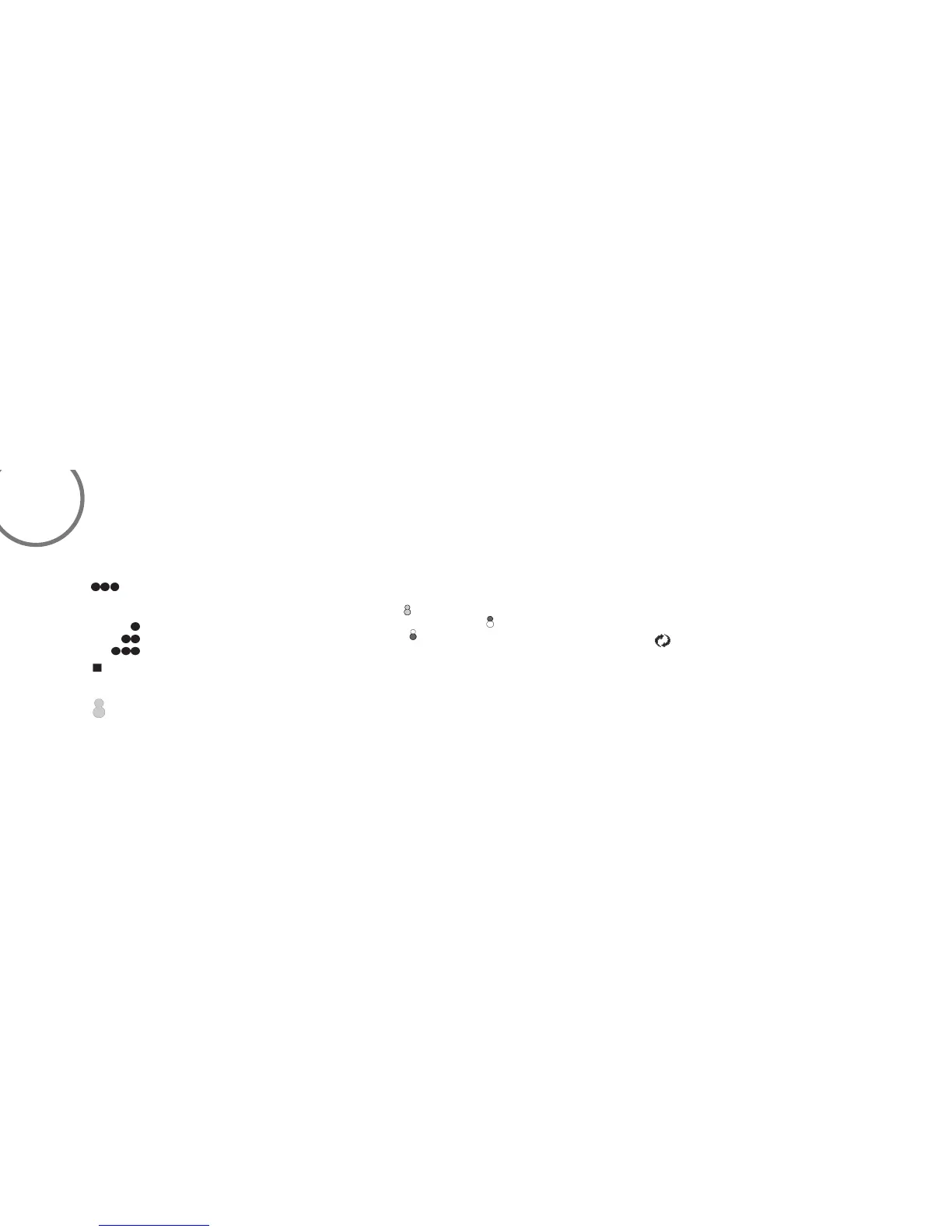
A. Buttons:
These buttons are used to set the fan speeds
as follows;
= Low Speed
= Medium Speed
= High Speed
B.
Button:
This button turns the fan off.
C. Button:
These buttons turn the light ON or OFF and also
control the brightness settings of the
light. The following instructions apply
to ceiling fans that feature a DOWN
light ( button) only or ceiling fans that
feature an UP light ( button) and a DOWN
light ( button) that are controlled
independent of each other;
Press and release the button for the desired light
to turn the light ON or OFF. Press and hold the
button to set the desired light brightness. The
light will cycle between bright and dim settings
as long as the button is pressed.
The light key has an automatic auto-resume
feature that allows the light to remain at the same
brightness as the last time it was turned off.
D. OFF-ON Slide Button (Wall Control Fans
Only) This button turns the power Off and On
to the Fan and Light(s).
E. Button: (Full Function Remote Control
Units Only) This button is used to change the
direction of the rotation of the blades; forward
for warm weather or reverse for warm
weather.
NOTE: If your Remote Control or Wall Control
does not have a "REV" button, Please look for a
slide reverse switch on the motor housing.
Remote Control fans only: Install the A23, 12v battery (included) . To prevent damage to transmitter remove the battery if not used for long
periods of time.
OPERATING THE REMOTE CONTROL/WALL CONTROL
10



 To Next Page