60
3.11 Wireless Connectivity
3.11.1 Connecting to the OD Cam App
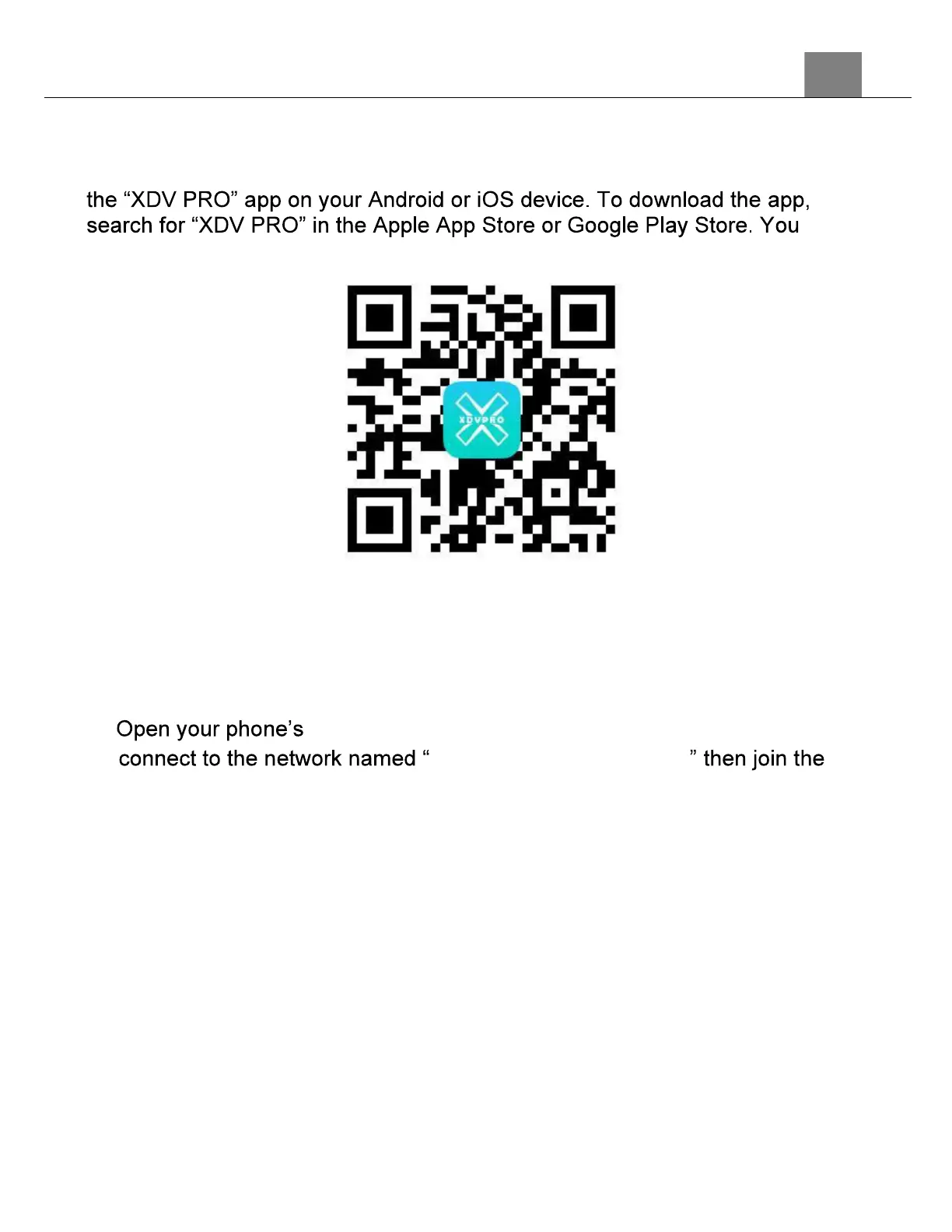
To wirelessly operate the MN4KPRO camcorder you will need to install
can also scan the QR code below to find the app.
The camcorder can be operated remotely by following the steps below:
1. Turn the camcorder on and press and hold the UP button to activate the
Wi-Fi.
2. The Network Name (SSID) and the password will be displayed on the
screen.
3. wireless menu, turn all wireless settings on and
Minolta MN4KPRO_XXXX
network, password is 12345678.



 To Next Page