2-2
Overview
Chapter 2
System configuration
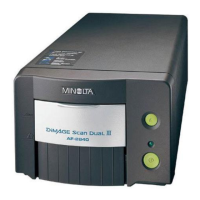
The Scanner is available in the following configurations.
PC version (connected to a personal computer)
The Scanner is connected to a personal computer and the scanned images can be uploaded
to the computer.
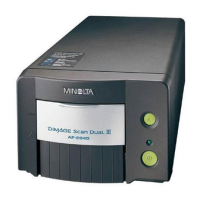
PR version (connected to a printer)
The Scanner is connected to a dedicated printer, allowing scanned images to be printed
out directly.
◆
This manual describes the PC version.
NOTE
• Connection to a personal computer and printer can be switched using [Output] in the
[User Mode] menu.
• A dedicated printer and the corresponding PR interface kit are required for connection to
a printer. Contact your authorized dealer for details.






 To Next Page