EasyManua.ls Logo

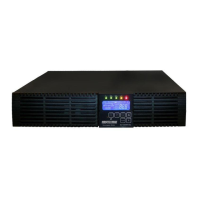
Minuteman PRO1500RT2U - User Manual

Minuteman PRO1500RT2U
18 pages
Print Icon
To Next Page IconTo Next Page
Loading...
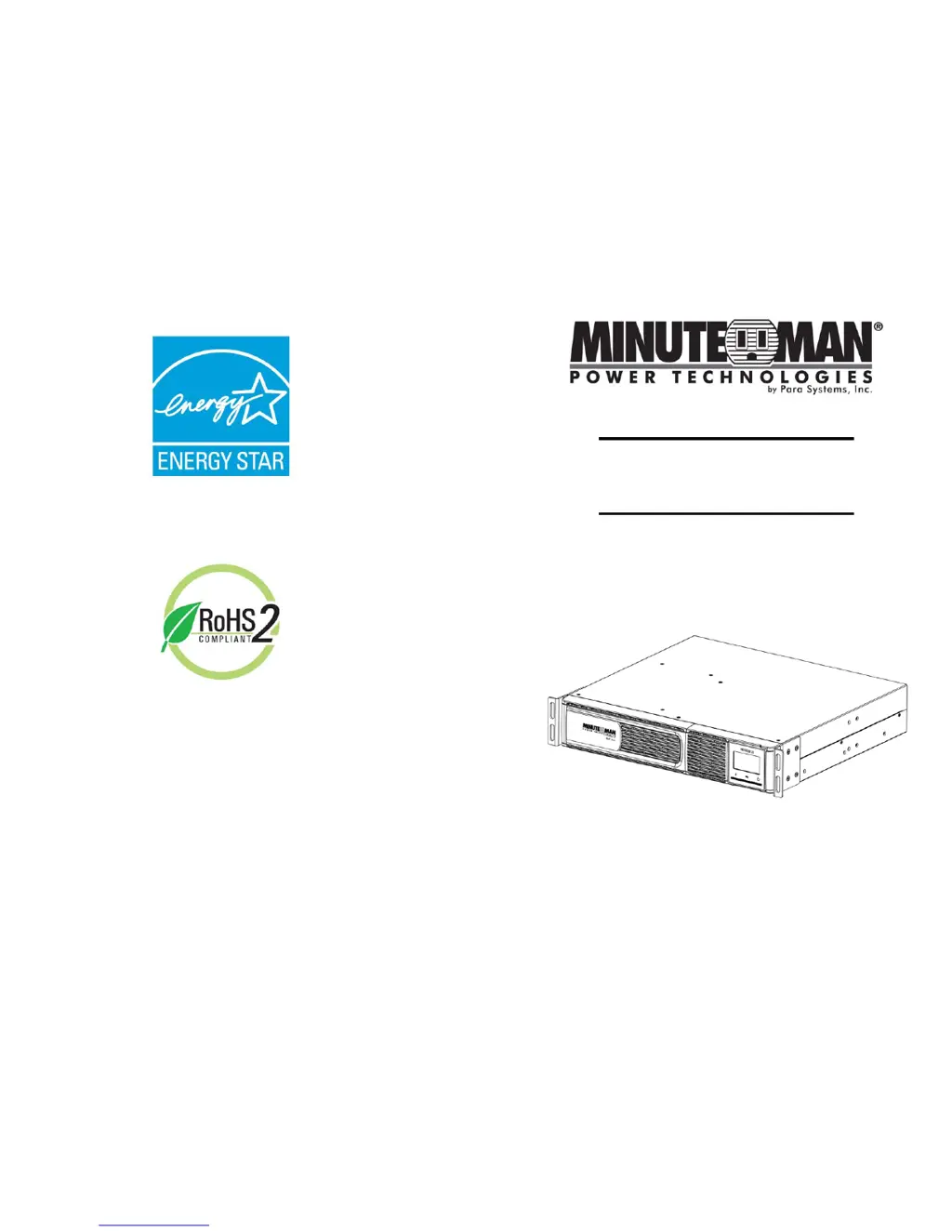
User's Manual
PRO-RT 2U
Series UPS
Para Systems, Inc.
1455 Lemay Dr.
Carrollton, TX 75007
Phone: 1-972-446-7363
Fax: 1-972-446-9011
Internet: minutemanups.com
UPS Sizing: sizemyups.com
PN - 34000526 R2

Questions and Answers

  • J
    Jennifer PageAug 19, 2025
    What to do if Minuteman PRO1500RT2U UPS shows error code E01?
    • E
      Evelyn FosterAug 19, 2025
      If the Minuteman UPS displays error code E01 and shuts down, it indicates a short-circuit on its output. You should check the attached load to resolve this issue.
  • R
    robertpeckAug 21, 2025
    What to do if Minuteman PRO1500RT2U shows error code E02?
    • M
      Melissa ThompsonAug 21, 2025
      If the Minuteman UPS shows the overload icon (Error Code: E02) and a constant alarm, you should check the specifications of the UPS and remove part of the load. If the UPS shuts down because of an overload, the UPS must perform an Inverter function or a Self Test to clear the Overload Alarm.
  • L
    Lance Martin PhDAug 23, 2025
    Why Minuteman UPS works in battery mode when AC is present?
    • B
      Brianna ChristianAug 23, 2025
      If the Minuteman UPS is operating in battery mode even when AC power is present, reset the input circuit breaker by pressing the plunger back in. If the input circuit breaker trips after the UPS restarts, reduce the load on the UPS.
  • J
    jacksongloriaAug 26, 2025
    What to do if Minuteman UPS shows error code E06?
    • L
      Lisa JoyceAug 26, 2025
      If the Minuteman UPS displays error code E06 and the Weak/Bad Battery icon is illuminated, you can check the battery connections. Also, you can charge the batteries for 8 hours and retest, or consider replacing the batteries.
  • L
    leekatherineAug 28, 2025
    Why Minuteman UPS shows error code E03?
    • T
      tararamirezAug 28, 2025
      If the Minuteman UPS displays error code E03, it means the internal or ambient temperature has exceeded the safe operating range. Check the specifications to ensure the UPS is operating within its recommended temperature range.
  • J
    Joseph CabreraAug 30, 2025
    How to improve Minuteman PRO1500RT2U runtime?
    • K
      karengainesAug 30, 2025
      If the Minuteman UPS does not provide the expected runtime, charge the batteries for 8 hours and then retest. If the runtime is still less than expected after the charging, the batteries may need to be replaced.
  • T
    Timothy TrujilloSep 1, 2025
    What does error code E07 mean on Minuteman PRO1500RT2U UPS?
    • C
      Carol HurleySep 2, 2025
      If the Minuteman UPS shows error code E07, it means the UPS's battery reserve is low. This condition will continue until AC power returns or the UPS shuts down due to battery exhaustion.
  • W
    William PottsSep 3, 2025
    What to do if Minuteman PRO1500RT2U UPS has AC mode icon but no output?
    • M
      Michael FrederickSep 4, 2025
      If the AC mode icon is illuminated on the Minuteman UPS but there is no output, disconnect the computer cable from the UPS and press the On button. If the UPS then works normally, it indicates that the software had control of the UPS.
  • L
    lisahallSep 6, 2025
    What does error code E08 mean on Minuteman UPS?
    • J
      Joe AllenSep 6, 2025
      If the Minuteman UPS displays error code E08 and the SWF icon is illuminated, have a qualified electrician correct the service wiring.
  • J
    John ParkSep 8, 2025
    What to do if Minuteman PRO1500RT2U fault icon is illuminated?
    • A
      Angela SparksSep 8, 2025
      If the Fault icon is illuminated and a constant alarm is sounding on your Minuteman UPS, it indicates an internal problem. Call for service to resolve the issue.

Summary

Chapter 1: Introduction

Important Safety Instructions

Key safety guidelines and precautions for UPS operation and maintenance.

Chapter 2: Controls and Indicators

Control Panel Overview

Overview of the UPS front panel controls, indicators, and LCD screen.

Chapter 3: Installation

Connecting the Batteries

Procedure for connecting internal batteries to the UPS system.

Chapter 5: Obtaining Service

Chapter 6: Troubleshooting

Troubleshooting Common Issues

Common symptoms, error codes, causes, and solutions for UPS problems.

Chapter 7: Replacing the Battery

Battery Replacement Procedure

Detailed procedure for replacing internal UPS batteries by qualified personnel.

Chapter 9: Limited Product Warranty

Limited Product Warranty Details

Terms and conditions of the manufacturer's limited warranty for the UPS.

Minuteman PRO1500RT2U Specifications

General IconGeneral
TypeLine-Interactive
Power Rating1500 VA
Wattage900 W
Input Voltage120V
Output Voltage120V
Output WaveformSine Wave
Frequency50/60 Hz
Battery TypeSealed Lead Acid
Typical Recharge Time8 hours
Number of Outlets8
Management InterfaceUSB, Serial
Transfer Time4-6 ms
Form Factor2U Rack/Tower

Related product manuals