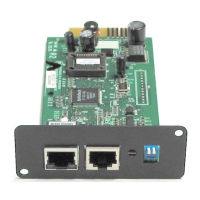
SNMP-NV6
Page 27
5.4.6.1 Simple Network Time Server
Time Zone: Select the time zone where the SNMP-NV6 card is installed.
Primary/Secondary Time Server: The SNMP-NV6 card searches both of the Time
Servers and follows the first reply server’s time. The card synchronizes with the Time
Server every hour.
Enable Daylight Saving: This option is used to setup a daylight saving time. During the
period of daylight saving time, the SNMP-NV6 card will add 1 hour automatically.
5.4.6.2 Manual
If it is not possible to connect to a Time Server then the only way to adjust the system
time is manually configure the date and time.
Note: The system date and time will be reset to the assigned date/time if the SNMP-NV6
card is restarted.
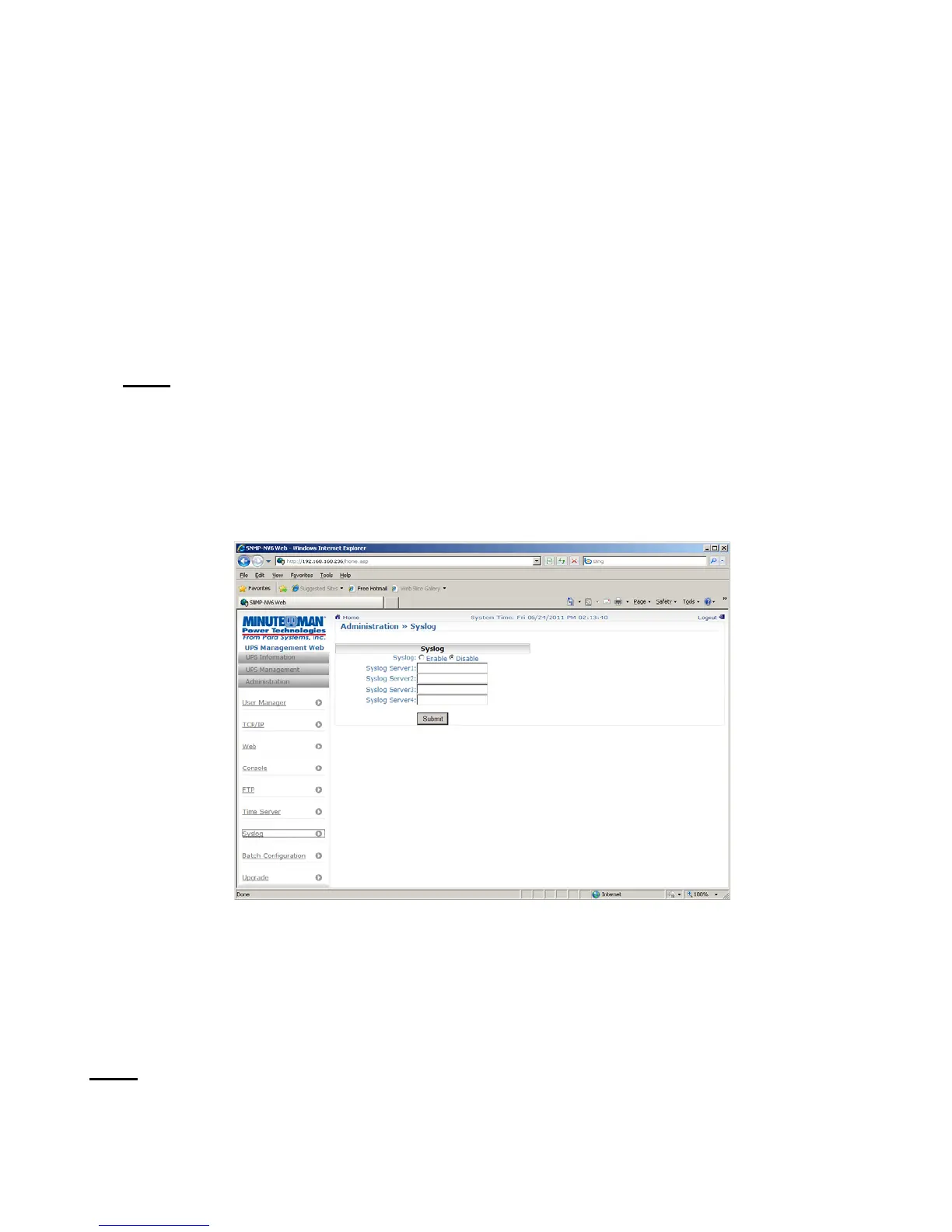
5.4.7 Syslog
This menu allows the administrator to set the SNMP-NV6 card’s syslog. The syslog feature is
used to store the event log to a remote syslog server. This feature does not affect the local
event log.
5.4.8 Batch Configuration
If you are the administrator and you have finished configuring one of the SNMP-NV6 cards,
you can copy the same configuration to the other SNMP cards by distributing the
configuration files.
Note: You should only delete the lines which you don’t want to distribute and if the IP
address is static then you must delete the line of IP address = xxx.xxx.xxx in the [System]
section. The batch configuration can also work through the FTP.


 To Next Page
 Loading...