English 29
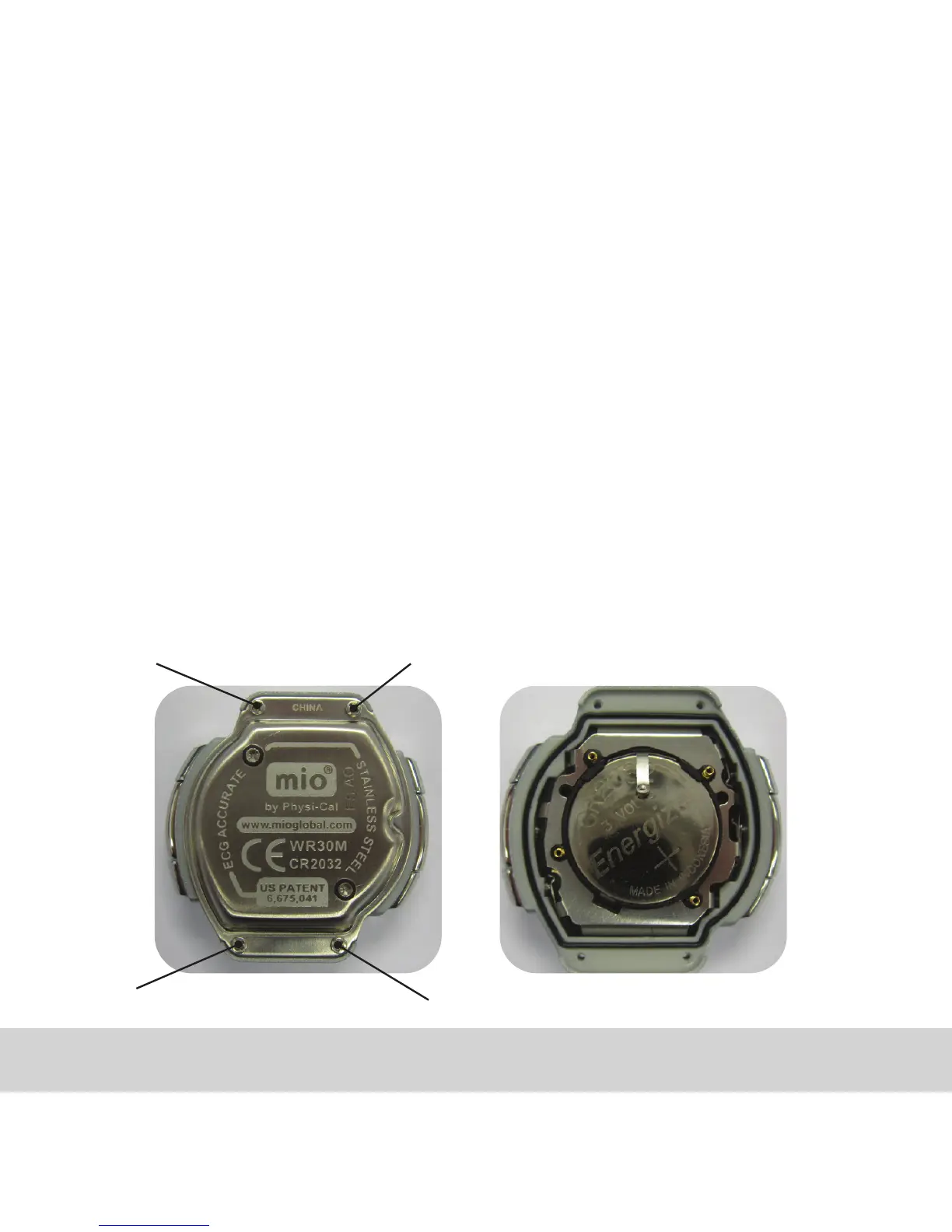
O. TO CHANGE MIO’S BATTERY
Please see Warranty details regarding battery change. We recommend that
your battery is changed by a Jeweller/watch repair service center.
1. Take off strap from the module.
2. Remove 4 screws from the back plate.
3. Remove back plate. Notice the rubber gasket around edge of the case. If
gasket comes out, handle carefully.
4. Remove the battery. Place the new battery in with the positive (+) side
facing out. Make sure the rubber gasket sits on the edge of the case properly.
5. Place the back plate and screw in the four screws.
There are two connection pins at the caseback, please handle carefully.
2
4
1
3



 To Next Page