30 English
P. PC UPLOAD (CONNECT models only)
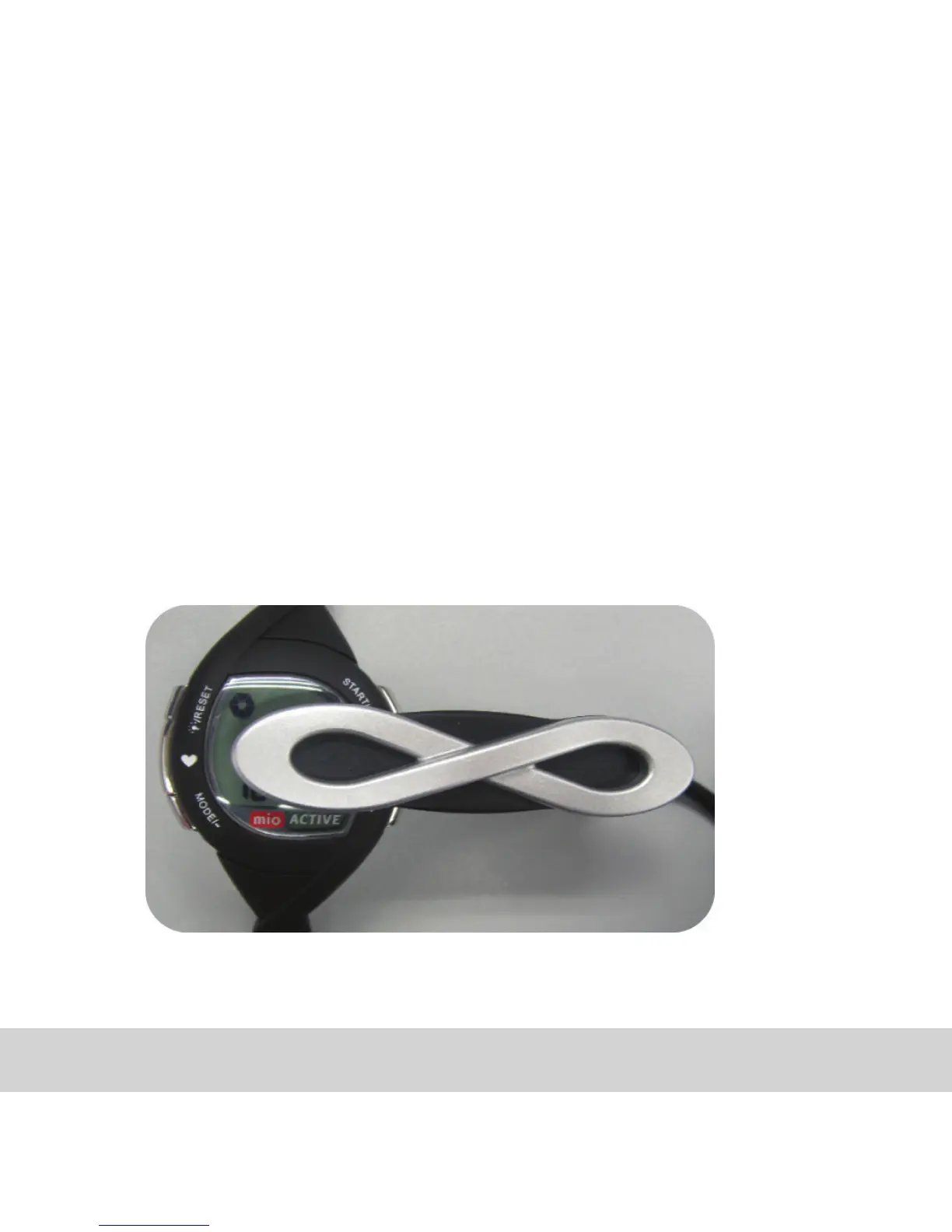
1. Connect ACTIVE to your PC via USB clip.
2. Launch web brower and go to www.mioglobal.com. Click on MyMIO and
create your free account.
3. Within MyMIO click on ‘Active’
4. Follow the instructions to upload data.



 To Next Page