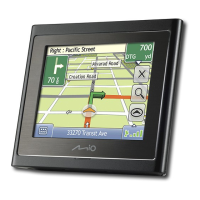
Item Description
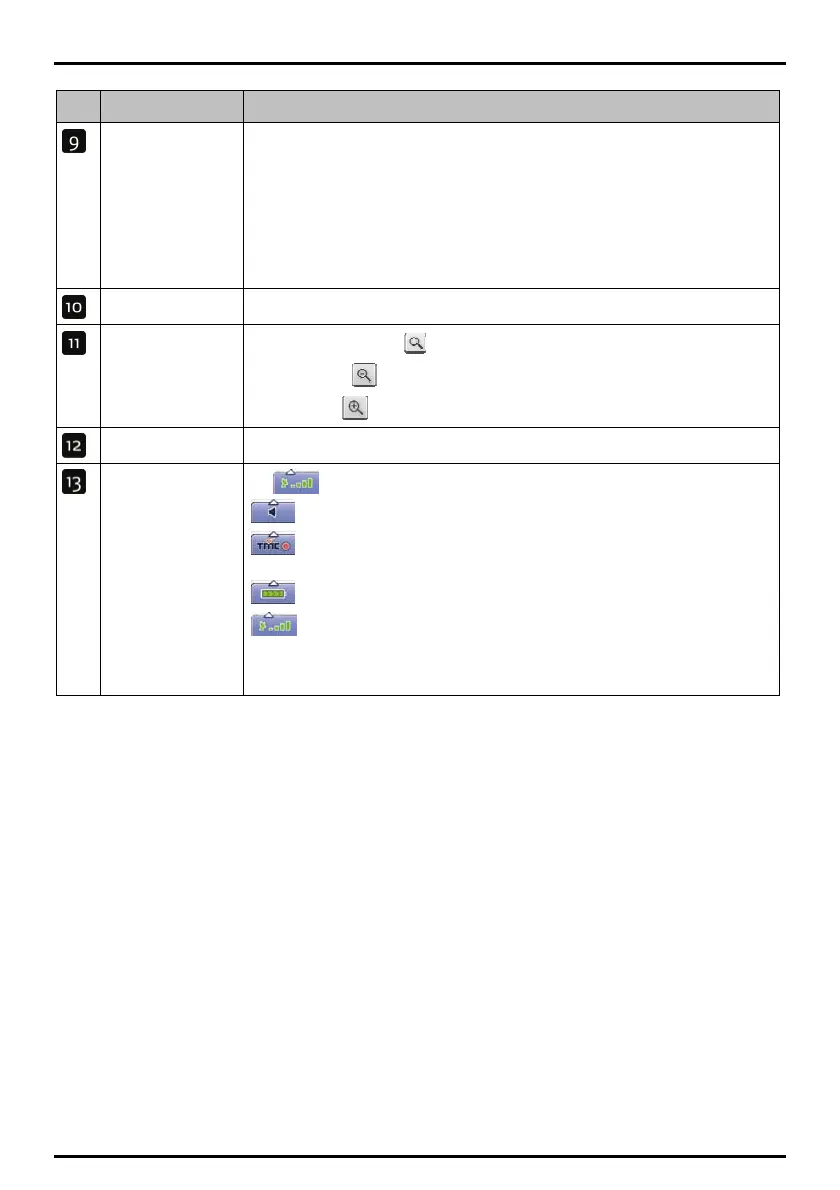
Distance and Time
Information
Tap to expand and see the following options:
z Time
z km/h or mph (Speed)
z TTG (Time to Go)
z DTG (Distance to Go)
z ETA (Estimated Time of Arrival).
Tap to cycle through the options.
Cancel route Cancels your current route.
Zoom
To view zoom options, tap
.
To zoom out, tap
.
To zoom in, tap
.
Map The Map button allows you to cycle through different map screens.
Tap
to expand and see the following options:
Mute/unmute
volume, TMC*,
battery and GPS
information.
Mute/unmute volume
TMC traffic status indicator. For more information, see “How does my Mio
receive traffic information?” on page 63.
Battery charge indicator
GPS status indicator
The icon displays green when a GPS fix is established and red when a GPS fix is
unavailable. To indicate the reception strength of a GPS fix between one and
four green vertical bars are displayed.
* TMC feature is not available on all models.
46


 To Next Page