Mio VELO User Guide 09
Note: To pair with an Android app through Bluetooth Smart, all of the following requirements
must be met:
•
Your device is running an Android version 4.3 or higher
•
Your device has Bluetooth 4.0
•
Your app supports both of the above
TondoutwhetheryourAndroiddevicemeetsthecompatibilityrequirements,visit
mioglobal.com/compatibility.
Important: If you want to pair through ANT+, you will need a device with built-in ANT+
support, or an ANT+ dongle. (For details, visit http://www.thisisant.com.)
Pairing with Sport Devices such as Bike Computers
Instructions vary for each device. Follow your device manufacturer’s instructions for receiving
heart rate data from a chest strap; your device will register the Mio VELO.
MAINTAINING YOUR MIO VELO
CHARGING THE BATTERY
Mio VELO contains a rechargeable lithium polymer battery. Follow these instructions and
guidelines to maintain the battery lifespan.
Warning: If you do not follow these guidelines, the battery life could be shortened and there
istheriskofdamagetoyourVELO,riskofre,riskofelectrolyteleaksandchemicalburns,and
risk of injury.
Battery Status
The LED light will light up and indicate the battery level every time you turn on or turn off
Heart Rate Mode.
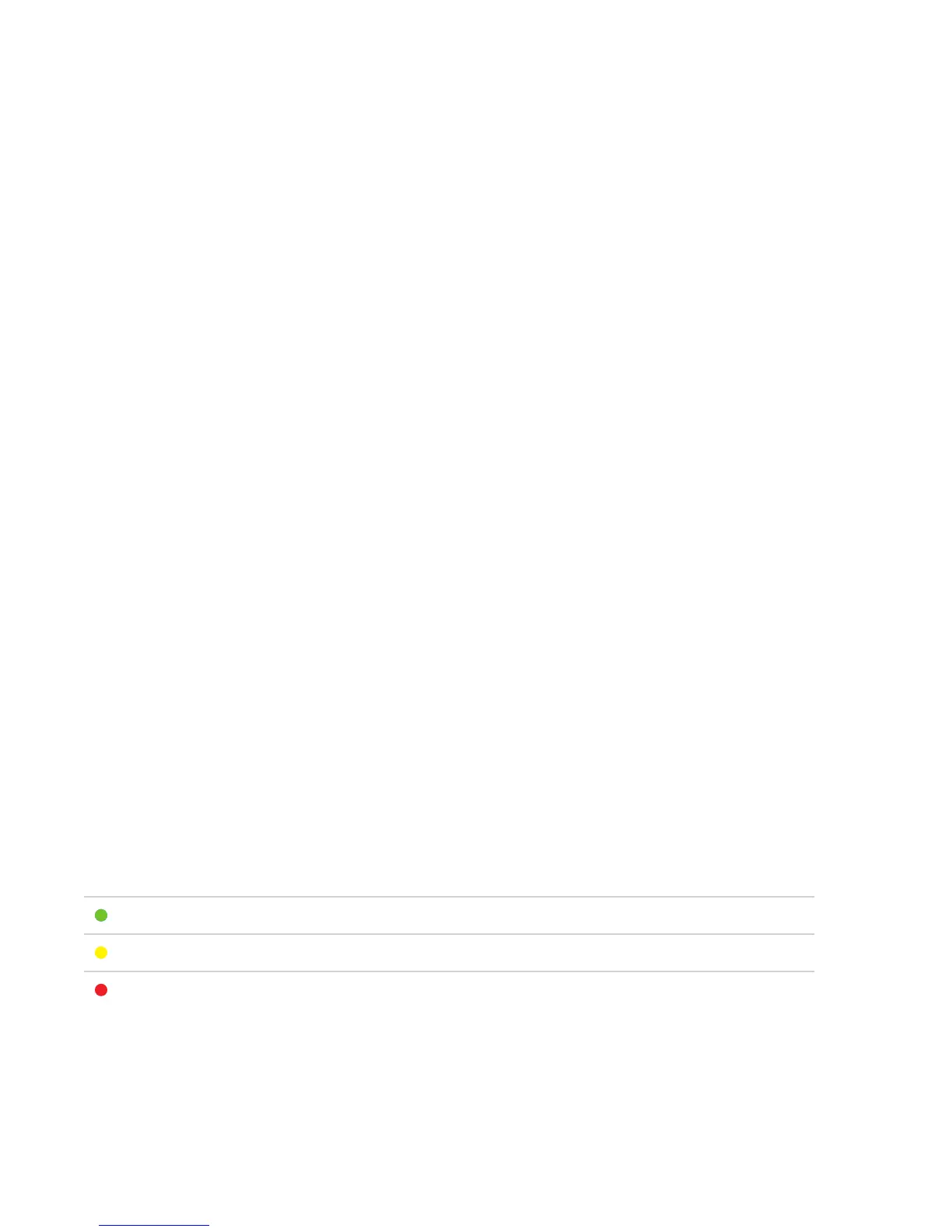
COLOR BATTERY POWER
Green Battery is charged
Yellow Battery level is below 30%
Red(ashtwice) Battery level is low and unable to provide heart rate measurement
If the battery level falls below 30% during a workout, the LED will alert you every 4 seconds by
quicklyashingred-blue-red-blue,andthenresumingtheheartratezoneindicationpattern.



 To Next Page